




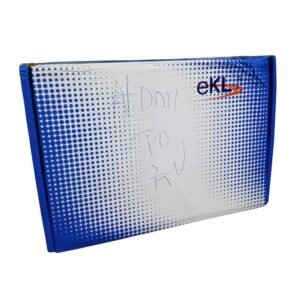


Connect HDMI Devices to Old TVs With AV Inputs
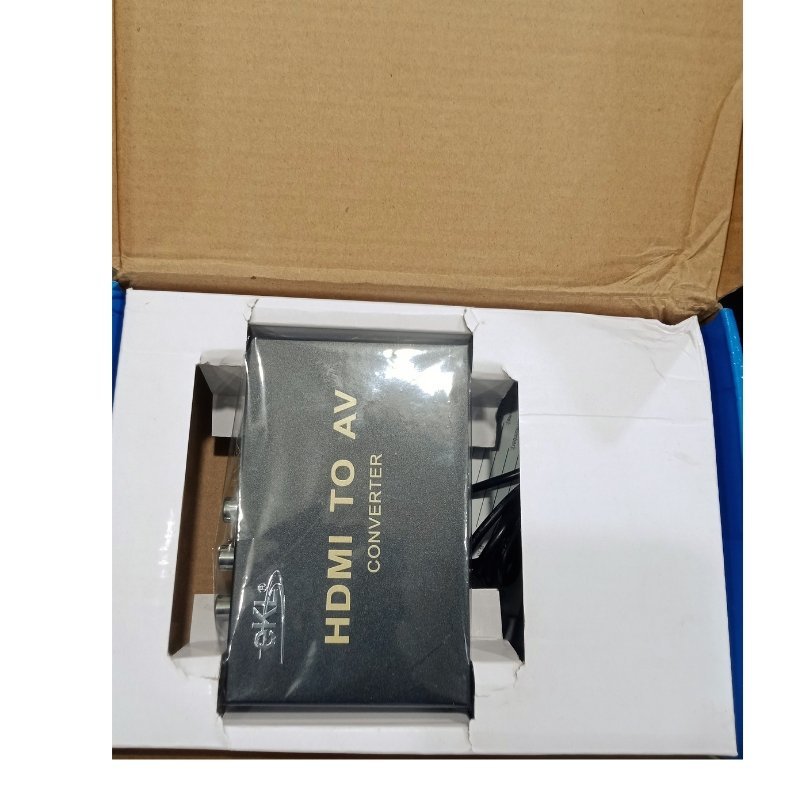
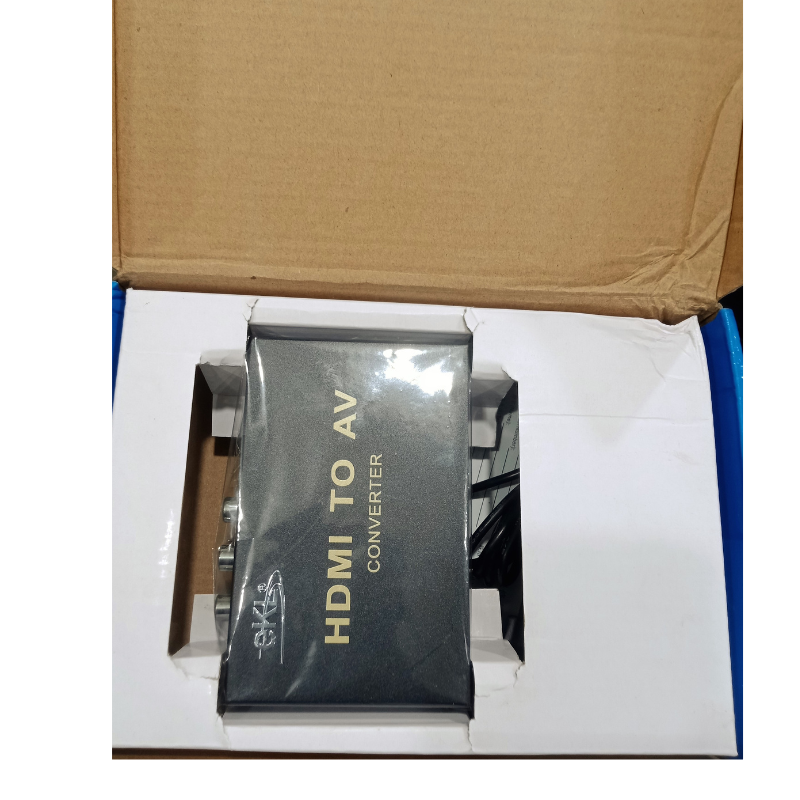
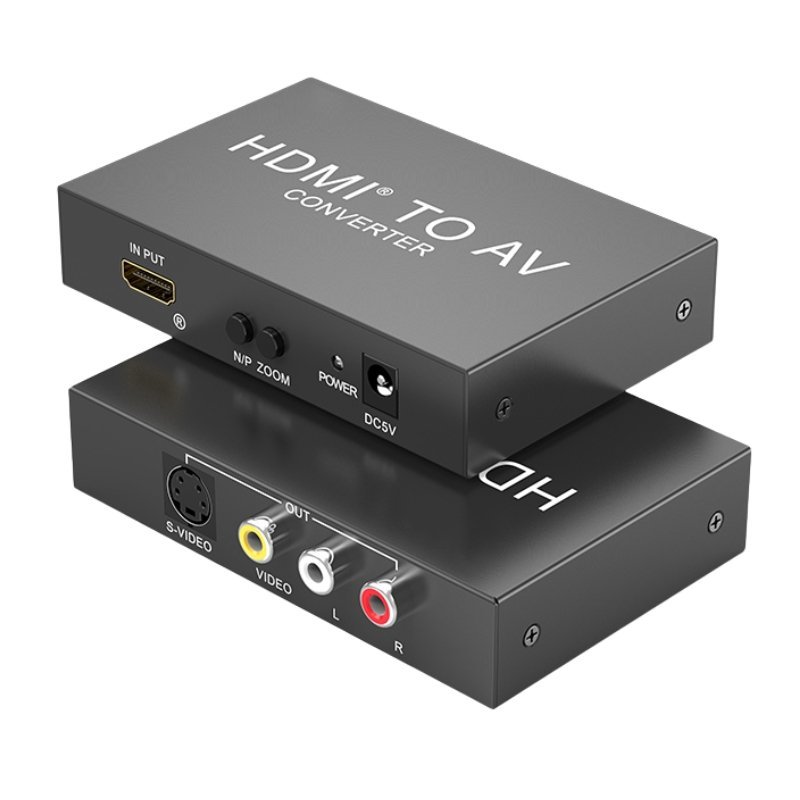
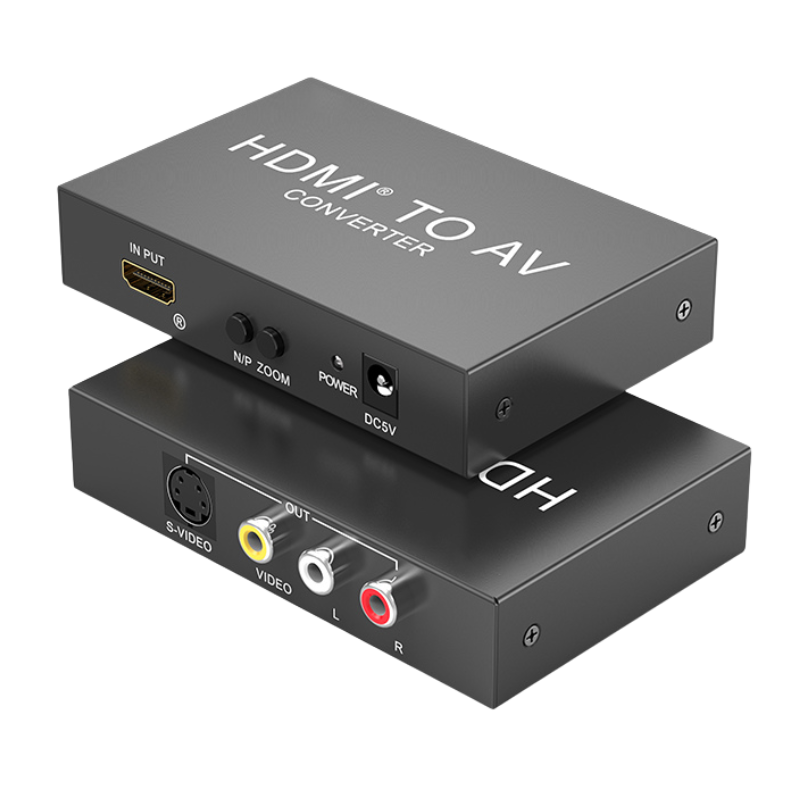
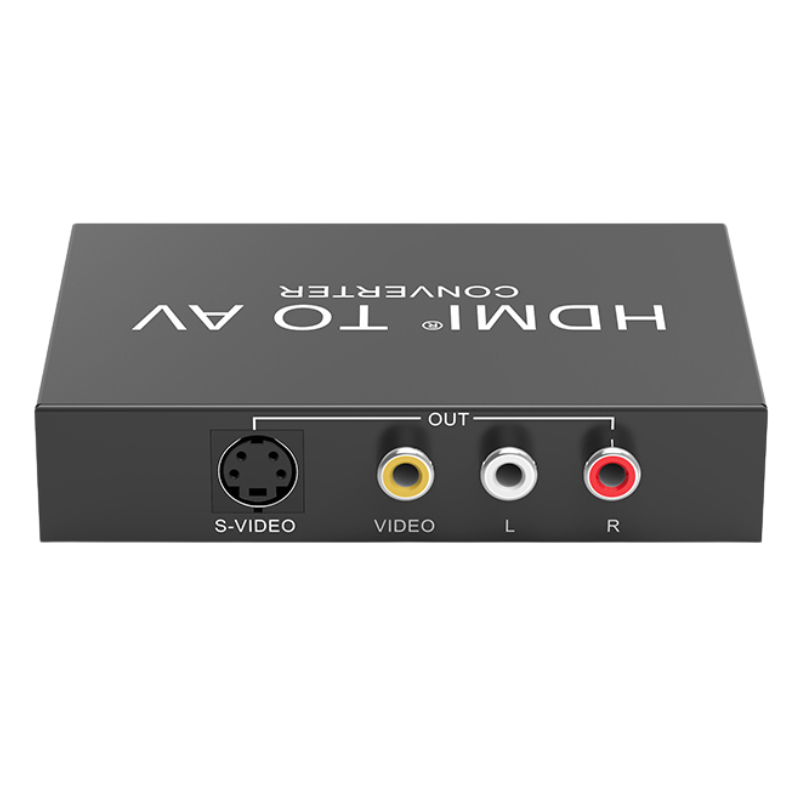
Old CRT TVs, small monitors and some projectors have yellow, white and red AV inputs but no HDMI. The eKL HDMI to AV converter converts an HDMI signal into composite AV, so modern devices like decoders, laptops and consoles can show pictures on older screens.
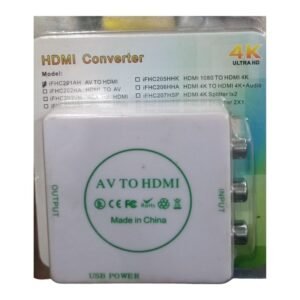
It works in the opposite direction to an AV to HDMI converter, which we also stock. The picture is standard definition, so it will not look as sharp as on an HDMI screen.
Key Features and Benefits
- HDMI to AV conversion. Connects HDMI sources to AV displays.
- Revives old screens. Use old TVs and monitors.
- eKL brand. A known converter brand.
- Plug and play. Simple setup.
- Compact. Easy to place behind a TV.
Where It Works Best
It suits homes with old TVs, shops with small AV displays, churches and schools with older projectors and anyone connecting a modern decoder or laptop to an analog screen.
Buying Guide: What to Check First
Some HDMI sources use copy protection that may block conversion, and picture quality is limited by composite video. Ask our team about power requirements and the supported TV standard (PAL or NTSC). It converts HDMI to AV, not the other way around.
Installation and Setup Tips
Connect the HDMI source to the converter, then use an AV cable to connect the converter to the TV. Power the converter, switch the TV to the AV input and check the picture. Set the TV standard if the picture is black and white.
HDMI to AV vs AV to HDMI
These converters work in opposite directions. HDMI to AV lets modern sources feed old screens. AV to HDMI lets old sources feed modern screens. Make sure you buy the right direction for your setup, and ask us if you are unsure.
Why Quality Drops
Composite AV carries a much lower quality signal than HDMI. Fine detail is lost, and text may look soft. For video, it is usually fine, but for computer text it may be hard to read.
Setting the Right Video Standard
Some regions use PAL and others use NTSC. If the picture is black and white or rolls, change the standard on the converter or TV. Matching the standards gives a clear, stable picture.
Connecting a Modern Decoder to an Old TV Step by Step
First, connect the decoder to the converter with an HDMI cable. Then connect an AV cable from the converter's output to the TV's yellow, white and red inputs. Power the converter, switch the TV to the AV channel and turn on the decoder. If you get no picture, check the cables, try another AV input and confirm the converter has power. Once working, tidy the cables behind the TV.
Frequently Asked Questions
Is the picture HD?
No, composite AV is standard definition.
Does it need power?
Usually via USB.
Will it work with protected content?
Some sources block it.
Can it convert AV to HDMI?
No. We stock a separate converter for that.
Buy eKL HDMI To AV Converter From Nosik Mart
Revive an old TV with the eKL HDMI to AV Converter. Add it to your cart today, or contact the Nosik Mart team for availability, delivery options and help choosing the right setup.