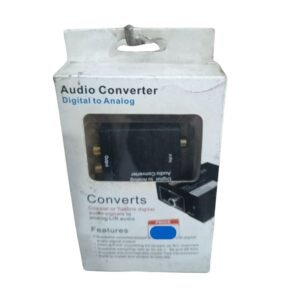

Bring Digital TV Sound to Analog Speakers and Amplifiers
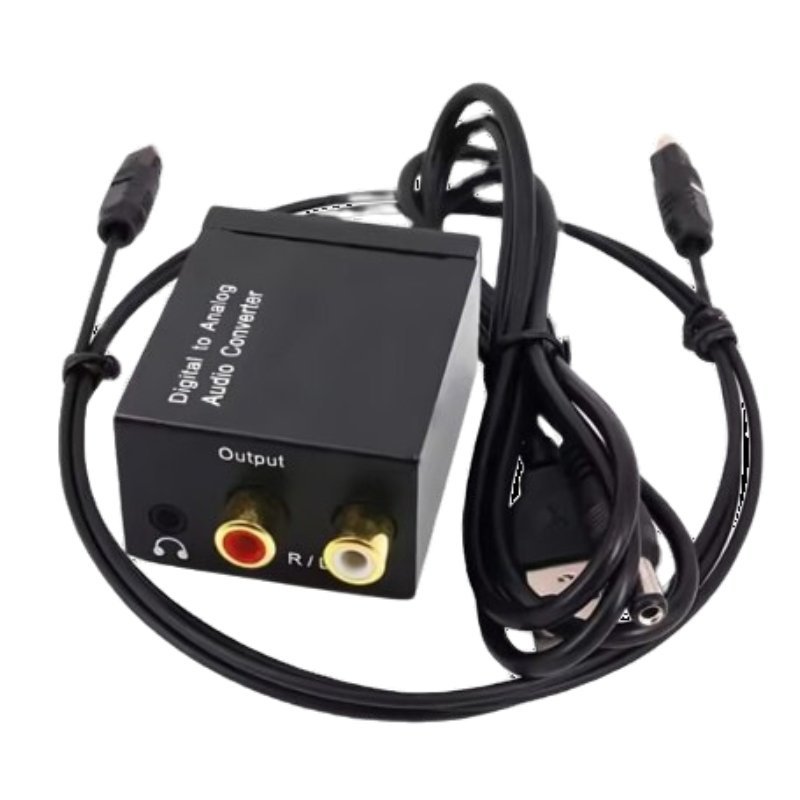
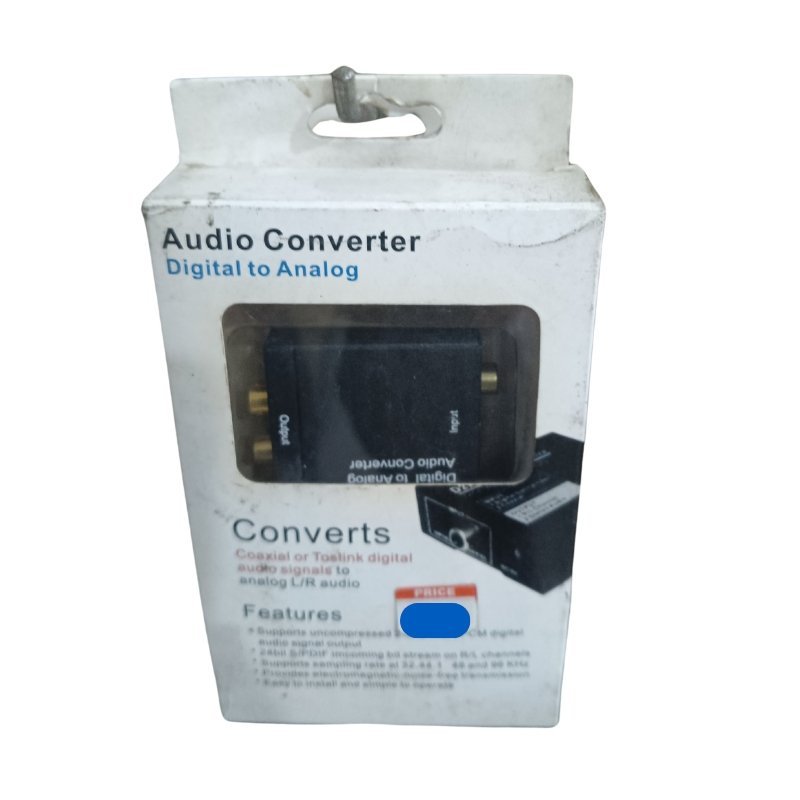
Modern TVs and decoders often output sound only in digital form, through optical or coaxial connections, while many speakers and amplifiers use analog inputs. The digital to analog audio converter bridges the gap, converting digital audio into analog stereo for older equipment.
It is a small box that sits between the TV and your sound system. Ask our team to confirm the input type, such as optical or coaxial, and the output type, such as RCA or 3.5mm, so you choose the right cables.
Key Features and Benefits
- Digital to analog conversion. Turns digital sound into analog stereo.
- Works with older speakers. Use existing amps and speakers.
- Simple setup. Plug in the cables and power.
- Compact. Easy to hide behind a TV.
- Low cost. Cheaper than a new sound system.
Where It Works Best
It suits homes with older speakers or amplifiers, bars and shops that connect a TV to a sound system, and churches that use analog mixers and amps.
Buying Guide: What to Check First
Check which digital audio output your TV or decoder has, such as optical or coaxial, and which analog input your speakers use. Ask our team about the supported formats and whether it needs power. It converts stereo audio, not surround sound.
Installation and Setup Tips
Connect the digital audio cable from your TV to the converter, then connect RCA or 3.5mm cables from the converter to your amplifier or speakers. Power it, set the TV's audio output to digital and test the sound.
Optical vs Coaxial Audio
Optical uses light through a plastic cable, while coaxial uses an electrical signal through a single wire. Both carry digital audio. Choose the one your TV and converter both have. If your TV has both, either will work.
Setting Your TV's Audio Output
Many TVs default to internal speakers. To use the converter, go to the audio settings and choose digital output, such as PCM or optical. If you hear nothing, switch the format to PCM, which is widely supported.
Using Old Speakers With New TVs
Good older speakers can still sound excellent. With a converter, you can keep using them with a new TV. It saves money and keeps good equipment in service.
Matching Cables and Levels in a Home Audio Setup
When you connect a converter to an amplifier, use good quality RCA cables and keep them away from power cables to avoid hum. Set the TV's volume output to fixed or variable according to your amplifier, and start with the amplifier volume low before raising it. If the sound is too quiet or distorted, check the output level. A careful setup gives clear, balanced sound.
Frequently Asked Questions
What connectors does it use?
Ask us to confirm.
Does it support surround sound?
It converts stereo.
Does it need power?
Usually, via USB or adapter.
Why is there no sound?
Check the TV's audio output setting.
Buy Digital To Analog Audio Converter From Nosik Mart
Connect your TV to analog speakers with the Digital to Analog Audio Converter. Add it to your cart today, or contact the Nosik Mart team for availability, delivery options and help choosing the right setup.