
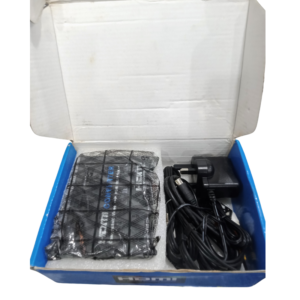

Connect Old AV Equipment to HDMI TVs and Monitors
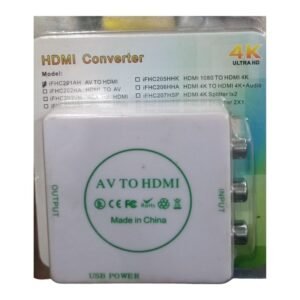
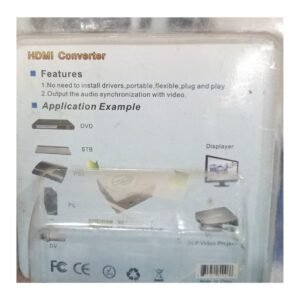
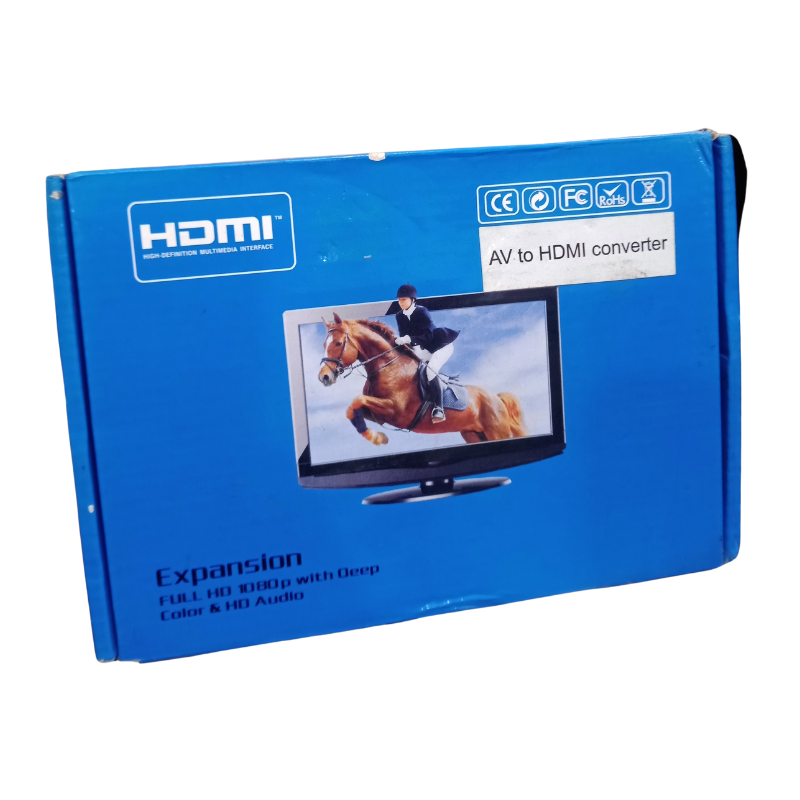
Plenty of useful equipment still uses yellow, white and red AV cables, such as old consoles, DVD players, CCTV recorders and decoders. The Full HD AV to HDMI converter turns that analog signal into HDMI so you can use it with modern TVs and monitors.
The Full HD label refers to the HDMI output, which can be 720p or 1080p depending on the model. It does not make the original picture sharper, but it makes older equipment compatible with new screens.
Key Features and Benefits
- AV to HDMI conversion. Connects composite AV to HDMI.
- Full HD output. Outputs a 720p or 1080p HDMI signal.
- Works with old devices. Consoles, DVD players and recorders.
- Plug and play. Simple setup.
- Low cost. Cheap compatibility fix.
Where It Works Best
It suits homes with retro consoles, shops with analog CCTV recorders, churches with old cameras and anyone who needs to show AV sources on HDMI-only screens.
Buying Guide: What to Check First
Ask our team about the supported TV standards, the output resolutions and power needs. If you also need the opposite direction, from HDMI to AV, we stock that too. We also list a 4K Ultra HD version, so compare the two if you are unsure.
Installation and Setup Tips
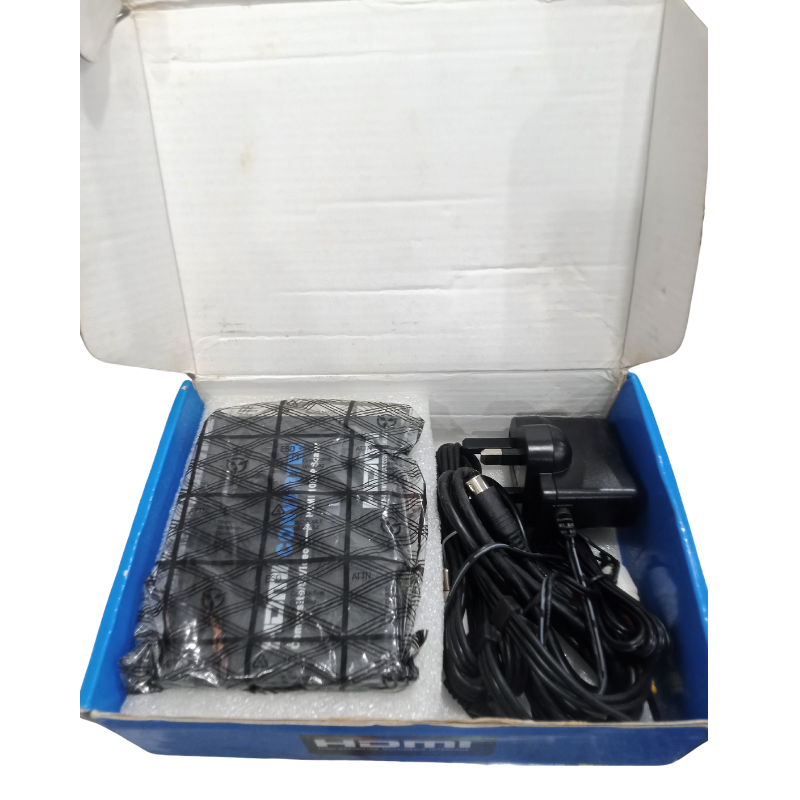
Connect the AV cables from the source to the converter, then an HDMI cable to the TV. Power the converter with USB, select the HDMI input and set the converter's output if it has a switch. Check the picture.
Using an AV to HDMI Converter With CCTV
Many analog CCTV recorders have only AV outputs. A converter lets you view them on a modern TV. Set the converter's standard to match your recorder, and check the picture on the TV. This is a cheap way to avoid replacing working equipment.
Choosing 720p or 1080p Output
Some converters let you choose the output resolution. 720p is often more stable with old sources, while 1080p works on newer displays. Try both and use the one that looks best.
Troubleshooting Converter Problems
If there is no picture, check power, cables and the TV input. If the picture is black and white, change the standard. If the picture rolls, try the other setting. Most problems have simple fixes.
Using an AV to HDMI Converter for Retro Gaming
Many people enjoy old consoles but find modern TVs have no AV inputs. An AV to HDMI converter solves that. Connect the console's AV cable to the converter, then HDMI to the TV. Use a small screen or sit back a little, because old games look softer on large TVs. Set the converter to 720p if the picture is unstable. With a converter, retro gaming works on any modern screen.
Frequently Asked Questions
Will it improve the picture?
No, it makes it compatible, not sharper.
Does it need power?
Usually via USB.
How is it different from the 4K version?
Ask us to compare.
Does it carry sound?
Yes, AV audio.
Buy Full HD AV To HDMI Converter From Nosik Mart
Plug old into new with the Full HD AV to HDMI Converter. Add it to your cart today, or contact the Nosik Mart team for availability, delivery options and help choosing the right setup.