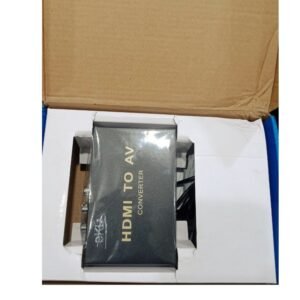



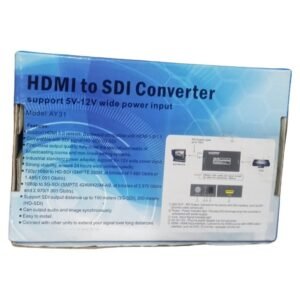

Connect HDMI Sources to Professional SDI Equipment
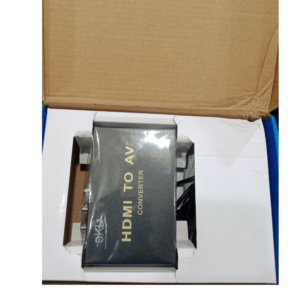
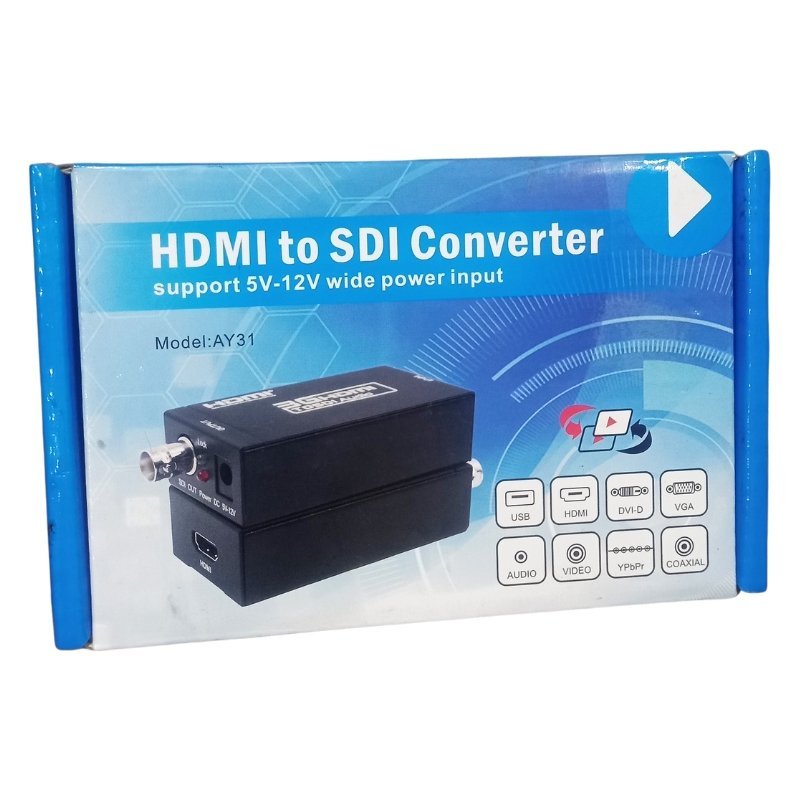
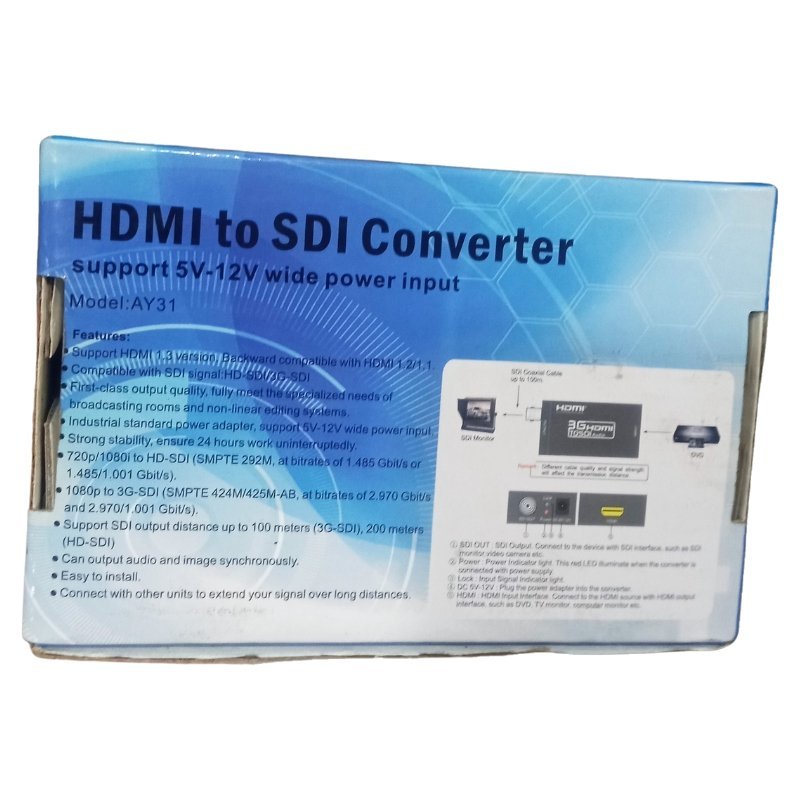
Professional video equipment such as broadcast monitors, switchers and long cable runs often uses SDI, while cameras and computers use HDMI. The HDMI to SDI converter converts HDMI into SDI, so consumer and prosumer cameras can join professional video setups.
SDI cables can run much further than HDMI and are more robust, which is why they are common in studios, churches and event production. Ask our team about the supported resolutions and SDI types.
Key Features and Benefits
- HDMI to SDI conversion. Connects HDMI sources to SDI gear.
- Longer cable runs. SDI cables travel further than HDMI.
- Professional workflows. Fits studios and live events.
- Robust connections. BNC connectors lock in place.
- Compact. Easy to mount or carry.
Where It Works Best
It suits churches with live-streaming systems, event videographers, studios, broadcasters and AV installers who connect HDMI cameras to SDI mixers and monitors.
Buying Guide: What to Check First
Ask our team which SDI standards and resolutions this converter supports, such as SD, HD or 3G-SDI, and whether it needs a power adapter. Check that your HDMI source and SDI device support the same resolution and frame rate. Remember you need BNC cables.
Installation and Setup Tips
Connect the HDMI source to the converter and a BNC cable from the converter to the SDI device. Power the converter, switch on the equipment and check the picture. Set matching resolutions to avoid blank screens.
Why Professionals Use SDI
SDI connectors lock securely and the cables can run long distances without losing signal. That makes it reliable for live events, where a loose cable can ruin a broadcast. HDMI is easier for consumers, but SDI is preferred in professional work.
Matching Resolutions and Frame Rates
Video sources and receivers must agree on resolution and frame rate. If your camera outputs 1080p at 50 frames and your SDI device expects 1080i, you may see no picture. Check settings on both devices before an event.
Using Converters in Live Streaming
Many church and event streams use HDMI cameras with SDI mixers. A converter bridges them. Test your chain early, label cables and carry spares. Preparation prevents live-event problems.
Preparing an SDI Chain Before an Event
Before a live event, test every link in your video chain: camera, converter, cables and mixer. Check that each device is set to the same resolution and frame rate. Carry spare BNC cables and a spare power adapter for the converter. Label every cable and power supply. Run the system for at least thirty minutes before the event to catch heat or power problems. Preparation is what separates smooth live events from stressful ones.
Cabling Tips for SDI
Use good quality coaxial cable designed for SDI, and avoid sharp bends. Tighten BNC connectors firmly and keep cables off the floor where people walk. Tape down cables in busy areas. Good cable care prevents signal problems and trip hazards at events.
Frequently Asked Questions
What is SDI?
A professional video connection used in broadcast.
What cable does SDI use?
BNC coaxial cable.
Does it support 1080p?
Ask us for supported resolutions.
Does it need power?
Usually yes.
Buy HDMI To SDI Converter From Nosik Mart
Link HDMI cameras to pro gear with the HDMI to SDI Converter. Add it to your cart today, or contact the Nosik Mart team for availability, delivery options and help choosing the right setup.