


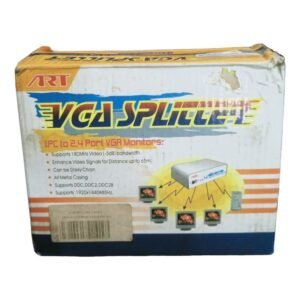

One Computer, Four VGA Monitors, the Same Picture
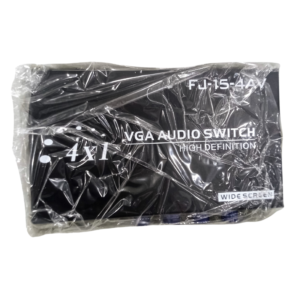
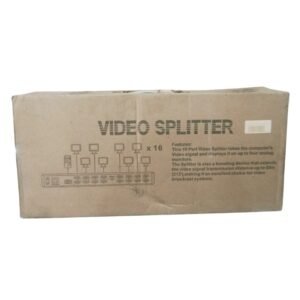
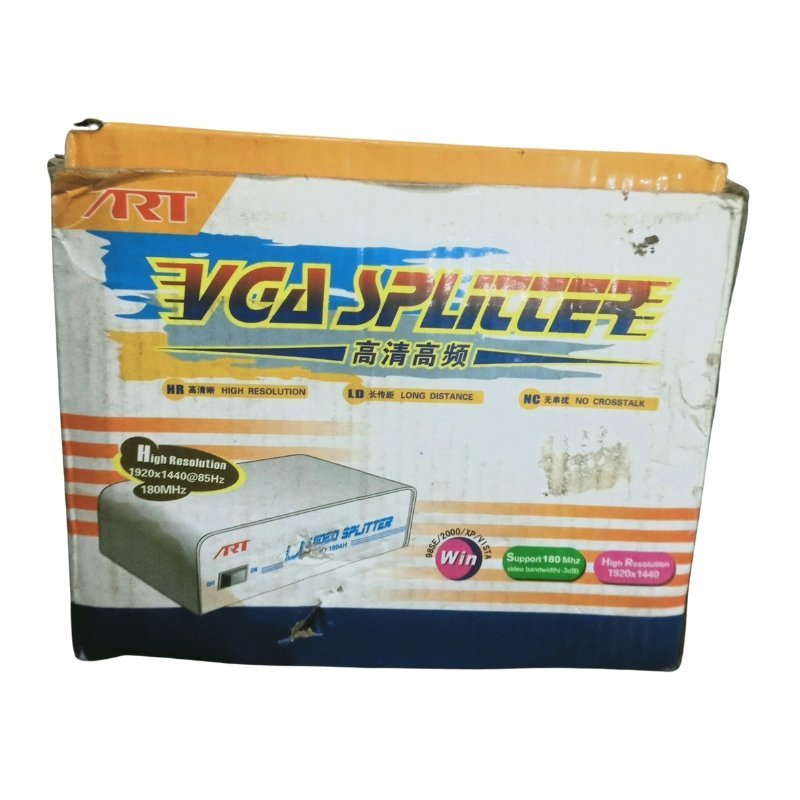
Training rooms and display walls often need the same screen on several monitors. The ART VGA splitter 1 PC to 4 monitors takes the VGA output from one computer and sends it to four VGA monitors at the same time, so everyone sees the same picture.
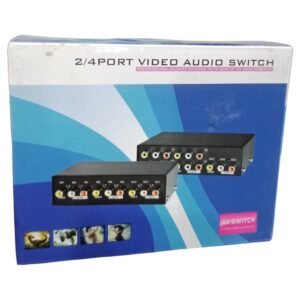
The product name mentions '2.4 Port', which may refer to a 2 or 4 port version, so ask our team to confirm that this one has four outputs. It is a simple, low-cost way to share a screen.
Key Features and Benefits
- One input, four outputs. Feed four monitors from one PC.
- VGA connection. Works with VGA computers and monitors.
- Same picture on every screen. Great for training and displays.
- ART brand. A known VGA splitter brand.
- Low cost. Cheaper than extra computers.
Where It Works Best
It suits computer labs, training rooms, showrooms, offices and shops that need the same image on several monitors, such as a teacher's screen or an advert.
Buying Guide: What to Check First
VGA signals weaken with long cables, so keep runs short or ask about amplified models. Ask our team about maximum resolution, whether it needs a power adapter and how many ports it has. A splitter shows the same image on every monitor, not different content.
Installation and Setup Tips
Connect the PC's VGA output to the splitter's input and run a VGA cable from each output to a monitor. Power the splitter, then the monitors and the computer. Set a resolution that every monitor supports.
Why VGA Splitters Are Still Useful
VGA is still found in classrooms, offices and older monitors. A splitter lets you reuse existing equipment instead of replacing it. For training and display setups, that can save a lot of money.
Choosing a Resolution for Many Monitors
If your monitors differ, set the computer's resolution to the highest value that all of them support. A mismatch can cause blurry or stretched pictures. Test each monitor when you set up.
Keeping VGA Signals Clean
Use good quality, shielded VGA cables and keep them away from power cables. Screw connectors in firmly. Clean signals give sharper, steadier pictures.
Common VGA Splitter Problems and Fixes
If one monitor is blank, check its cable and power first, then swap the cable with a working one. If the picture is blurry or has ghosting, use shorter, better quality VGA cables. If monitors flicker, check the splitter's power adapter and avoid cheap extension leads. If the picture has coloured edges, tighten the connectors. Most splitter problems come from cables or power, not the splitter itself.
Frequently Asked Questions
Does it show different pictures?
No, the same picture on all monitors.
Does it need power?
Usually yes. Ask us.
How many outputs does it have?
This is the 4-output version. Ask us to confirm.
Can it handle HDMI?
No, it is for VGA.
Buy ART VGA Splitter 1 PC To 4 Monitors From Nosik Mart
Share one screen with the ART VGA Splitter 1 PC to 4 Monitors. Add it to your cart today, or contact the Nosik Mart team for availability, delivery options and help choosing the right setup.