


A Simple Wireless Dongle for Casting to Your TV
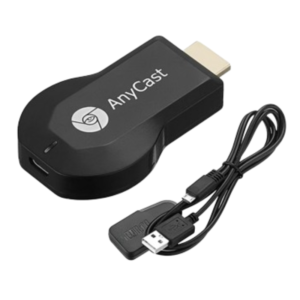
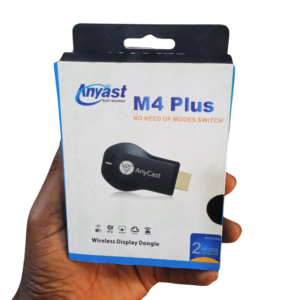
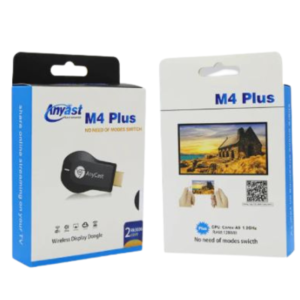
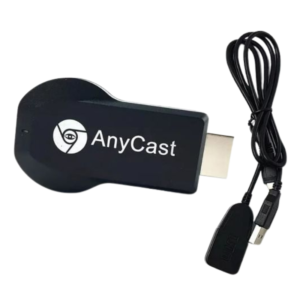
You do not need a smart TV to enjoy wireless casting. The Anycast M4 wireless display dongle plugs into any TV or projector with an HDMI port and lets compatible phones, tablets and laptops send their screens to it without a cable.
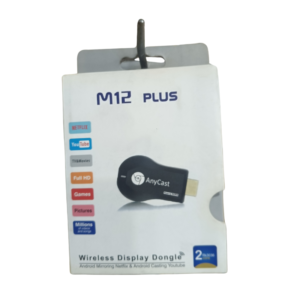
The M4 is a simple model in the Anycast range. Ask our team to confirm the standards it supports and how it differs from the M12 Plus, so you choose the one that fits your devices.
Key Features and Benefits
- Wireless casting. Show phone and laptop screens on a TV.
- HDMI plug-in. Works with TVs and projectors with HDMI.
- Compact. Small enough to carry in a bag.
- Anycast M4 model. Specific model for easy matching.
- Easy to use. Plug in, connect and cast.
Where It Works Best
It suits homes, classrooms, small meeting rooms and churches where you want to show videos, photos and presentations on a larger screen.
Buying Guide: What to Check First
Ask our team which mirroring modes the M4 supports and whether it works with your phone. It needs a USB power source, and some TVs do not provide enough power through their USB port. Compare it with the M12 Plus before you decide.
Installation and Setup Tips
Plug it into an HDMI port and power it. Choose the HDMI input on the TV, then connect your device and start casting. Check the picture and sound, and keep the dongle cool.
Why Some Apps Will Not Mirror
Some streaming apps block screen mirroring to protect content. If you see a black screen when casting, the app may not allow it. Use the app's own casting feature instead, or watch on the device. Knowing this saves frustration.
Powering a Dongle Properly
Dongles draw power from USB. If the TV's USB port is weak, the dongle may restart or fail to connect. Use a phone charger as a power source for stability. Good power gives a stable connection.
Choosing Between Anycast Models
The M4 and M12 Plus serve similar purposes but may differ in speed, supported standards and range. Tell us what devices you use, and we will recommend the better fit.
Using a Wireless Dongle for Church or Event Slides
Wireless dongles are popular for sharing lyrics, notices and videos in churches and events. Place the dongle near the projector, test the connection in the room and keep the sender close to the receiver. Disable notifications on the sending phone, so private messages do not appear on screen. Carry a backup cable and a printed copy of key slides. A little preparation avoids embarrassing delays during a service or event.
Frequently Asked Questions
How is it different from the M12 Plus?
Ask us to compare.
Does it work with iPhone?
Ask us.
Does it need power?
Yes.
Can it play Netflix?
Some apps restrict mirroring. Ask us.
Buy Anycast M4 Wireless Display Dongle From Nosik Mart
Cast to your TV with the Anycast M4 Wireless Display Dongle. Add it to your cart today, or contact the Nosik Mart team for availability, delivery options and help choosing the right setup.