

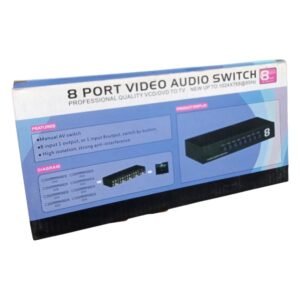

Eight Sources, One Display, One Button to Choose
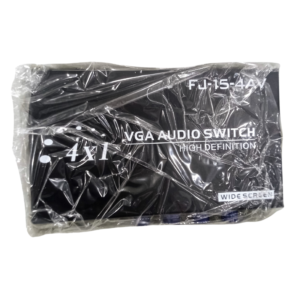
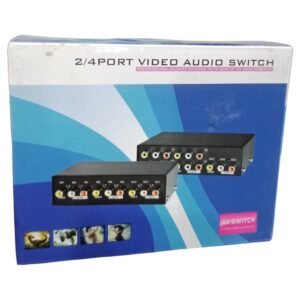
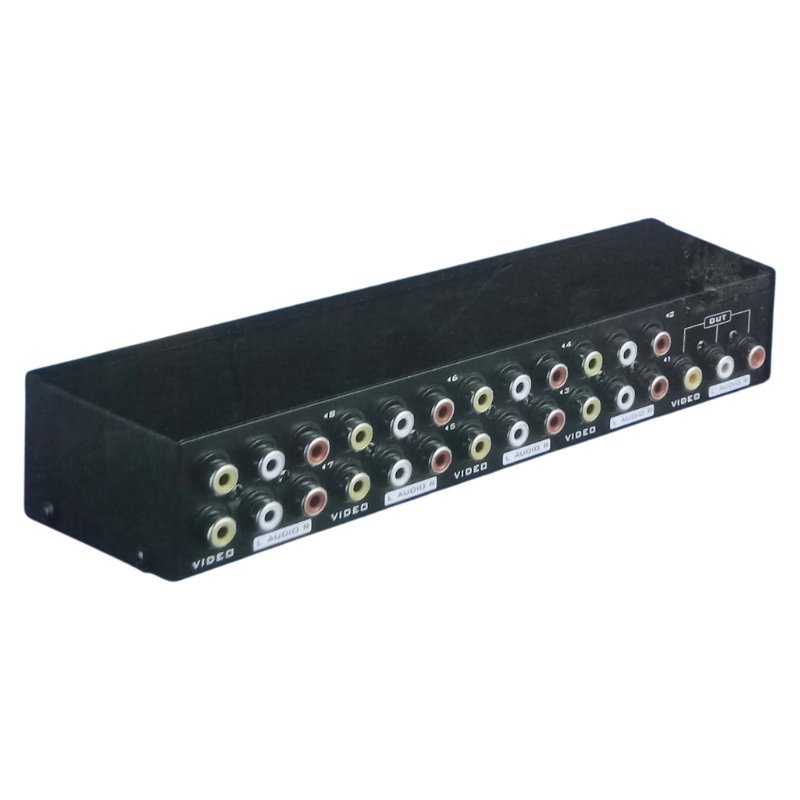
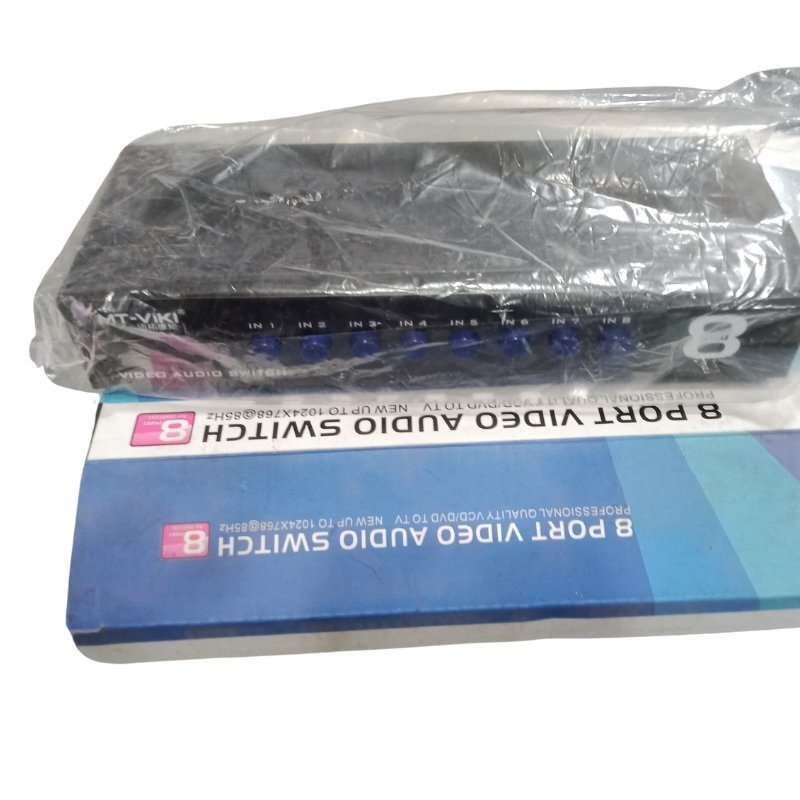
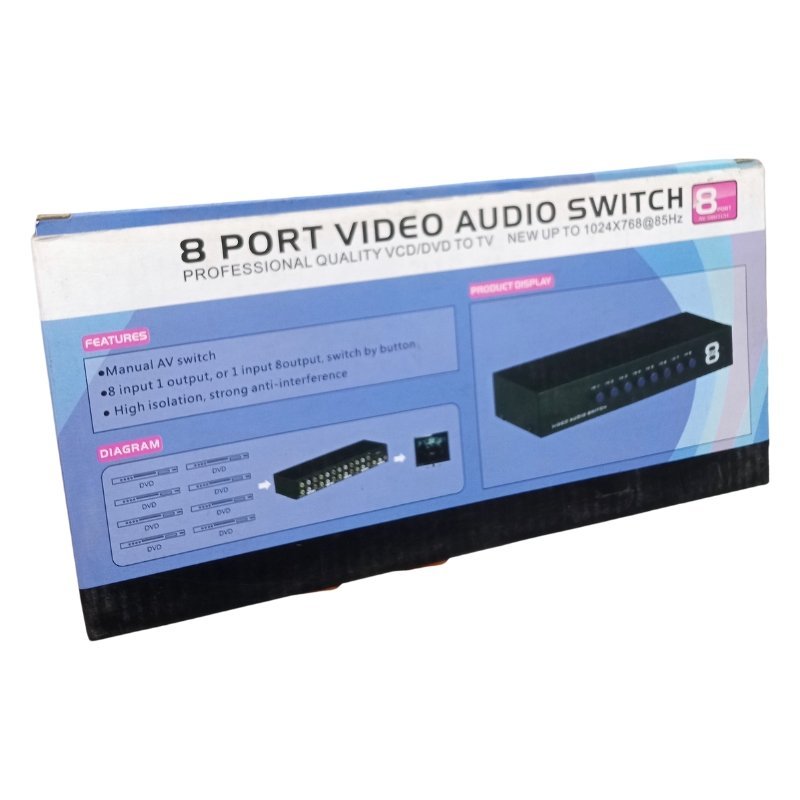
Control rooms, shops and entertainment setups can have many video sources and only one screen. The 8 port video audio switch lets you connect up to eight video and audio sources to a single display and select between them, which is much neater than swapping cables.
Like the smaller 2-4 port version, an 8 port switch can handle both picture and sound. Ask our team to confirm the connector type, so you choose the right cables.
Key Features and Benefits
- Eight inputs. Connect up to eight sources.
- Video and audio. Switch picture and sound together.
- One display. Share one screen between many devices.
- Easy selection. Choose a source with a button or remote.
- Great for busy setups. Fits shops, bars and control rooms.
Where It Works Best
It suits shops with CCTV recorders and decoders, bars with several TV sources, hotels, control rooms and offices that use one monitor for many devices.
Buying Guide: What to Check First
Check which connectors your devices use, such as composite RCA or HDMI, and confirm the switch matches. Ask our team about power requirements, remote control and maximum resolution. Eight inputs mean many cables, so plan the layout.
Installation and Setup Tips
Connect each source to a numbered input, label the cables and connect the output to the display. Power the switch, then select each source in turn to test picture and sound. Keep the switch ventilated.
Managing Many Cables
Eight sources mean sixteen or more cables. Use cable ties and labels, and keep the switch in a spot where cables are not stretched. Group cables by device, and leave a little slack. A neat layout makes it easy to find problems and replace parts.
Choosing the Right Switch Size
A 2-4 port switch is fine for a few devices, while eight ports suit larger setups. Count your current sources and add a couple for future growth. Buying slightly larger than you need avoids replacing the switch later.
Using a Switch in Shops and Bars
Staff can switch between a decoder, a recorder and a music source on one screen. Put the switch where it is easy to reach but out of the way of customers. Simple controls reduce mistakes during busy hours.
Planning a Control Room Switch Layout
In a control room or CCTV office, a switch lets one monitor show several sources, such as recorders and decoders. Place the switch within easy reach, number your inputs clearly and keep a simple chart of what each input shows. Use short, good quality cables and leave space for airflow. A tidy layout lets staff switch views quickly, and makes faults easier to find when something stops working.
Frequently Asked Questions
Which connectors does it use?
Ask us to confirm.
Does it have a remote?
Ask us.
Can two sources show at once?
No, one at a time.
Does it need power?
Ask us.
Buy 8 Port Video Audio Switch From Nosik Mart
Organise your sources with the 8 Port Video Audio Switch. Add it to your cart today, or contact the Nosik Mart team for availability, delivery options and help choosing the right setup.