




Refillable Ink Tanks for Low-Cost, High-Volume Printing
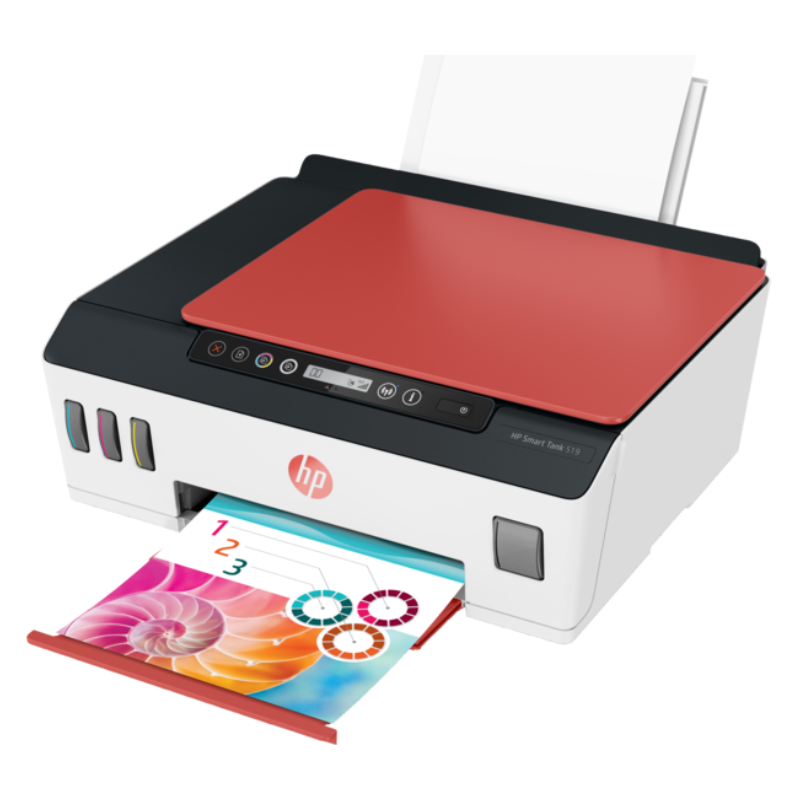
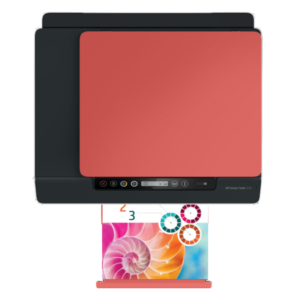
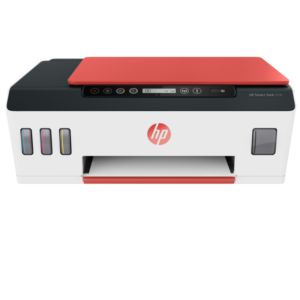
If you print a lot, ink costs can take over your budget. The HP Smart Tank AIO 519 uses refillable ink tanks, so you top up from bottles instead of buying cartridges, and it prints, copies and scans in one machine.
Note that we may already list this model as the HP Smart Tank 519 Wireless All-in-One Printer. If both listings are for the same stock, consider keeping only one, to avoid confusing customers and search engines.
Key Features and Benefits
- Refillable ink tanks. Top up from bottles.
- All-in-one. Print, copy and scan.
- Low cost per page. Designed for heavy printing.
- HP Smart Tank range. A popular tank printer family.
- Model 519. Easy to identify.
Where It Works Best
It suits schools, tutoring centres, print shops, small businesses and families that print often and want to keep costs down.
Buying Guide: What to Check First
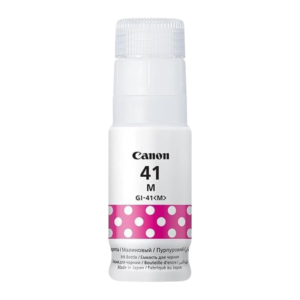
Ask our team which ink bottles it uses and how much ink is included, plus speed, trays and wireless features. Check whether the listing duplicates one you already have. Compare the higher purchase price with the savings on ink.
Installation and Setup Tips
Fill each tank with the right colour bottle without squeezing, and let the printer prime. Connect to WiFi through the HP app, print a test page and run an alignment. Keep bottles upright.
Tank Printers for Schools and Shops
Print-heavy places benefit most from tank printers. The ink is cheaper per page, so you can print worksheets, forms and notices without worrying about cost. A single refill can last for a long time, which also means fewer interruptions.
Avoiding Duplicate Listings
If you list the same product twice under different names, search engines may treat the pages as competitors, and customers may be confused. Keep one listing per product, and update it with the best information. If the two are different stock, make that clear in the title.
Everyday Tank Printer Care
Use the printer regularly, keep caps closed and wipe spills quickly. Check ink levels often and refill before a tank runs low. Avoid moving the printer with full tanks unless the manual allows it.
Getting Started With Your First Tank Printer
If this is your first tank printer, take your time with the setup. Read the instructions, fill each tank with the correct colour and let the printer prime fully before printing. Print a test page and check alignment. Keep the bottles upright and wipe any spills straight away. Once you have done it once, refilling becomes quick and easy, and you will quickly appreciate the lower cost of printing.
Frequently Asked Questions
Does it use cartridges?
No, refillable tanks.
Is it the same as the Smart Tank 519 Wireless?
Possibly. Ask us.
Can I print from my phone?
Wireless tank printers usually can.
Is it good for photos?
Ask us.
Buy HP Smart Tank AIO 519 From Nosik Mart
Cut your printing costs with the HP Smart Tank AIO 519. Add it to your cart today, or contact the Nosik Mart team for availability, delivery options and help choosing the right setup.