

Digitise Your Paperwork With a Professional Document Scanner
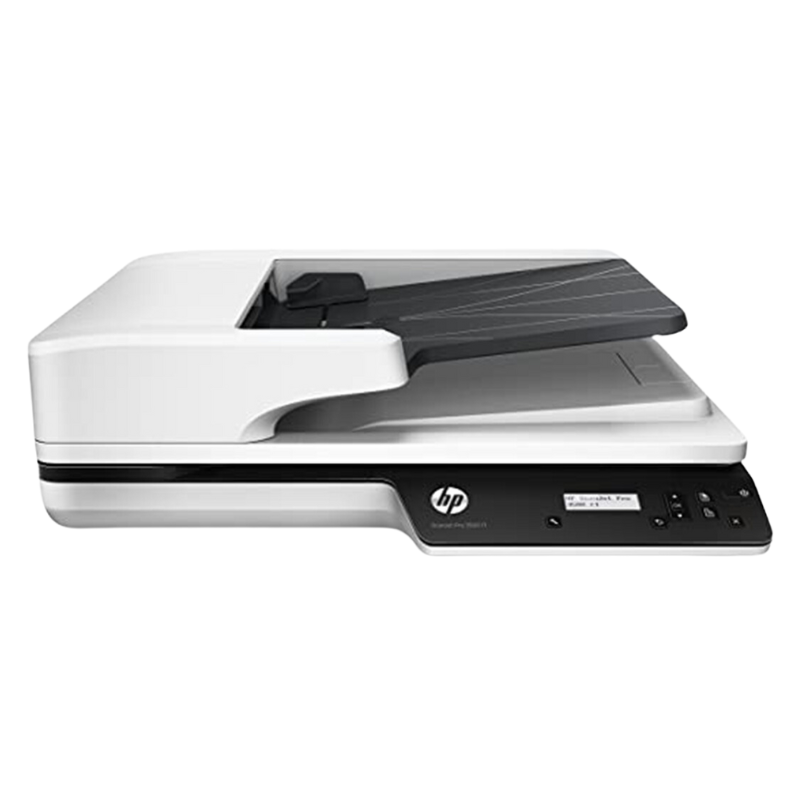
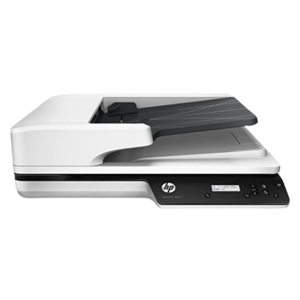
Paper piles up, and finding a single document can waste hours. The HP ScanJet Pro 3500 f1 (L2741A) is a ScanJet Pro document scanner designed to turn paper into searchable digital files quickly, which helps offices, schools and clinics manage records.
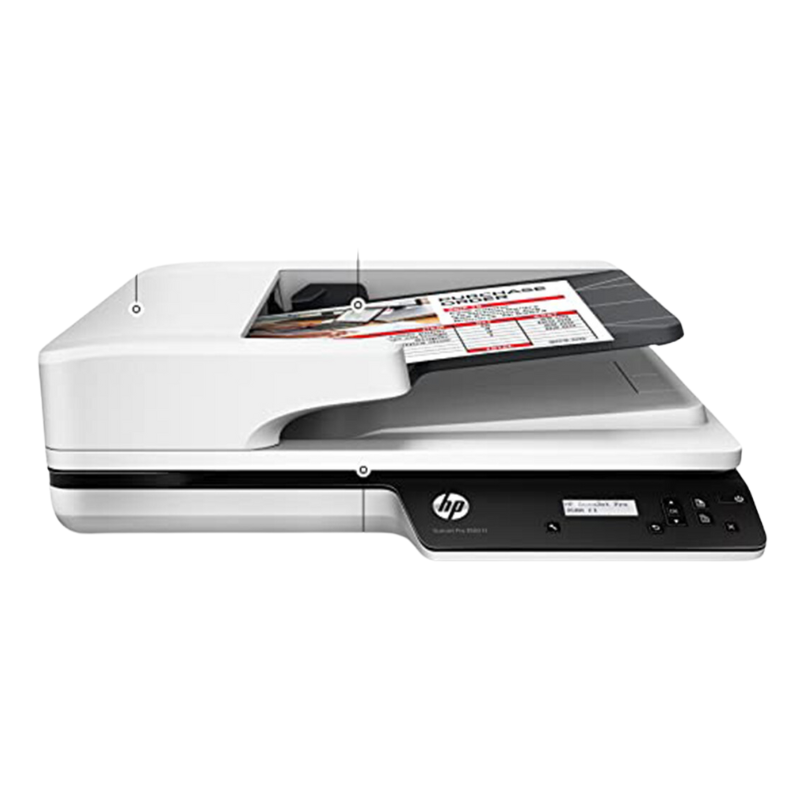
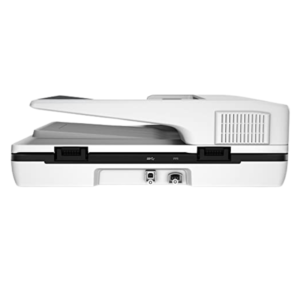
The 3500 f1 is a flatbed scanner, and models in this series usually also include an automatic document feeder for multi-page jobs. Ask our team to confirm the feeder, speed and resolution for this listing.
Key Features and Benefits
- ScanJet Pro range. HP's professional scanner family.
- Flatbed design. Scan books, receipts and fragile items.
- Likely document feeder. Series models often include an ADF.
- Digital records. Search, share and back up documents.
- Model L2741A. A specific HP part number.
Where It Works Best
It suits law firms, accounting offices, clinics, schools, banks and any organisation that wants to digitise paperwork and reduce filing space.
Buying Guide: What to Check First
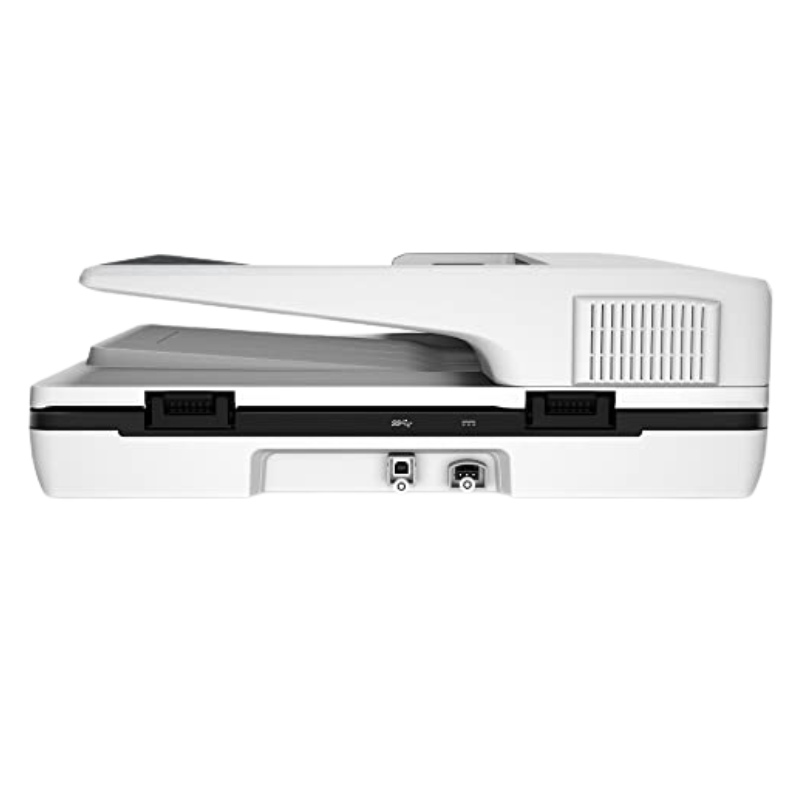
Ask our team about the scanning speed, resolution, document feeder capacity, supported paper sizes, duplex scanning, connection type and the software included. Check how much you need to scan each day to choose the right speed.
Installation and Setup Tips
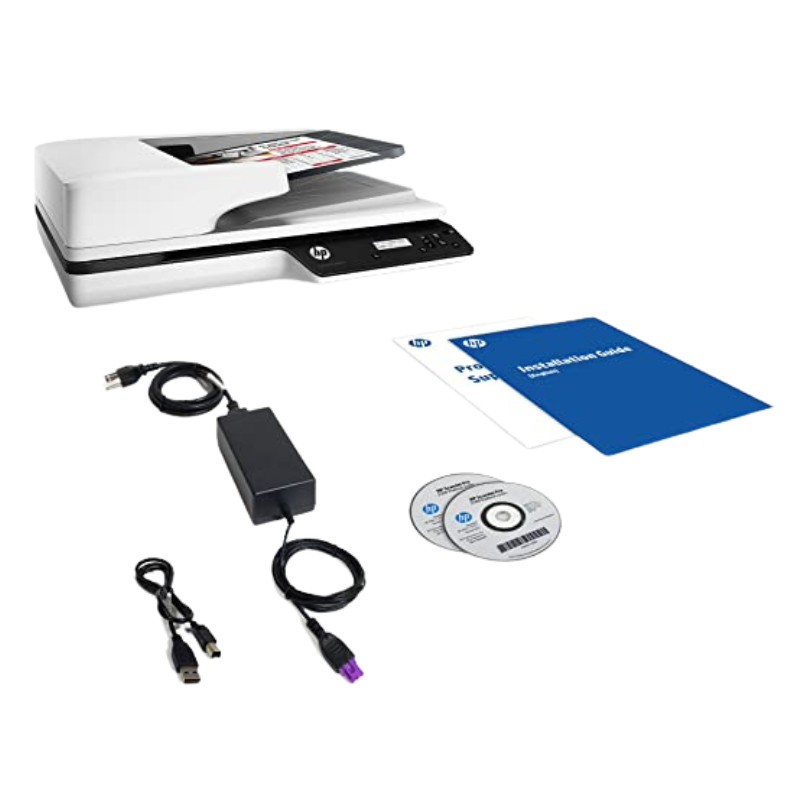
Place the scanner on a stable desk, install the driver and software and scan a test page. Clean the glass regularly, and choose a resolution such as 300 dpi for documents. Name files clearly and back them up.
Why Go Paperless
Digital documents are easier to search, share and back up than paper. They save filing space and protect records from fire, damp and loss. For offices that handle many documents, scanning pays off quickly in saved time.
Building a Scanning Routine
Decide which documents to scan, set a naming system and scan as part of a daily routine. Group files into folders by client, department or date. Back up scanned files to cloud storage or an external drive. A routine prevents backlogs.
Getting Clear Scans
Clean the scanner glass, straighten pages and remove staples. Use the right resolution and colour setting for each document type. Preview before saving, and check scans for legibility. Clear scans make records reliable.
Choosing Between a Scanner and a Multifunction Printer
A multifunction printer can scan occasional documents, but a dedicated scanner is faster and more reliable for large volumes. If you scan dozens of pages a day, or need higher quality for archiving, a scanner is a sensible investment. If you only scan a few pages a week, a multifunction printer may be enough. Think about how often you scan and how important quality and speed are, and ask us for advice.
Frequently Asked Questions
Does it have a document feeder?
Ask us to confirm.
Can it scan both sides?
Ask us about duplex scanning.
Does it make searchable PDFs?
Ask us about the software.
What resolution should I use?
300 dpi is common for documents.
Buy HP ScanJet Pro 3500 F1 From Nosik Mart
Digitise your records with the HP ScanJet Pro 3500 f1. Add it to your cart today, or contact the Nosik Mart team for availability, delivery options and help choosing the right setup.