


Black Ink for Your Everyday HP Inkjet Printing
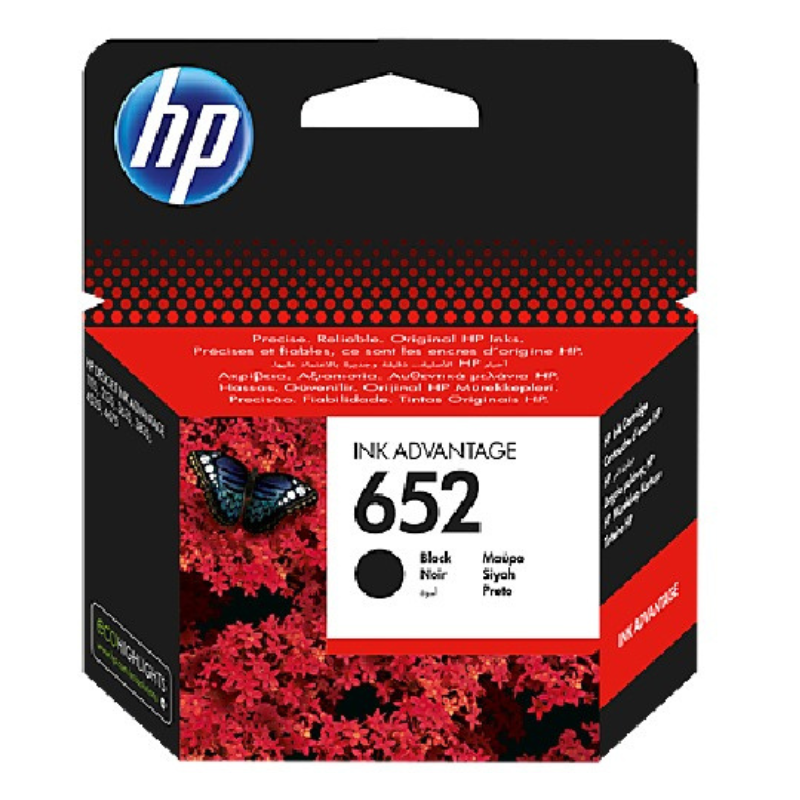
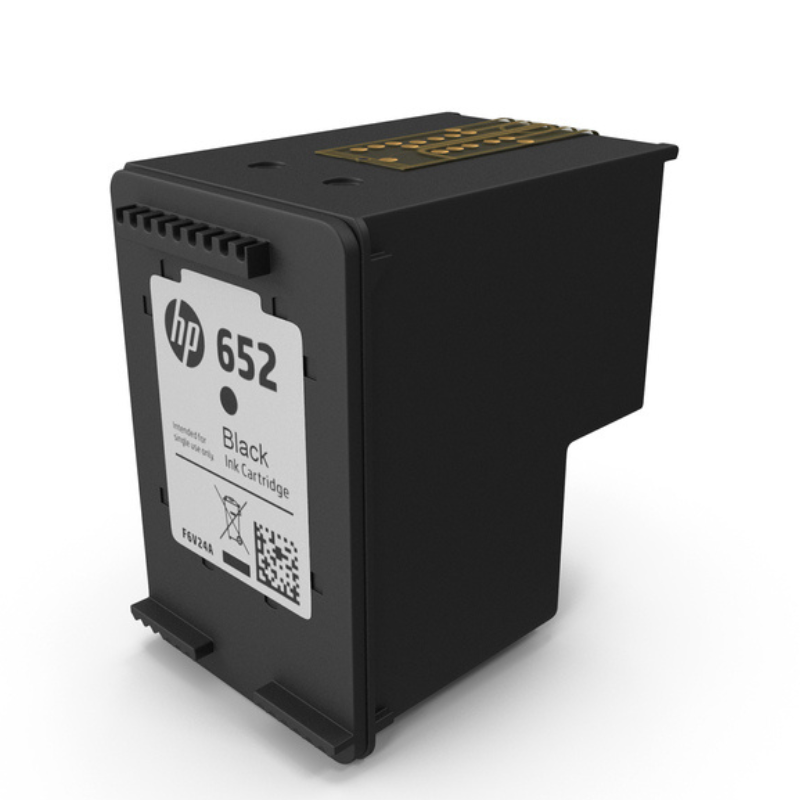
Letters, forms and homework need dependable black ink. The HP 652 black ink cartridge is a black cartridge for HP inkjet printers that use the 652 reference, bringing back dark, readable text when your old cartridge runs dry.
Keeping a spare black cartridge is one of the easiest ways to avoid downtime at home or in a small office.
Key Features and Benefits
- HP 652 reference. Matches the cartridge reference used by certain HP printers.
- Black ink. The ink behind text and documents.
- HP brand. From the printer maker.
- Quick swap. Easy to install.
- Daily printing. Suits letters, forms and homework.
Where It Works Best
Use it at home, in small offices and in school projects where black text is printed daily.
Buying Guide: What to Check First
Check your printer's manual or cartridge label for the 652 reference. Ask our team to confirm compatibility with your model, and ask about the expected yield.
Installation and Setup Tips
Open the cartridge door, wait for the carriage to settle, remove the old cartridge, unwrap and insert the new one until it clicks, then close the door. Print a test page.
Reading the Cartridge Label
Cartridge labels show a number, such as 652, that identifies the right match for your printer. Compare it with the number on your existing cartridge and with the printer's manual. If they differ, check before ordering.
Printing Habits That Save Ink
Use draft mode for everyday documents, print double-sided where possible and avoid printing background images. Preview before printing to avoid wasted pages. These changes can reduce ink use across a year.
Handling Cartridges
Hold cartridges by the sides and avoid touching the contacts. Do not leave a cartridge unwrapped for long. If your printer will not be used for weeks, print a page occasionally to keep nozzles clear.
Check Your Printer Before You Buy
Cartridge references such as 652 match specific families of HP printers, so the safest approach is to check the label on your old cartridge and the printer's manual before ordering. Look for the number printed on the cartridge itself. If you cannot find it, send us your printer model and we will confirm the correct reference. Taking a minute to check avoids buying the wrong item and having to return it.
A Simple Home Office Printing Routine
Set up a routine to avoid ink emergencies. Check your ink status at the start of each week, keep one spare black cartridge, and replace the cartridge as soon as text begins to fade. Print in draft mode for internal documents and use normal quality only for final copies. Keep paper stored flat and dry. A little discipline keeps costs down and prevents interruptions when you have deadlines.
Frequently Asked Questions
Will it fit my printer?
Check for the 652 reference.
Is the colour cartridge separate?
Yes.
How many pages?
Ask us for yield.
Do I need to align?
Your printer may prompt you.
Buy HP 652 Black Ink Cartridge From Nosik Mart
Keep printing with the HP 652 Black Ink Cartridge. Add it to your cart today, or contact the Nosik Mart team for availability, delivery options and help choosing the right setup.