

A Full Set of Colour Toner, Ready for Your Printer
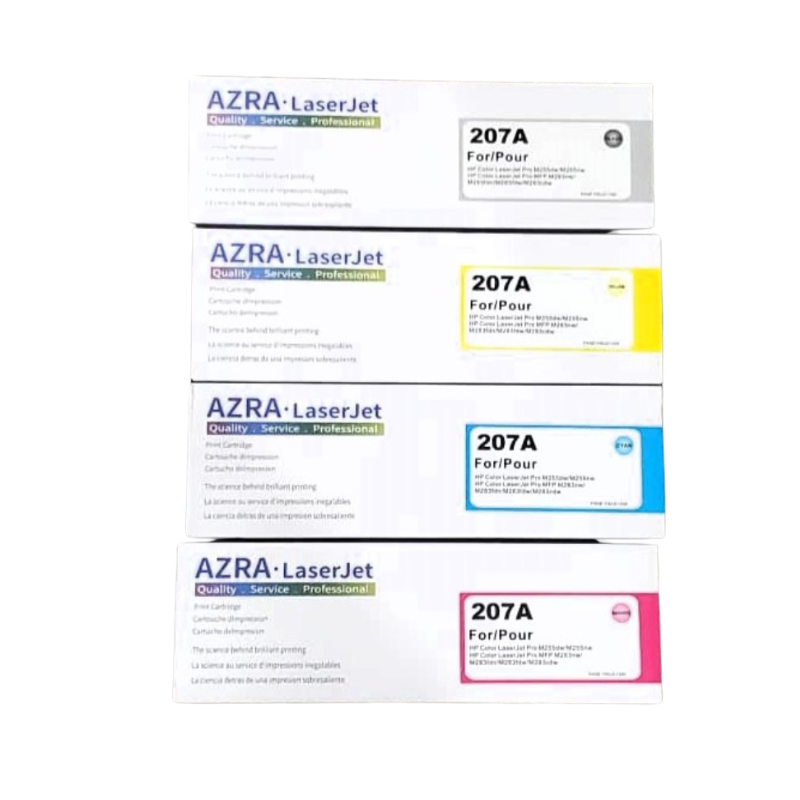
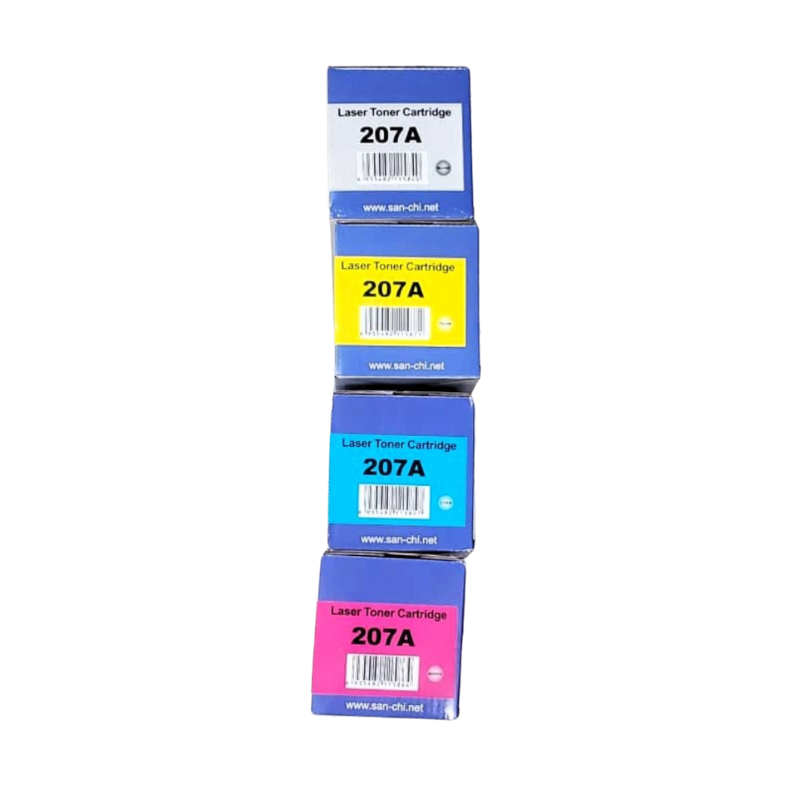
Colour printing needs more than one cartridge, and running out of just one colour spoils a whole job. The AZRA LaserJet 207A set of toner cartridges follows the 207A designation used with HP colour LaserJet printers, so you can refresh several colours at once.
Buying a set is convenient, because every cartridge arrives together. That means fewer reorders, fewer interruptions and a more even supply across your colours.
Key Features and Benefits
- Set of cartridges. Several colours supplied together for convenience.
- 207A designation. Matches a reference used with certain colour LaserJet printers.
- AZRA brand. A toner brand for everyday office printing.
- Colour documents. For brochures, charts, reports and presentations.
- Fewer reorders. One purchase covers multiple colours.
Where It Works Best
Use it in design studios, schools, marketing teams, print shops, estate agencies and any office that prints colour proposals, flyers and reports.
Buying Guide: What to Check First
Confirm that your printer uses the 207A designation by checking the manual or an existing cartridge. Ask our team exactly which colours are in the set and whether black is included, and what page yields to expect. Compare the set price with buying single cartridges.
Installation and Setup Tips
Switch off the printer and open the cover. Remove old cartridges one at a time, and insert each new cartridge in the correct colour slot until it clicks. Remove protective strips before installing. Print a test page, and check colours for alignment.
Why Colour Toner Costs More
Colour printers use several cartridges, and each is replaced separately as it runs out. That raises running costs compared with black-only printing. You can control costs by printing in black for internal documents, using draft mode for proofs and keeping colour for pages that really need it.
Keeping Colours Consistent
Replacing only one colour can sometimes cause a slight colour shift between old and new toner. Buying a set and replacing cartridges together can give a more consistent result, especially for brand colours. Run a test page after installation and compare it with an earlier print.
Storing a Spare Set
Keep spare cartridges in their original packaging, in a cool, dry place away from direct sun. Store them flat and avoid heat, which can affect toner. Write the purchase date on the box, and use older stock first. Proper storage keeps toner ready when you need it. Ask us whether the set includes black, so you know if you also need a separate cartridge for everyday text printing, since black is usually the first colour to run out.
Frequently Asked Questions
Which colours are in the set?
Ask us to confirm the contents of this set.
Will it fit my printer?
Check for the 207A designation. We can help.
Is a set cheaper?
Sets are often better value than single cartridges. Ask us for a comparison.
How many pages will it print?
Ask us for expected yields.
Buy AZRA LaserJet 207A Set Of Toner Cartridges From Nosik Mart
Refresh every colour at once with the AZRA LaserJet 207A Set of Toner Cartridges. Add it to your cart today, or contact the Nosik Mart team for availability, delivery options and help choosing the right setup.