

The Warm Red-Pink Behind Lifelike Colour
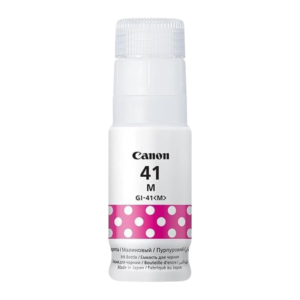
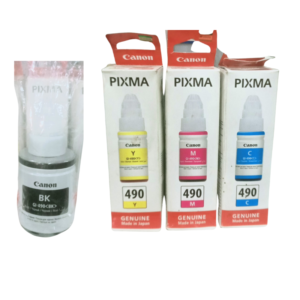
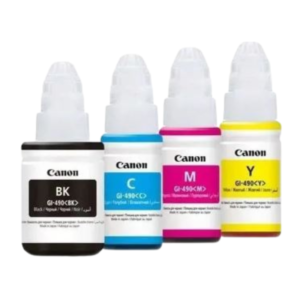
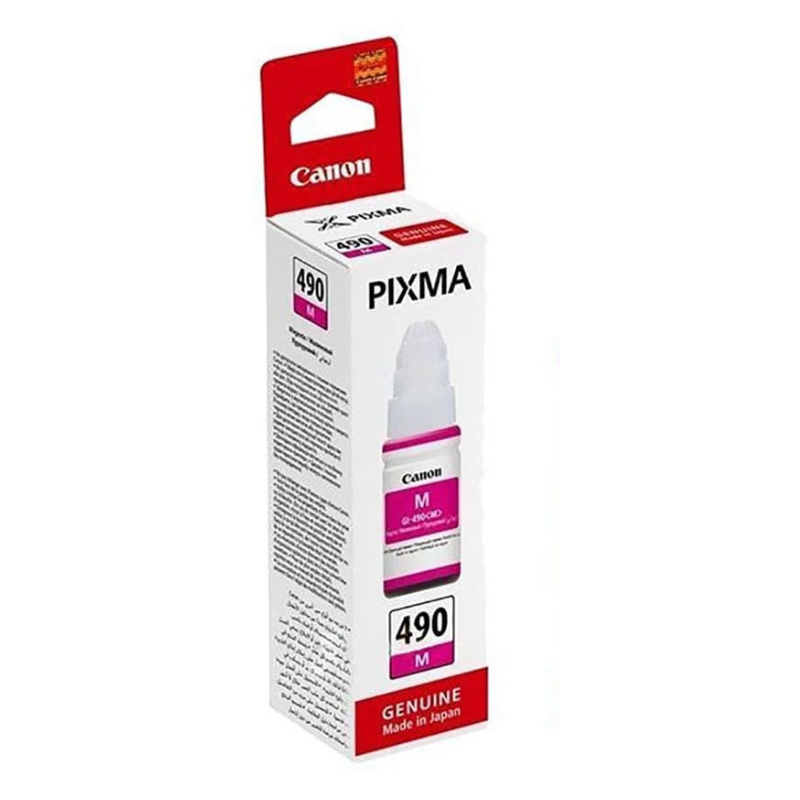
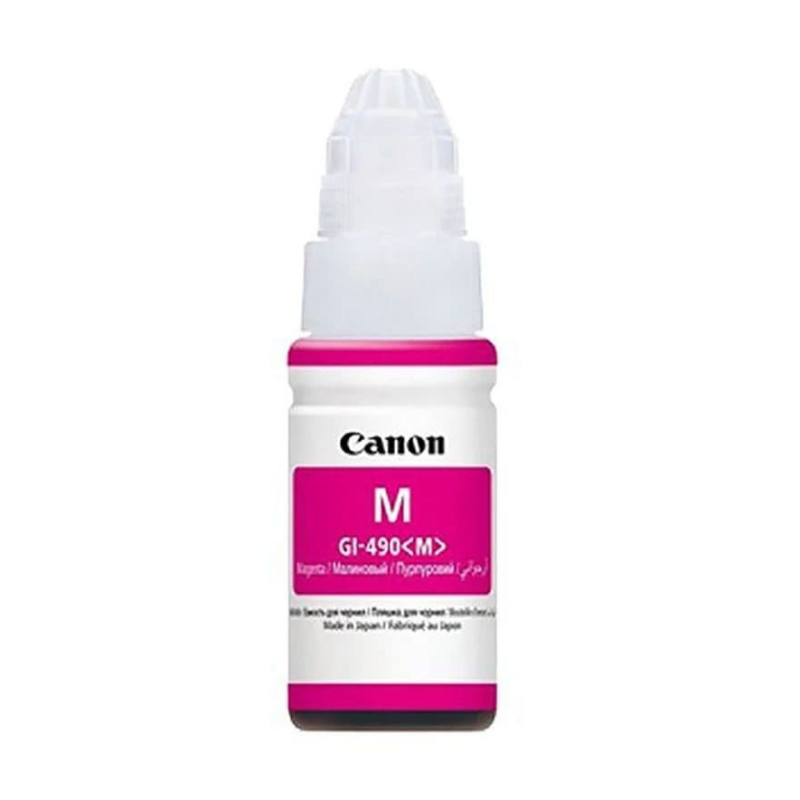
Warm tones make photos and brochures feel alive. The Canon PIXMA 490 magenta ink supplies the magenta in your Canon PIXMA printer, giving you rich reds, pinks and natural skin tones.
Without magenta, colour prints look pale or greenish. Keeping it in stock is one of the easiest ways to keep your colour output accurate.
Key Features and Benefits
- 490 reference. A specific ink reference to match your printer.
- Magenta colour. The pink-red ink used for reds and purples.
- Canon PIXMA. Made for Canon PIXMA printers.
- Natural skin tones. Helps portraits look lifelike.
- Brand colours. Keeps reds and pinks accurate.
Where It Works Best
Use it for photos, event flyers, menus, posters and school projects. Businesses with red or pink branding rely on magenta for accurate logos.
Buying Guide: What to Check First
Check your printer's ink reference to confirm the 490 code. Ask our team to verify compatibility, and ask about the expected yield. Consider ordering other colours at the same time.
Installation and Setup Tips
Open the ink area following the printer's instructions, replace the magenta ink and print a test page. Run a nozzle check and clean the print heads if needed. Compare reds on the test page with an earlier print.
Recognising Magenta Problems
Pale reds, greenish skin tones and dull pinks are signs of low magenta. Run a nozzle check to see whether the magenta block is complete. If there are gaps, replace the ink and run a cleaning cycle. Repeat until the pattern is clean.
Tips for Printing Event Materials
Flyers and posters should be checked on screen first, because colours look different on paper. Print a single test copy before running many. Use the right paper, and let prints dry before stacking them.
Making Ink Last
Print only what you need, use draft mode for proofs and keep your printer on a regular schedule. If your printer allows, set default settings to economy. Small habits reduce ink use and cut costs. Magenta is also vital for any document that uses warm highlight colours, such as red headings, pink accents or orange shading, since these tones mix magenta with other inks. If your headings look brownish instead of red, or skin tones look pale, magenta is the first thing to check. Keep a spare if you print colour weekly, replace it as soon as the level drops, and always print a quick test page after installing, so you can see the improvement straight away before starting a big print job, instead of finding out halfway through a long run.
Frequently Asked Questions
Will it fit my printer?
Check for the 490 reference.
Why do my prints look green?
Low magenta can make prints greenish.
Is it genuine Canon ink?
Ask us to confirm.
Do you stock the full set?
Ask us about sets.
Buy Canon PIXMA 490 Magenta Ink From Nosik Mart
Restore warmth with the Canon PIXMA 490 Magenta Ink. Add it to your cart today, or contact the Nosik Mart team for availability, delivery options and help choosing the right setup.