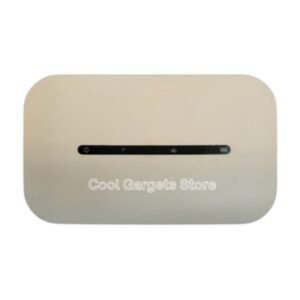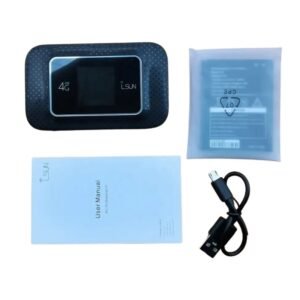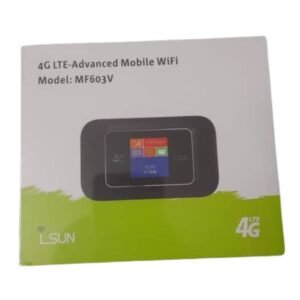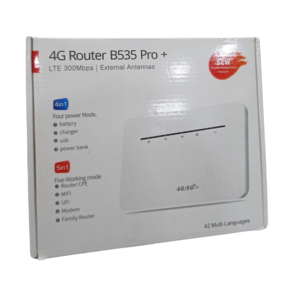
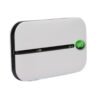


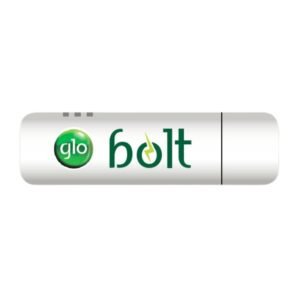

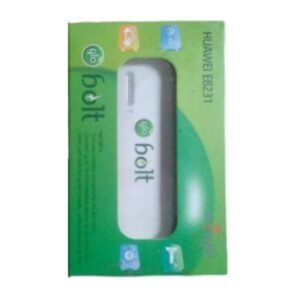

A Modem for Glo's 4G Bolt Network
A modem turns a SIM into an internet connection for a computer or router. The Glo Bolt modem connects to Glo’s Bolt 4G service, giving you internet in areas where the network is available.
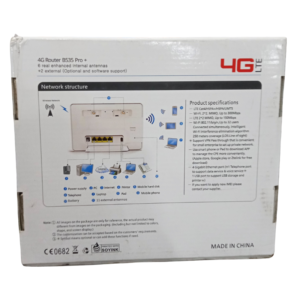
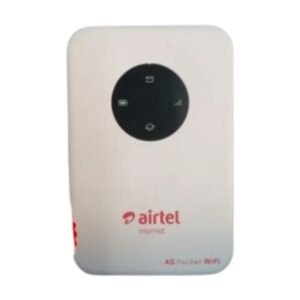
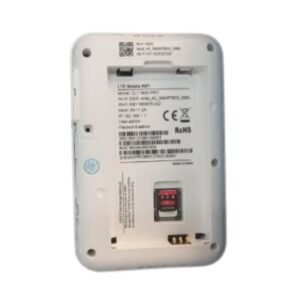
The listing does not say whether this is a USB stick or a router-type modem, so ask our team to confirm. Bolt modems are usually locked to Glo's network, so check coverage and compatibility before buying.
Key Features and Benefits
- Glo Bolt modem. Designed for Glo's 4G service.
- Internet for PCs or routers. Connect a computer or share the connection.
- Simple setup. Insert the SIM and connect.
- Data plans. Use bundles that suit you.
- Portable or home use. Depending on the form factor.
Where It Works Best
It suits Glo customers who want a dedicated 4G connection for a laptop or small office, and anyone who prefers a modem to using a phone as a hotspot.
Buying Guide: What to Check First
Ask our team whether this modem is a USB dongle or a router, whether it is locked to Glo and which operating systems it supports. Check Glo Bolt coverage at your location. Confirm which SIM and data plans it needs.
Installation and Setup Tips
Insert the SIM, connect the modem to your computer or power it and install any software it needs. Wait for the connection and test the internet. Keep the modem ventilated.
Checking Coverage First
Before you buy a network-specific modem, check that the network has good coverage where you will use it. Use a phone with the network's SIM to test signal and speed. A modem is only as good as the signal it receives.
USB Modem or Router?
A USB modem connects to one computer, while a router-type modem shares WiFi with many devices. If you are connecting one laptop, a USB modem is enough. For a household or office, choose a router.
Keeping Your Modem Healthy
Do not pull the modem out while it is working, and keep it away from heat. Update any software provided. Replace damaged cables quickly. Care keeps your connection stable.
Preparing to Use a Modem Properly
Before using the Glo Bolt modem, make sure your SIM is active and has a data plan. Install any required drivers, and place the modem near a window for the best signal. If it is a USB modem, use a USB extension cable to move it away from the computer, which can reduce interference. Check your speed with an online test. Good preparation makes the first connection smooth and avoids wasted data.
Saving Data on a Modem Connection
A modem connection is only as good as your bundle. Turn off automatic updates for large programs, and set your computer to treat the connection as metered. Close cloud-sync apps when you are working on something else. Use web versions of apps where possible. These habits can stretch your data significantly.
Frequently Asked Questions
Is it a USB modem or router?
Ask us.
Is it locked to Glo?
Ask us.
Does it need drivers?
Some do.
Where does Bolt work?
Ask about Glo coverage.
Buy Glo Bolt Modem From Nosik Mart
Connect to Glo's network with the Glo Bolt Modem. Add it to your cart today, or contact the Nosik Mart team for availability, delivery options and help choosing the right setup.