
Share Mobile Internet Over WiFi With a 4G Router
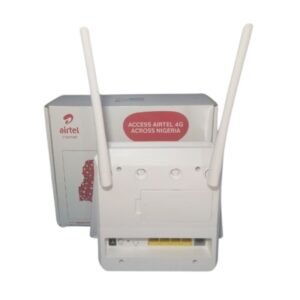
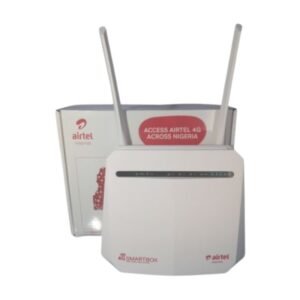
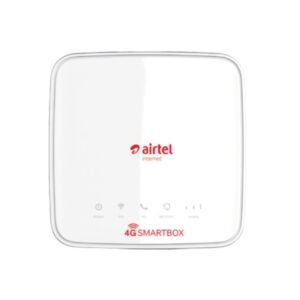
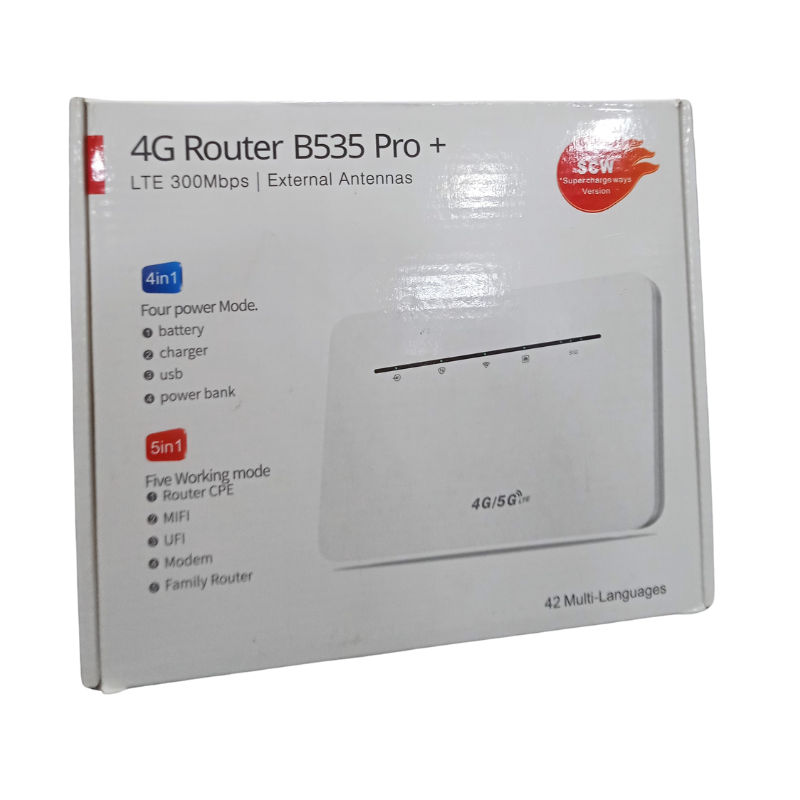
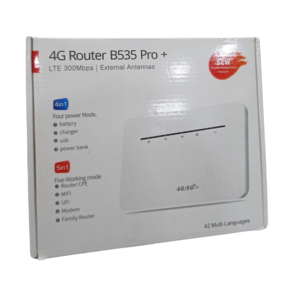
If fixed broadband is slow, expensive or unavailable, a 4G router can bring the internet to your home or business. The 4G Router B535 Pro+ takes a data SIM and shares the connection over WiFi, so phones, laptops and TVs can all get online.
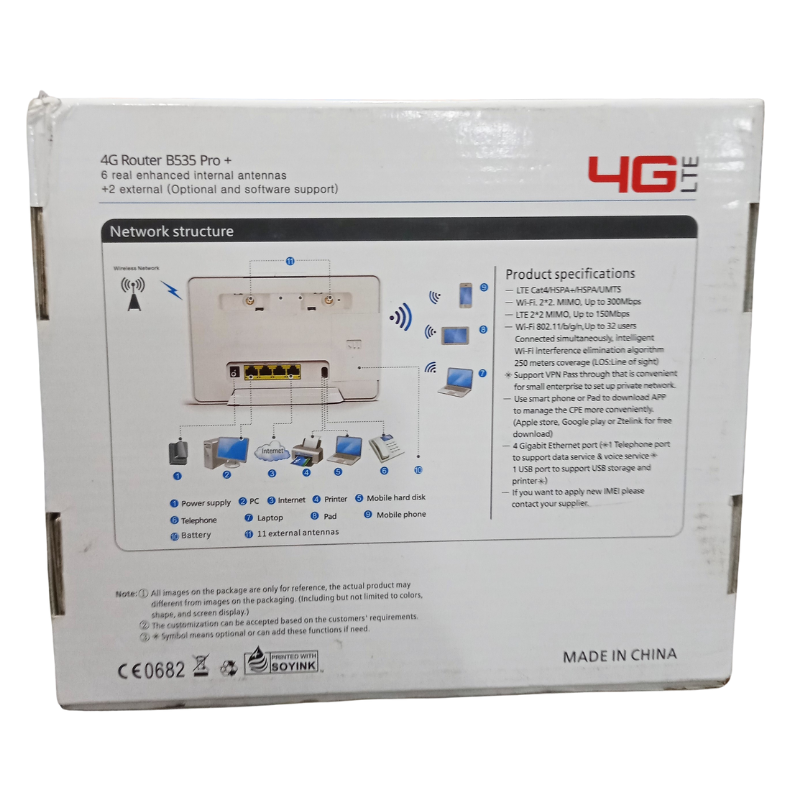
The B535 name is associated with a popular series of 4G home routers. The Pro+ listing does not give full specifications, so ask our team to confirm the speed class, number of LAN ports, external antenna support and network lock status.
Key Features and Benefits
- 4G SIM-based. Uses a data SIM instead of a cable line.
- WiFi sharing. Connects many devices at once.
- Home and office use. Suited to small homes, shops and offices.
- B535 Pro+ model. Specific model for easy matching.
- Quick setup. Insert a SIM, power on and connect.
Where It Works Best
It suits homes and businesses without reliable fixed broadband, shops that need WiFi for customers or card machines, remote offices and families who want a simple, shared internet connection.
Buying Guide: What to Check First
Check whether the router is unlocked or locked to one network, because this decides which SIMs it accepts. Ask our team about supported LTE bands, the number of LAN ports and WiFi speed. Test signal strength at your location with a phone before you buy.
Installation and Setup Tips
Insert a data SIM, power on the router and wait for it to connect. Place it near a window or high up for the best signal. Change the default WiFi name and password, and check your data balance regularly.
Placing a 4G Router for the Best Signal
Mobile signal varies between rooms. Place the router near a window, high on a wall or shelf and away from thick concrete walls and metal objects. Check the signal bars in the router's app or web page, and move the router if needed. A few metres can make a big difference to speed.
Choosing a Data Plan
Data usage depends on what you do. Video streaming and video calls use a lot of data, while browsing and messaging use little. Choose a plan that fits your use, and monitor your balance to avoid running out unexpectedly. Many networks offer larger monthly bundles for routers.
Securing Your WiFi
Change the default password straight away, use a strong WiFi password and keep the router's settings page protected. Do not share your password widely. A secure network protects your data and stops others from using your bundle. Take a photo of the router's label and keep it with your receipt, so setup details and support information are easy to find later on.
Frequently Asked Questions
Is it unlocked?
Ask us to confirm.
Does it need a SIM?
Yes, a data SIM.
How many devices can connect?
Ask us for the maximum.
Can I add an external antenna?
Ask us.
Buy 4G Router B535 Pro+ From Nosik Mart
Get connected with the 4G Router B535 Pro+. Add it to your cart today, or contact the Nosik Mart team for availability, delivery options and help choosing the right setup.