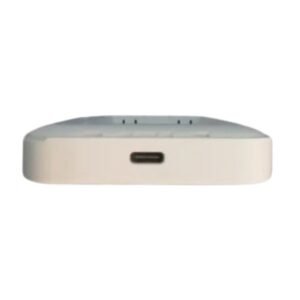

Bring 4G Internet to Your Home With the M30 Pro Router
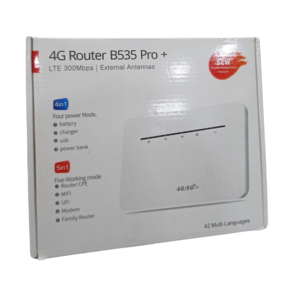
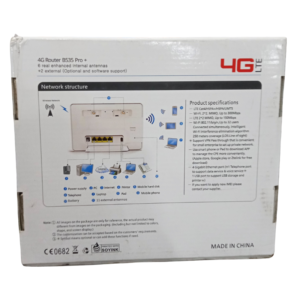
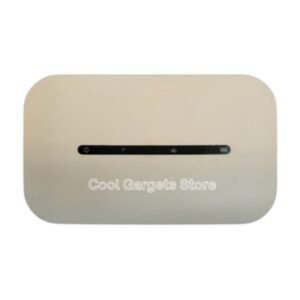
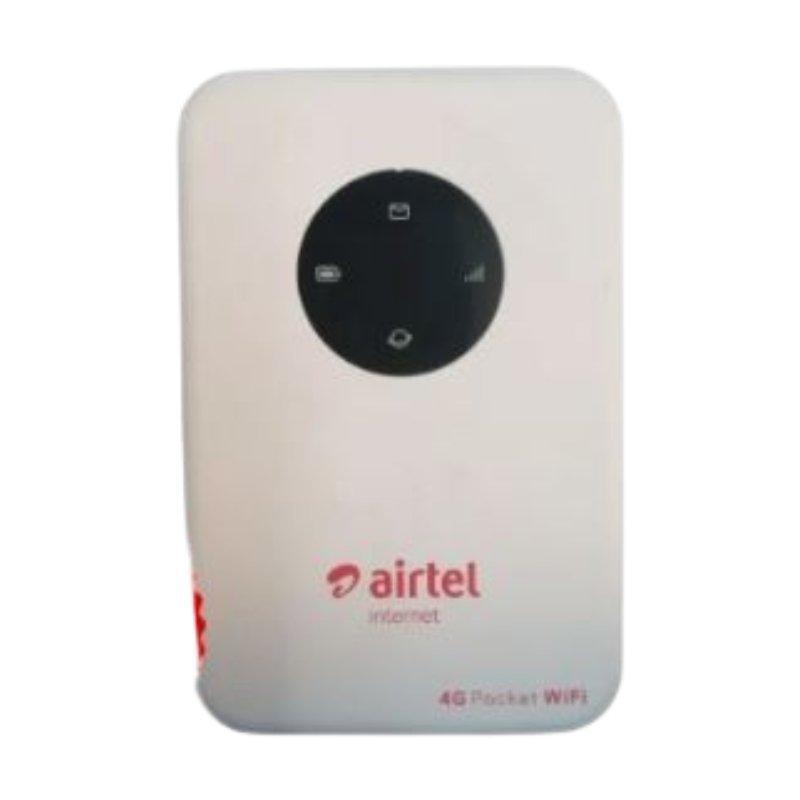
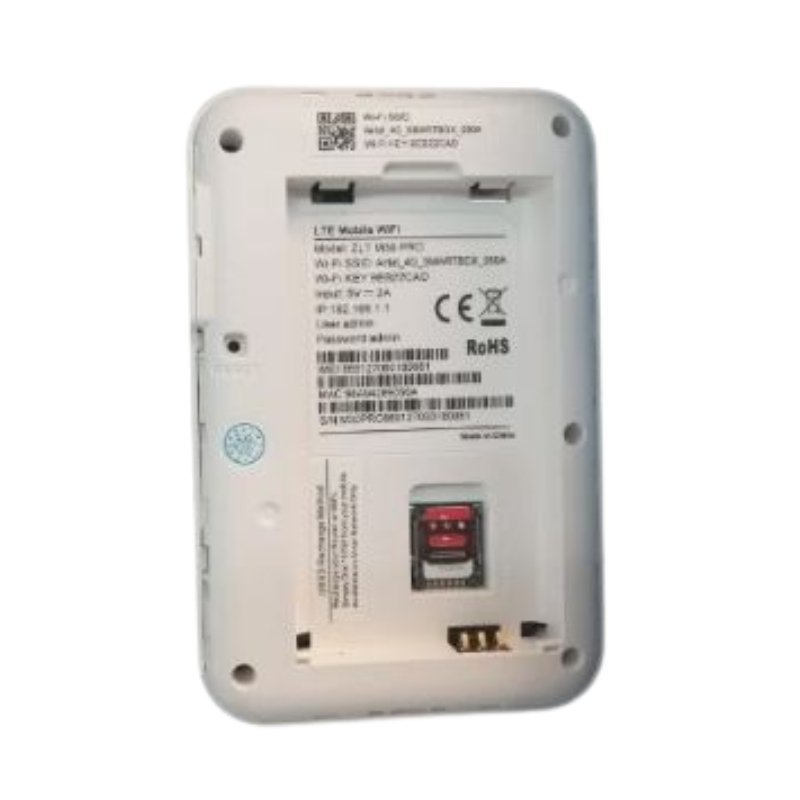
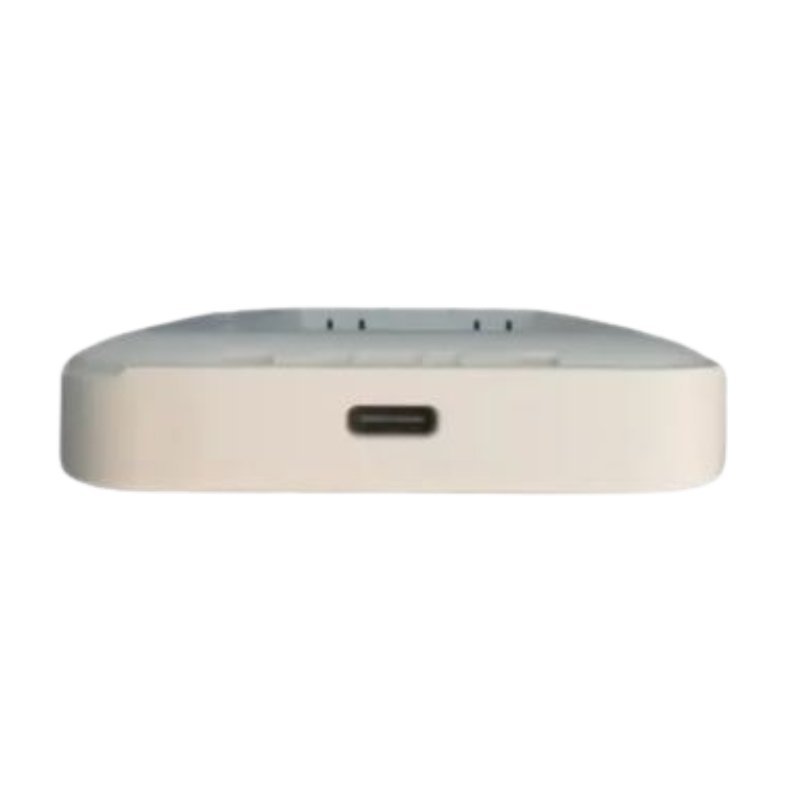
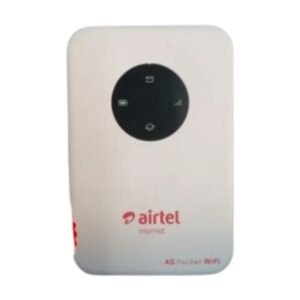
If fixed broadband is not available, a 4G router is the next best thing. The Airtel 4G M30 Pro router for home WiFi uses a data SIM to connect to the mobile network and shares the connection over WiFi, so your whole household can get online.
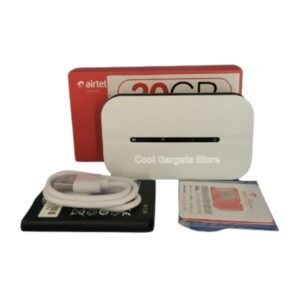
The M30 Pro is a step up from the pocket MiFi in the same family. It is designed to stay plugged in at home or in an office, and it usually offers stronger WiFi coverage and more connected devices. Ask us whether this listing is locked.
Key Features and Benefits
- 4G router. Uses a SIM to bring internet to your home.
- WiFi sharing. Connect phones, laptops and smart TVs.
- Home-focused design. Made to stay plugged in.
- M30 Pro model. Specific model for easy matching.
- Easy setup. Insert a SIM and power on.
Where It Works Best
It suits homes without fixed broadband, small offices, shops and families who want a simple, shared internet connection from a mobile network.
Buying Guide: What to Check First
The standard M30 Pro may be network-locked, while we also stock an unlocked version. Ask our team about LAN ports, supported devices and WiFi speed. Check network coverage and signal strength at your location before you buy.
Installation and Setup Tips
Insert an active data SIM, plug in the router and wait for it to connect. Place it near a window for the best signal. Change the default WiFi name and password, and monitor your data balance.
Router or MiFi?
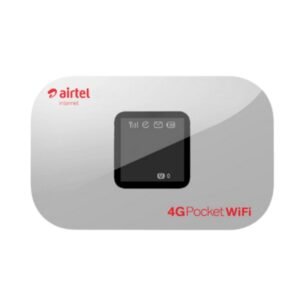
A router is designed to stay at home or in the office, usually with stronger WiFi coverage and more connections. A MiFi is portable and battery powered. If you want internet for a whole home, a router is better. If you travel, a MiFi is better.
Getting Better Speeds at Home
Place the router high and near a window, away from thick walls and metal. Keep it away from other electronics that cause interference, such as microwaves. If the signal is weak, ask about external antennas. Small changes in position can improve speeds noticeably.
Managing Data at Home
Video streaming uses large amounts of data. Set your devices to a lower quality, or limit streaming to certain times. Check usage regularly, and buy bundles that match your needs. Good habits prevent running out unexpectedly.
Where to Put a Home Router
The location of your router affects speed more than most people realise. Place it in a central, open area, as high as practical, and away from thick walls, mirrors and metal objects. Avoid placing it next to microwaves or cordless phones. If you have several floors, put it on the middle one. Test speeds in different rooms, and adjust until you find the best spot.
Frequently Asked Questions
Is it locked?
Ask us. We also stock an unlocked version.
How many devices can connect?
Ask us.
Does it have LAN ports?
Ask us.
Does it need a SIM?
Yes.
Buy M30 Pro Router For Home WiFi From Nosik Mart
Get online at home with the Airtel 4G M30 Pro Router. Add it to your cart today, or contact the Nosik Mart team for availability, delivery options and help choosing the right setup.