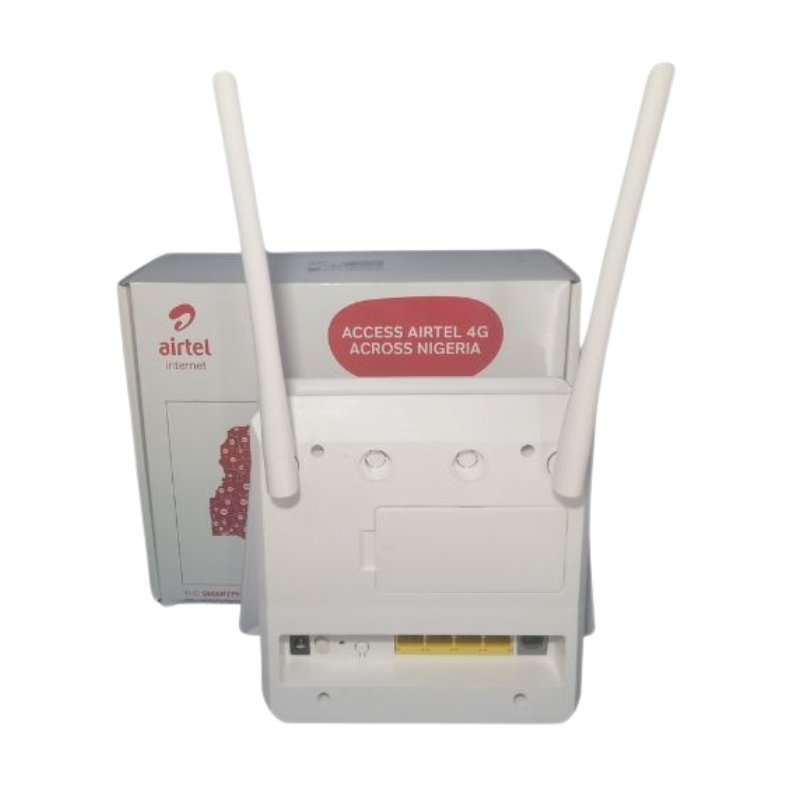

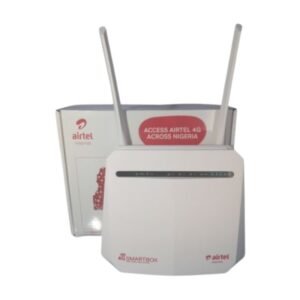

A 4G Home Router That Turns a SIM Into Household WiFi
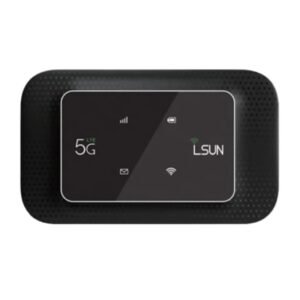
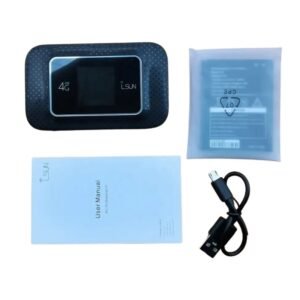
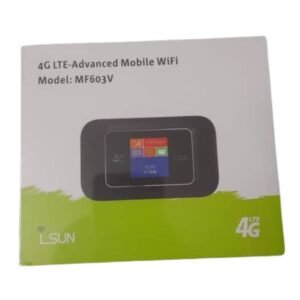
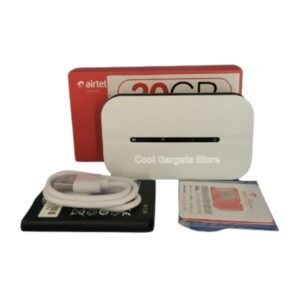
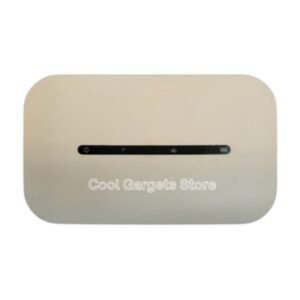
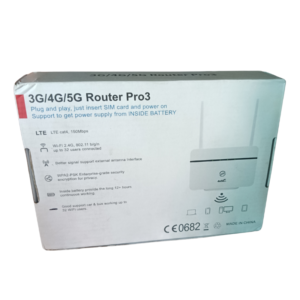
Fixed broadband is not available everywhere, and 4G fills the gap. The Airtel Hertz 4 T30 router takes a data SIM, connects to the mobile network and shares the signal as WiFi, so phones, laptops and smart TVs in your home or small office can get online.
It is a plug-in router designed to stay in one place, which gives it steadier power and usually better WiFi coverage than a pocket device. Ask our team whether this listing is locked to Airtel, because that decides which SIMs it accepts.
Key Features and Benefits
- 4G router. Mobile internet for the whole household.
- WiFi sharing. Connect several devices at once.
- Plug-in design. Made to stay powered at home or in an office.
- Hertz 4 T30 model. A specific model for easy matching.
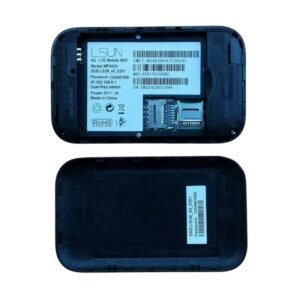
- Simple setup. Insert a SIM, power on and connect.
Where It Works Best
It suits homes without fixed broadband, small shops, offices and rented flats where a cable line is not possible, as well as families who want one shared connection.
Buying Guide: What to Check First
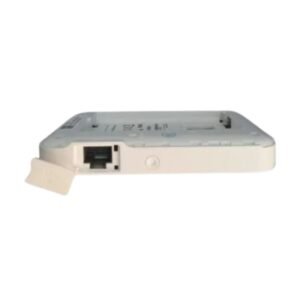
Ask our team whether the router is network-locked, how many devices it supports, whether it has LAN ports and what the WiFi speed is. We also list a similar MTN ZLT T30D model, so compare them if you are choosing. Test the mobile signal at your address before you buy.
Installation and Setup Tips
Insert an active data SIM, plug in the router and wait for the signal lights to settle. Place it near a window and away from thick walls. Change the default WiFi name and password, and keep an eye on your data bundle.
Choosing a Home 4G Router
Look at three things: whether it is locked, how many devices it supports and what ports it offers. A router that suits a small family may struggle with a busy shop. Think about who will use it and for what, and ask us to match the router to your needs.
Boosting Weak Signal
If your signal is weak, move the router near a window, raise it higher or turn it to face the nearest tower. Keep it away from metal and electronics that cause interference. If that does not help, ask us about external antennas or a different network.
Keeping Your Connection Secure
Change the default password, use a long WiFi password and keep the router's admin page private. Check connected devices from time to time. A secure network protects your data and your bundle from others. If you are comparing similar routers, ask us for a quick side-by-side of the Airtel Hertz 4 T30 and the MTN ZLT T30D, so you can see which network and features suit your home best.
Frequently Asked Questions
Is it locked to Airtel?
Ask us to confirm.
Does it need a SIM?
Yes, a data SIM.
How many devices can connect?
Ask us.
Does it have LAN ports?
Ask us.
Buy Airtel Hertz 4 T30 Router From Nosik Mart
Bring home internet with the Airtel Hertz 4 T30 Router. Add it to your cart today, or contact the Nosik Mart team for availability, delivery options and help choosing the right setup.