

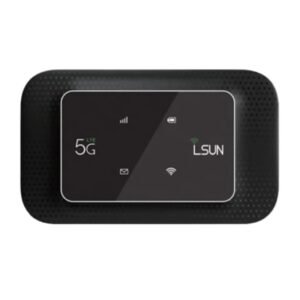

A Simple Pocket 4G MiFi Without the Extras
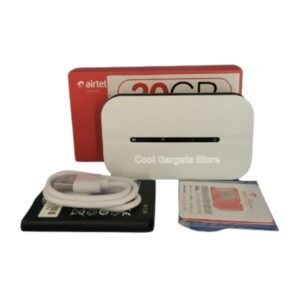
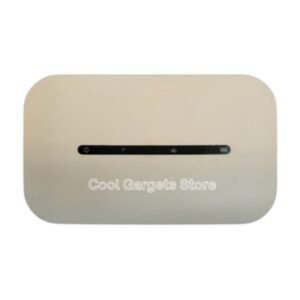
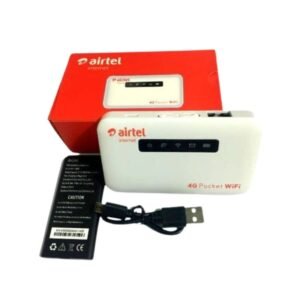
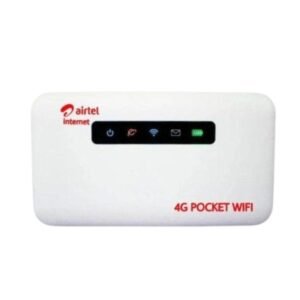
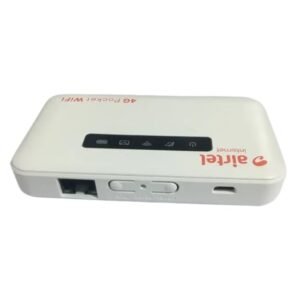
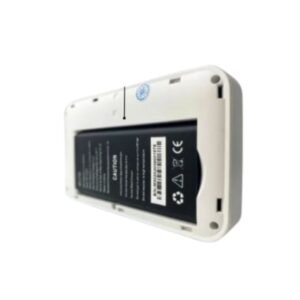
Sometimes you just want a hotspot that works. The LSUN 4G LTE MiFi non display MF603 is a pocket 4G LTE WiFi device without a screen, designed to keep the price lower while still sharing a data SIM with several devices.
It uses indicator lights instead of a display, which is fine for many users. Ask our team whether it is unlocked and which networks it supports.
Key Features and Benefits
- 4G LTE hotspot. Fast mobile internet where covered.
- No display. Simple design at a lower price.
- Pocket-sized. Easy to carry.
- Battery powered. Use it anywhere.
- LSUN MF603. Specific model for easy matching.
Where It Works Best
It suits students, home users and travellers who want a low-cost portable hotspot, and who are happy to check signal and battery using lights or an app.
Buying Guide: What to Check First
Ask our team whether the MF603 is unlocked, the supported LTE bands, the battery life and the maximum number of devices. Compare it with the display version. Check coverage for your network.
Installation and Setup Tips
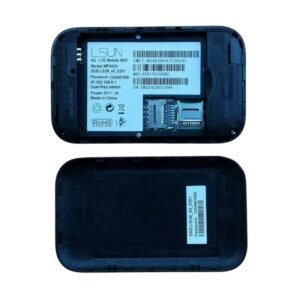
Insert a data SIM, switch on and wait for the lights to show a connection. Connect your devices using the WiFi name and password on the label. Change the password and charge regularly.
Reading MiFi Indicator Lights
Non-display MiFi devices use coloured lights to show status, such as power, signal and WiFi. Check the manual or ask us what each colour means. Learning the lights lets you spot problems quickly.
Saving Money With a Simple Model
If you do not need extras, a basic model keeps costs down. The core job, sharing a data SIM over WiFi, is the same. Spend the savings on a good data bundle or a power bank.
Managing Your Hotspot Settings
Log in to the MiFi's settings page to change the password, see connected devices and set data limits if available. Keeping control of settings protects your data and keeps the connection secure.
Keeping a Basic MiFi Reliable
Without a screen, you depend on lights and the settings page to see what is happening. Learn which light colours mean low battery, weak signal or no connection. Charge the MiFi every night, and keep the SIM slot clean. If it stops working, restart it and check your data balance first. Simple routines keep a basic MiFi dependable.
Using a MiFi With a Laptop and Phones
Connect your laptop first, then your phones, so the strongest device has the best connection. Close apps that use a lot of data in the background, and limit video quality. If speeds drop, move the MiFi near a window or reduce the number of connected devices. A little management gives a better experience.
Frequently Asked Questions
Is it unlocked?
Ask us.
How do I check battery?
Use the lights or the device's web page.
How is it different from the display version?
No screen.
How long does the battery last?
Ask us.
Buy LSUN 4G LTE MiFi Non Display MF603 From Nosik Mart
Choose simple with the LSUN 4G LTE MiFi Non Display MF603. Add it to your cart today, or contact the Nosik Mart team for availability, delivery options and help choosing the right setup.