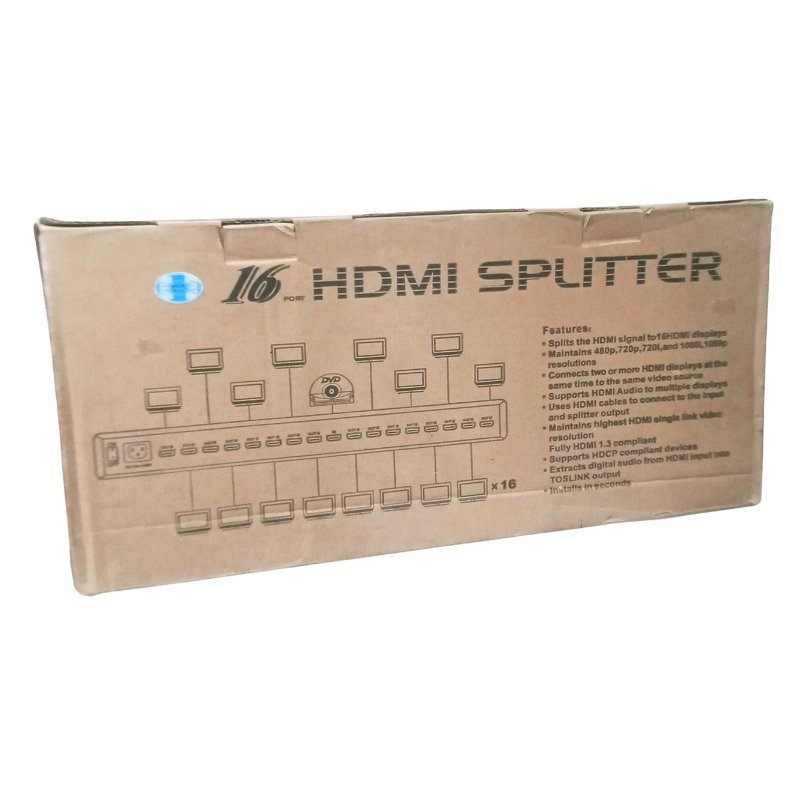

Sixteen Displays From One HDMI Source
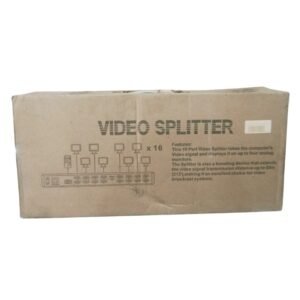
Large venues need big display walls and lots of screens. The 16 port HDMI splitter for multiple displays takes one HDMI source and sends the same picture to up to sixteen screens, which suits exhibitions, shopping malls, training rooms and control rooms.
With so many outputs, this splitter is designed for professional installations. It reduces the number of source devices you need to buy, manage and maintain, and it keeps every screen in perfect sync.
Key Features and Benefits
- Sixteen outputs. Drive up to sixteen HDMI screens.
- One source. A single player or computer feeds every display.
- Synchronised content. Every screen shows the same picture at the same time.
- Built for installations. Suits large venues and display walls.
- HDMI based. Works with HDMI sources and displays.
Where It Works Best
It suits shopping malls, hotels, hospitals, exhibition halls, training centres and control rooms that need the same content on many screens, such as menus, adverts, notices and live feeds.
Buying Guide: What to Check First
A 16-way splitter is a serious piece of equipment, so check the specifications. Ask our team about supported resolutions, whether it reclocks the signal for long cable runs, the power requirements and mounting options. Consider your total cable length and use good quality HDMI cable.
Installation and Setup Tips
Mount the splitter in a ventilated place, connect the source, then connect each display. Power on the screens and the splitter, and then the source. Test every output, label each cable and keep a spare cable for fault-finding.
Planning a Sixteen-Screen Installation
Start with a simple sketch of where each screen sits and how far each cable must run. Group screens by distance, and choose cable lengths with a little spare. Check mounting hardware and power outlets for every screen. A careful plan prevents last-minute problems, and it makes later maintenance much easier.
Signal Strength and Long Cables
HDMI signals weaken over long distances. If some screens are far from the splitter, you may see flicker or sparkles. Use shorter cables where you can, and ask us about extenders or amplified splitters for long runs. A strong signal gives a stable picture on every display.
Looking After Large AV Equipment
Keep the splitter cool and dust-free, and avoid stacking other devices on top of it. Use a surge protector, and switch devices on and off in a consistent order. Clean connections and good airflow help the equipment last for years. If you plan a permanent installation, ask us about mounting brackets and surge protection, so the splitter stays safe and your display wall keeps working through power spikes and long opening hours.
Frequently Asked Questions
Do all screens show the same image?
Yes. A splitter duplicates the source.
Does it support 4K?
Ask us for the supported resolutions.
Does it need external power?
Large splitters usually do. Ask us.
Is it suitable for CCTV displays?
Yes, if your recorder has an HDMI output.
Buy 16 Port HDMI Splitter From Nosik Mart
Build a display wall with the 16 Port HDMI Splitter for Multiple Displays. Add it to your cart today, or contact the Nosik Mart team for availability, delivery options and help choosing the right setup.