

Toner for a Busy Colour LaserJet Workhorse
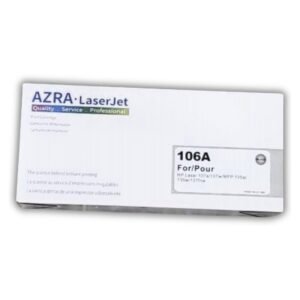
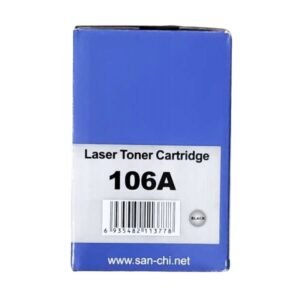
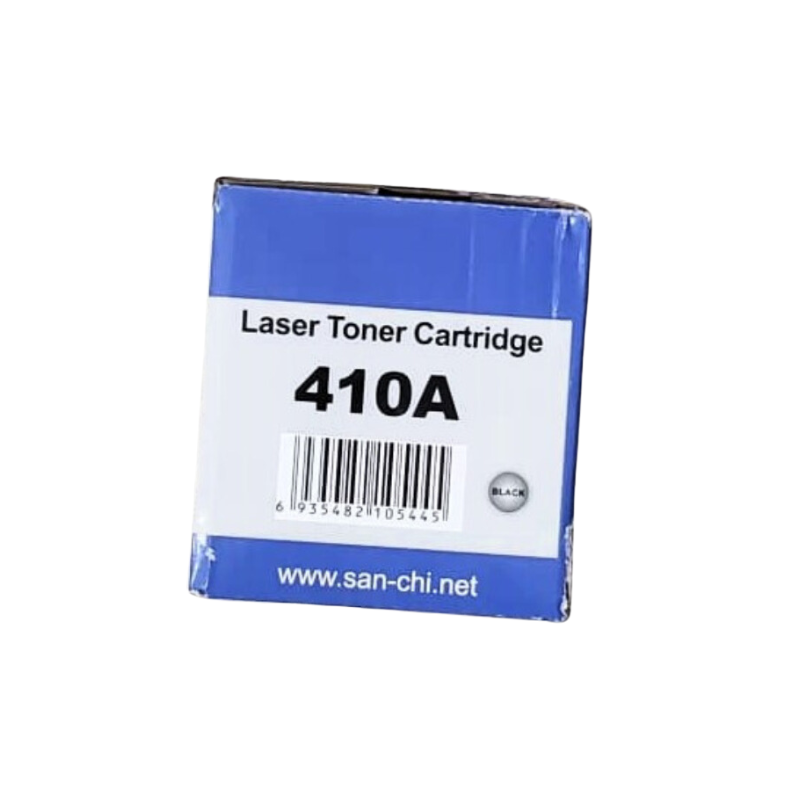
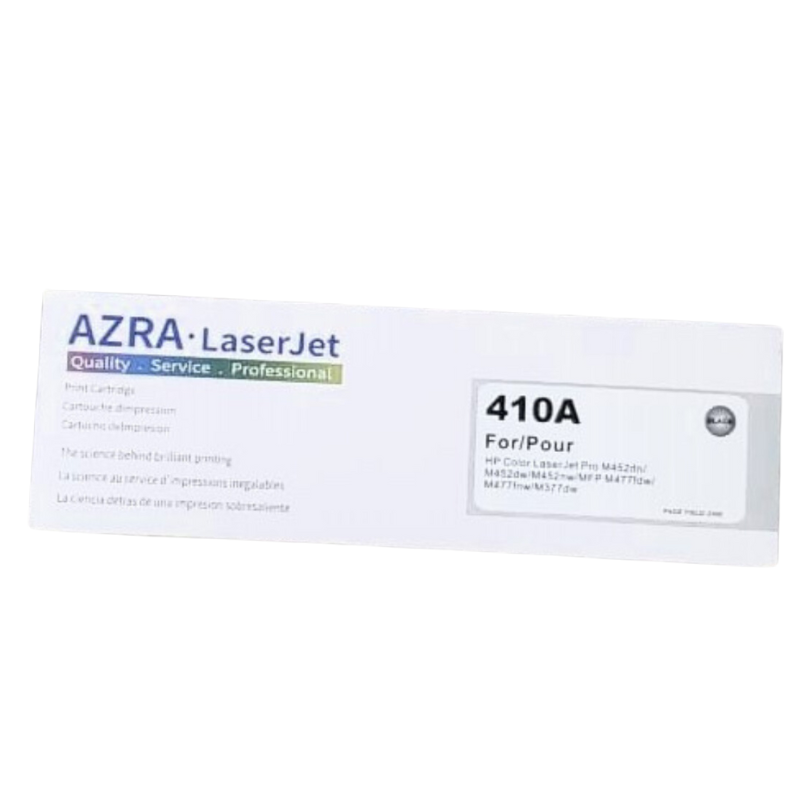
Offices that print every day go through toner quickly. The AZRA LaserJet 410A toner cartridge follows the 410A designation used with HP LaserJet printers, and it is a straightforward replacement when your current cartridge runs dry.
The 410A reference covers a family of cartridges, so it is important to confirm which colour you need before ordering. Our team can help you match the correct one to your printer.
Key Features and Benefits
- 410A designation. Matches a reference used with certain LaserJet printers.
- Toner cartridge. Ready to replace an empty unit.
- AZRA brand. A toner brand for office use.
- Everyday office printing. Suited to reports, forms and letters.
- Confirm the colour. Ask us to match the right colour.
Where It Works Best
Use it in offices, design teams, schools, estate agencies, accounts departments and any business with a LaserJet printer that handles regular printing.
Buying Guide: What to Check First
The 410A designation applies to more than one colour, so check your printer's empty cartridge or manual and tell us the colour you need. Ask our team about compatibility with your printer model and the expected page yield. Keep spares of the colours you use most.
Installation and Setup Tips
Turn off the printer and open the cover. Remove the empty cartridge, insert the new one in the correct slot until it clicks, and close the cover. Print a test page and check the output for streaks or fading.
Matching the Right Colour
A colour LaserJet uses a separate cartridge for each colour, usually black, cyan, magenta and yellow. Look at the label on your old cartridge or at the printer's status screen to see which has run out. Order that colour specifically, and consider keeping a spare of the colour you use most, which is often black.
Spotting When Toner Is Running Low
Faded text, streaks or white lines can mean a cartridge is almost empty. Many printers also display a warning. Take action before it runs out completely, so you are not stuck halfway through a job. Keeping a spare avoids that problem.
Protecting Print Quality
Keep the printer in a clean, dry place and wipe dust from the exterior. Use good quality paper, since poor paper leaves dust that can affect print quality. If prints look poor after a new cartridge, reinstall it and print a cleaning page if your printer offers one. If your printer shows a low-toner warning, do not ignore it. Order the replacement at once, so it arrives before the cartridge is completely empty, and note the date in a simple supplies log for future reference.
Frequently Asked Questions
Which colour is it?
Please ask us to confirm the colour for this listing.
Will it fit my printer?
Check for the 410A designation. We can help.
How many pages?
Ask us for the yield.
Can I mix with older cartridges?
Cartridges are replaced individually. Ask us for advice.
Buy AZRA LaserJet 410A Toner Cartridge From Nosik Mart
Keep your printer working with the AZRA LaserJet 410A Toner Cartridge. Add it to your cart today, or contact the Nosik Mart team for availability, delivery options and help choosing the right setup.