

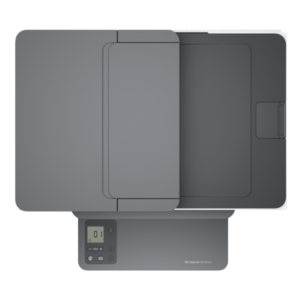
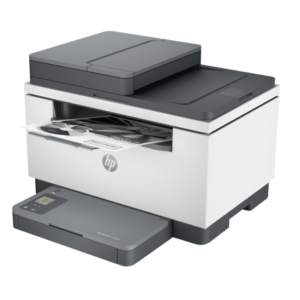
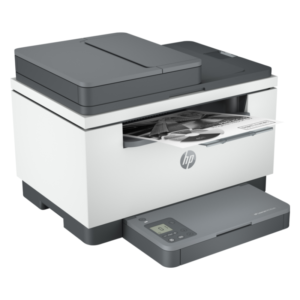

A Network-Ready Multifunction Laser for Small Teams
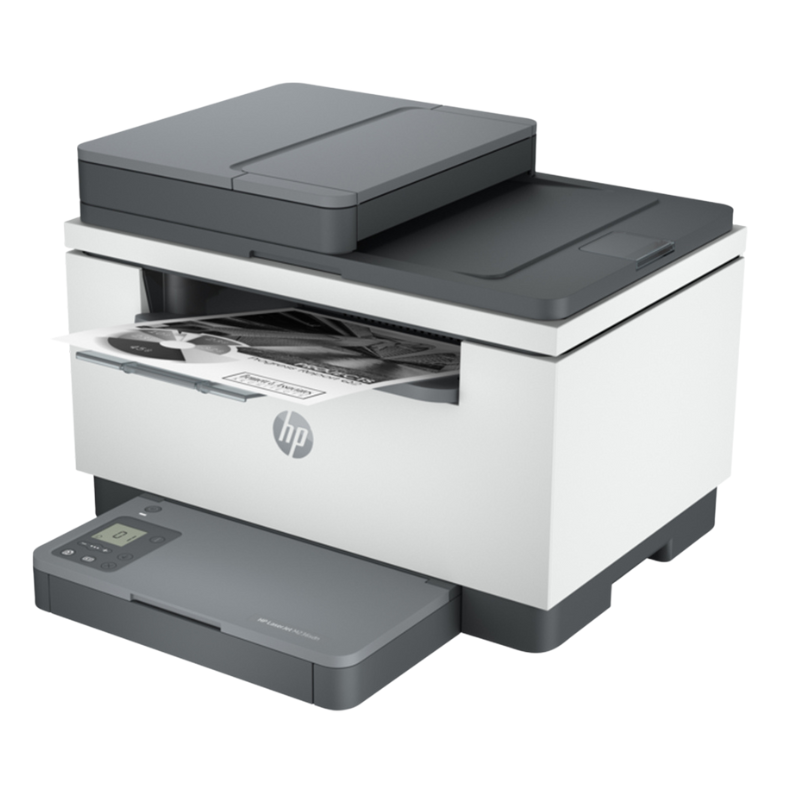
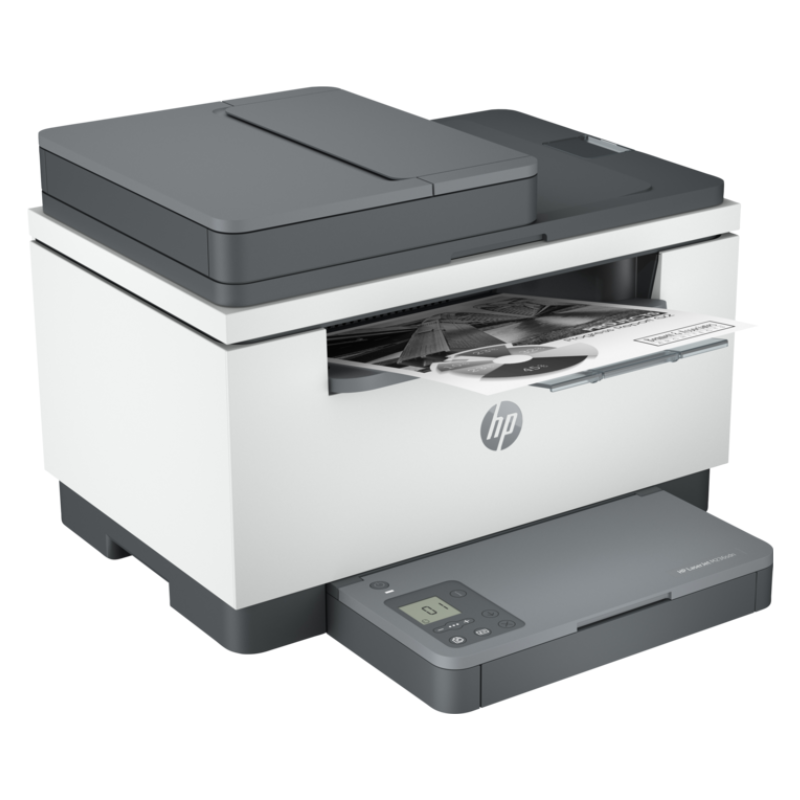
When several people share a printer, network connection matters. The HP LaserJet MFP M236SDN is a multifunction laser printer in HP’s compact M236 family, and the letters in its name suggest duplex printing and network connectivity, which our team can confirm.
The extra letters set it apart from the M236D. It is aimed at small teams who want to print, copy and scan from the shared machine, with the convenience of a network connection.
Key Features and Benefits
- Multifunction. Print, copy and scan in one unit.
- Network capability. N usually indicates network connection.
- Duplex printing. D often means two-sided printing.
- Compact. Suits small offices.
- HP LaserJet. A respected office range.
Where It Works Best
It suits small teams, accounting offices, clinics and schools that need a shared multifunction printer on a network.
Buying Guide: What to Check First
Ask our team what the S in the model name refers to, and to confirm network, duplex and scanning features, speed and toner reference. Compare it with the M236D to decide whether the extra features matter to you.
Installation and Setup Tips
Place the printer near a network point or router. Install toner, load paper, connect to the network and install drivers on each computer. Test print, copy and scan, and set duplex as the default.
Networked vs USB Printers
A USB printer connects to one computer, while a networked printer can serve many. If your office has more than two or three people, a networked printer is much more convenient. It avoids passing a cable around, and everyone can print from their own desk.
Setting Up Scan to Email or Folder
Many multifunction printers can send scans straight to email or a shared folder. Ask our team how this model handles it. Setting this up saves time on repeated tasks, such as scanning invoices or forms.
Looking After a Shared Printer
Appoint someone to check paper and toner, clear jams and report faults. Keep spare toner and paper nearby. A shared printer runs best when someone takes responsibility for it.
Keeping a Networked Printer Secure
A printer on your network is a computer in its own right, so protect it. Change default passwords, keep the firmware updated and restrict access to people who need it. Do not connect the printer directly to the open internet. If you use WiFi, use a strong password. A little attention to security stops misuse and protects the documents that pass through the printer. Ask our team for a short comparison of the M236D and M236SDN, so you can see exactly which extra features you are paying for and decide if they matter.
Frequently Asked Questions
What does SDN mean?
Often relates to features including duplex and network. Ask us.
Is it for several users?
Yes, network models suit shared use.
How is it different from the M236D?
It has extra letters indicating extra features.
Does it print in colour?
No, mono.
Buy HP LaserJet MFP M236SDN From Nosik Mart
Share a multifunction laser with the HP LaserJet MFP M236SDN. Add it to your cart today, or contact the Nosik Mart team for availability, delivery options and help choosing the right setup.