
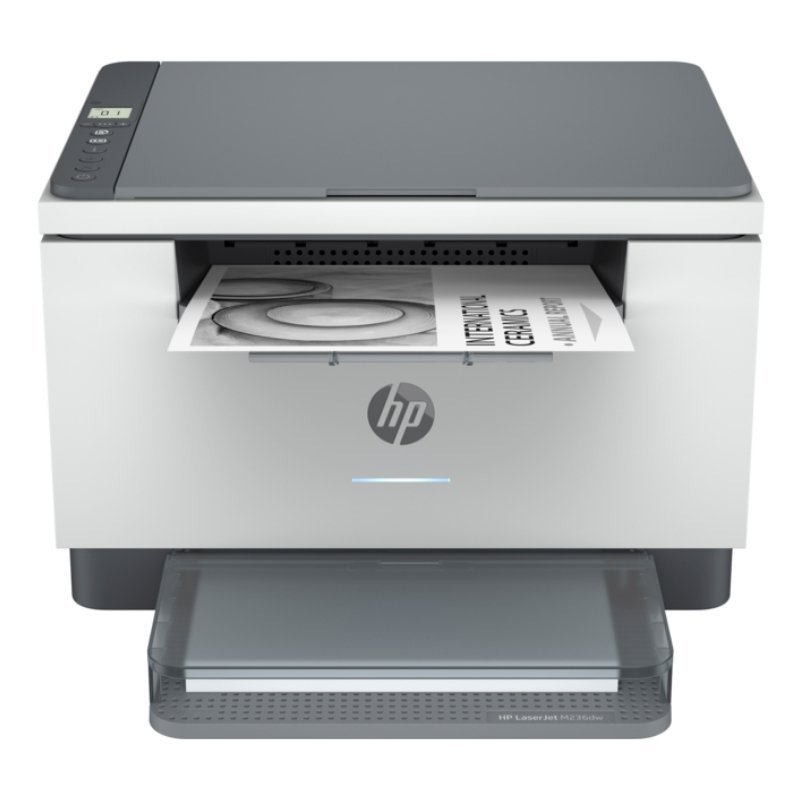
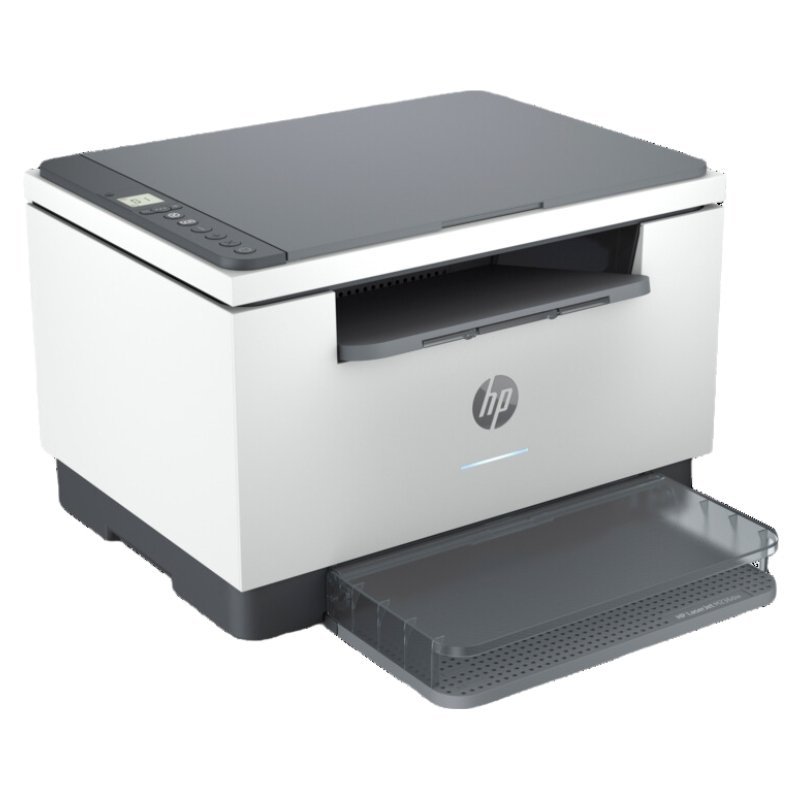
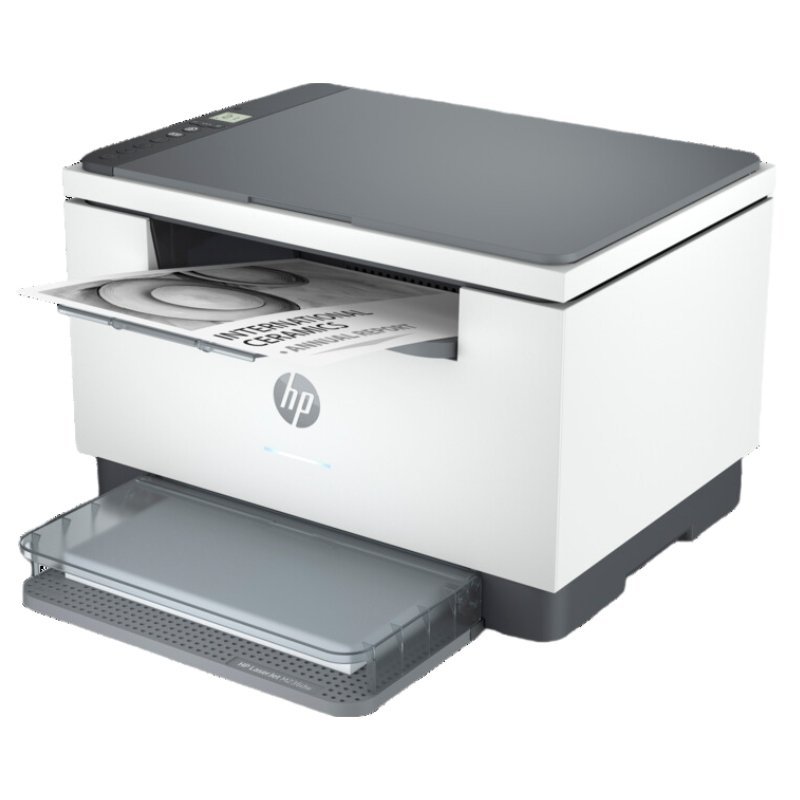
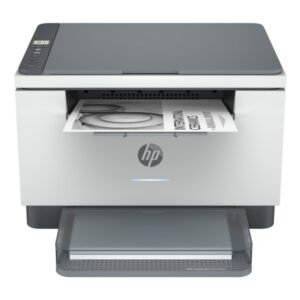
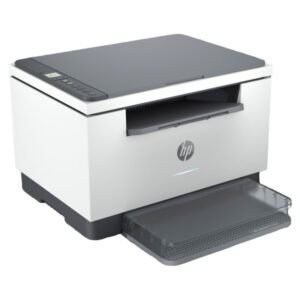
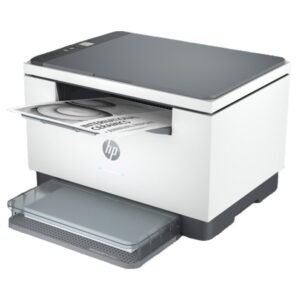

A Compact Laser Printer for Small Offices and Home Workspaces
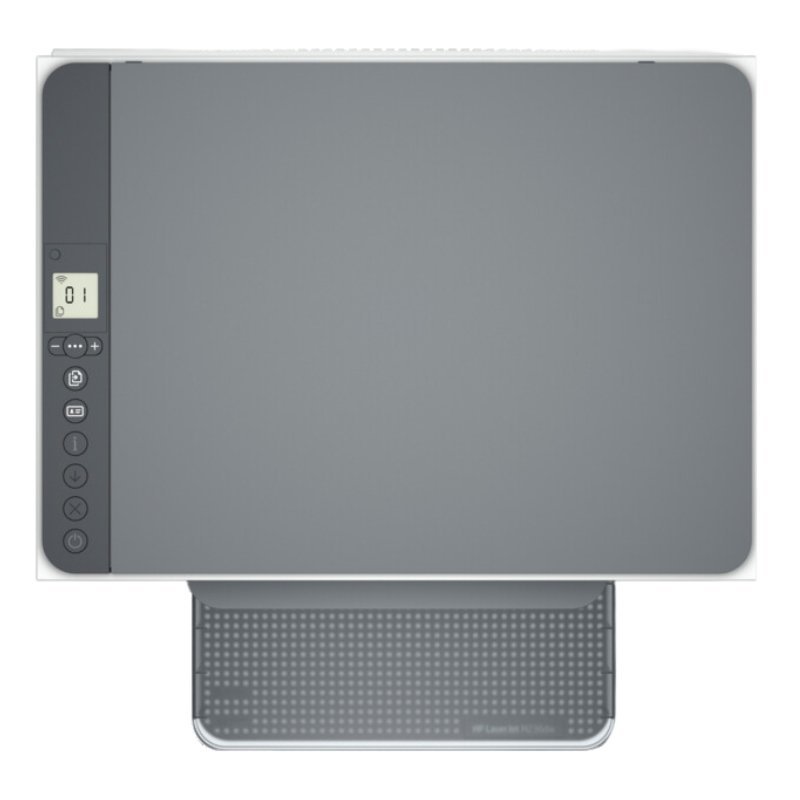
Small spaces need small machines. The HP LaserJet M236DW printer belongs to HP’s compact M236 family, and the DW in the name usually points to automatic duplex printing and WiFi. Our team can confirm whether this listing also includes copy and scan.
The M236 range is designed for small teams and home offices that want reliable laser output without a large machine. It brings the sharpness of laser printing into a tidy, desk-friendly footprint.
Key Features and Benefits
- Compact laser design. Suited to small desks and offices.
- Likely duplex and WiFi. DW often indicates these features.
- HP LaserJet. A respected office range.
- Sharp text. Laser output stays crisp.
- M236 family. Also includes multifunction versions.
Where It Works Best
It suits home offices, small businesses, schools and clinics that want compact, reliable laser printing with wireless convenience.
Buying Guide: What to Check First
Ask our team to confirm whether this listing is a print-only or multifunction model, because the M236 family includes both. Check speed, toner reference and monthly volume. Compare it with the MFP M236D and MFP M236SDN if you need copying and scanning.
Installation and Setup Tips
Place the printer near power with a good WiFi signal. Install toner, load paper and connect to your network. Install the driver, print a test page and set duplex as the default.
Understanding the M236 Family
The M236 family includes models with different features, such as print-only, multifunction, duplex and network connectivity. The letters at the end of the name hint at the differences. Because it can be confusing, ask us to confirm exactly what this model includes before you buy.
Compact Doesn't Mean Weak
A compact printer can still produce sharp, fast output for small teams. The key is to match the machine to your monthly volume. If you print a few hundred pages a month, a compact laser is ideal. For thousands, choose a heavier-duty model.
Everyday Printer Care
Keep the printer clean and dust-free, use good paper and keep spare toner. Place it in a ventilated spot. A little care keeps compact printers running smoothly for years.
Troubleshooting Print Quality
If prints look faint, streaky or smudged, check the toner first. Remove the cartridge, rock it gently and reinstall it. Make sure you use suitable paper and that the paper is dry. Clean the printer's interior if your manual allows, and run any built-in cleaning page. If problems continue, replace the cartridge. Persistent faults may need a technician, so contact us and describe what you see, so we can help you quickly. If you are unsure whether you need copying and scanning, tell us how you work, and we will point you to the right model before you spend your money.
Frequently Asked Questions
Can it copy and scan?
Ask us to confirm for this listing.
Is it wireless?
DW often means duplex and wireless.
Is it compact?
The M236 family is compact.
Which toner does it use?
Ask us.
Buy HP LaserJet M236DW Printer From Nosik Mart
Add the HP LaserJet M236DW to your small office. Add it to your cart today, or contact the Nosik Mart team for availability, delivery options and help choosing the right setup.