


Wireless Mono Laser Printing With Duplex
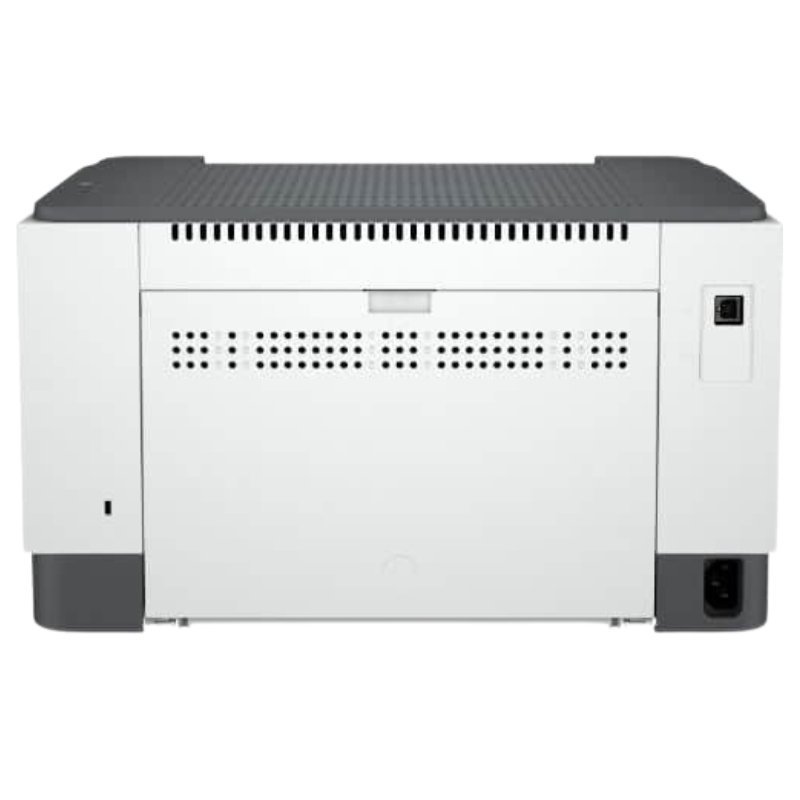
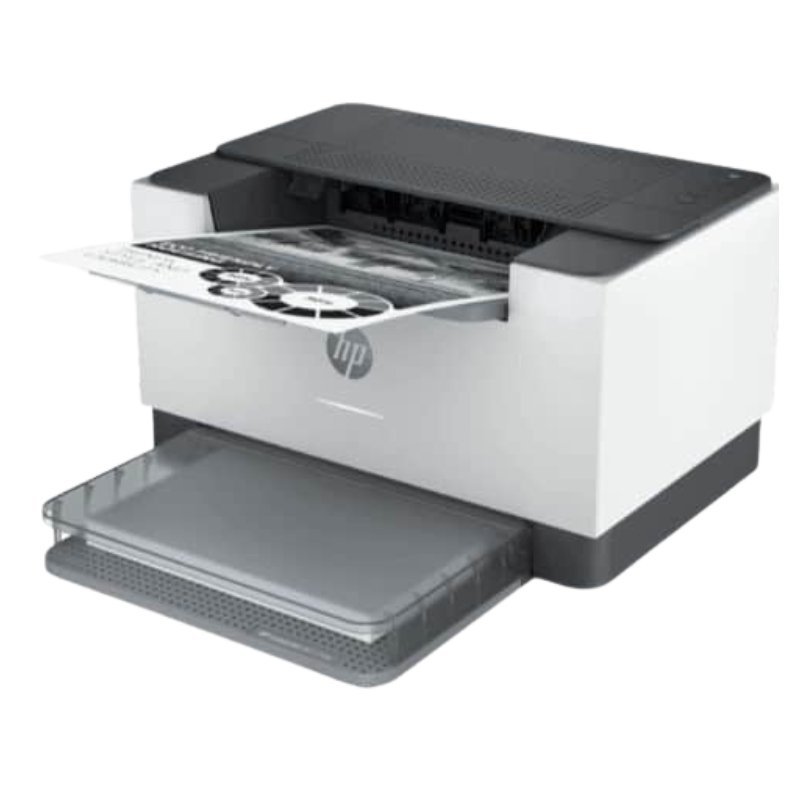
Sharing one printer among several people is easier when it is wireless. The HP LaserJet M211DW printer is a mono laser printer, and the D and W in the model name usually point to automatic duplex printing and WiFi, which our team can confirm.
It is the wireless sibling of the M211D. Everyone on your network can print from their own computer or phone, which suits small offices, classrooms and busy households.
Key Features and Benefits
- Mono laser. Sharp black text for everyday documents.
- Likely duplex and WiFi. D and W often indicate these features.
- Shareable. Print from several devices.
- HP LaserJet. A respected office range.
- Economical. Toner suits high-volume printing.
Where It Works Best
It suits small offices, classrooms, clinics and shared homes that print black-and-white documents and want wireless access.
Buying Guide: What to Check First
Ask our team to confirm WiFi and duplex features, print speed, tray capacity and toner reference. Check your router and set up a strong WiFi password. Compare the price with the M211D to decide whether wireless is worth it.
Installation and Setup Tips
Place the printer within good WiFi range. Install toner, load paper and connect to your network through the setup menu or app. Install the driver, print a test page and test from a phone.
Setting Up WiFi Printing
Make sure your WiFi is working, then follow the printer's setup steps to join the network. Install the driver on each computer, and test from a phone with a print app. If prints fail, check that devices are on the same network and restart the printer.
Keeping a Shared Printer Organised
Decide who is responsible for paper and toner. Keep spare toner and paper nearby, and show users how to clear simple jams. Set duplex as the default to save paper. A little organisation keeps a shared printer running smoothly.
Securing a Wireless Printer
Use a strong WiFi password and keep the printer's software updated. Do not share your network with strangers. A secure printer protects your documents and prevents misuse.
Choosing the Right Printer for Your Office
Start by estimating how many pages you print each month, then decide whether you need black-and-white or colour, and whether copying and scanning matter. Check connectivity: USB for one computer, WiFi or network for a team. Consider duplex printing to save paper, and compare toner costs. A printer that fits your real needs will cost less to run and last longer. Tell us how you work, and we will recommend a model that suits your office and budget. Ask us how many pages the toner usually prints and what a replacement costs, so you can budget for running costs before you buy the printer.
Frequently Asked Questions
What does DW mean?
Often duplex and wireless. Ask us to confirm.
Can I print from my phone?
Wireless printers usually support it.
Does it print in colour?
No, mono.
Which toner does it use?
Ask us.
Buy HP LaserJet M211DW Printer From Nosik Mart
Share your printing with the HP LaserJet M211DW. Add it to your cart today, or contact the Nosik Mart team for availability, delivery options and help choosing the right setup.