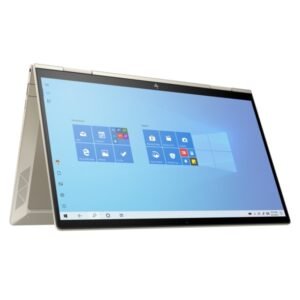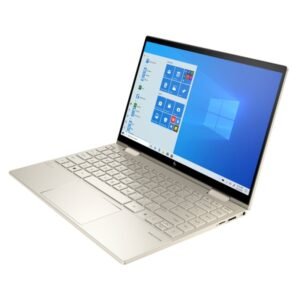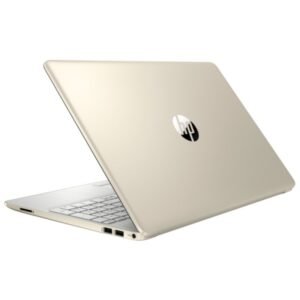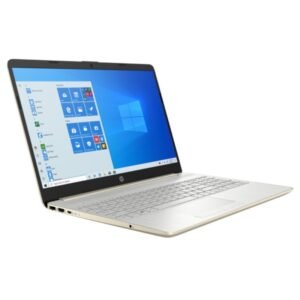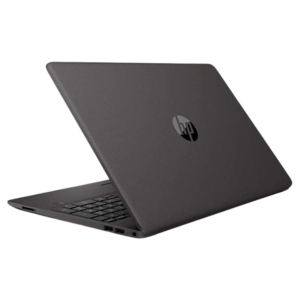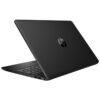


A Touch Laptop With Bluetooth and HDMI, Ready for Your Own System
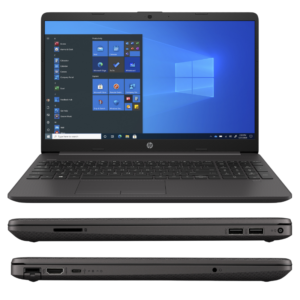
Connectivity matters as much as performance. The HP Laptop 15-dw1324nia (3V033EA) has an Intel Core i3-1005G1 processor, 4GB of RAM, a 1TB hard drive and a 15.6-inch HD touch display, plus Bluetooth 4.2 and an HDMI port, supplied with FreeDOS.
Bluetooth lets you connect wireless headphones, mice and speakers, while HDMI lets you connect a TV or projector for presentations and movies. FreeDOS means you choose your own operating system.
Key Features and Benefits
- 15.6-inch HD touch display. Tap and swipe on a larger screen.
- Bluetooth 4.2. Connect wireless accessories.
- HDMI port. Connect TVs, monitors and projectors.
- Core i3-1005G1. An efficient 10th generation processor.
- FreeDOS. No Windows included.
Where It Works Best
It suits schools, resellers and users with their own licences who want a touch laptop with Bluetooth and HDMI for presentations and everyday use.
Buying Guide: What to Check First
You will need to install an operating system, so ask us about installation help. Ask our team to confirm the battery and warranty. Windows 10 reached end of support in October 2025, so consider Windows 11 where possible.
Installation and Setup Tips
Install your operating system and HP drivers, enable Bluetooth and test the HDMI connection. Run updates and install security software. Back up your files.
Using HDMI for Presentations
HDMI is the simplest way to connect a laptop to a projector or TV. Plug in the cable, choose the display mode in Windows and check the sound output. Test before an important presentation, and carry a spare cable. A well-prepared connection avoids last-minute stress.
Bluetooth Basics
Bluetooth lets you connect wireless headphones, speakers and mice without cables. Pair devices through the settings menu, and keep them charged. If a device does not connect, turn Bluetooth off and on again. It is a simple way to reduce cable clutter.
Choosing Your Own System
With FreeDOS, you decide which operating system to install. Use a licensed copy of Windows or another supported system, and download HP drivers. Keep a backup of your installer, so reinstalling is easy.
Why Bluetooth and HDMI Are Useful
These two features make a laptop far more flexible. Bluetooth lets you connect wireless headphones, speakers, keyboards and mice, so you can reduce cable clutter. HDMI lets you send your screen to a projector, TV or external monitor, which is vital for presentations, teaching and movie nights. Both are common on modern laptops, but it is good to confirm they are included. In this model they are listed, which makes it a good choice for classrooms and offices. Test Bluetooth and HDMI as soon as you set the laptop up, so you know everything works before an important presentation or class begins.
Frequently Asked Questions
Does it include Windows?
No, it ships with FreeDOS.
Can I connect it to a TV?
Yes, through the HDMI port.
Does it have Bluetooth?
Yes, Bluetooth 4.2 as listed.
Is it touch?
Yes, as listed.
Buy HP Laptop 15-DW1324NIA From Nosik Mart
Pick the HP Laptop 15-dw1324nia for a flexible touch laptop. Add it to your cart today, or contact the Nosik Mart team for availability, delivery options and help choosing the right setup.