
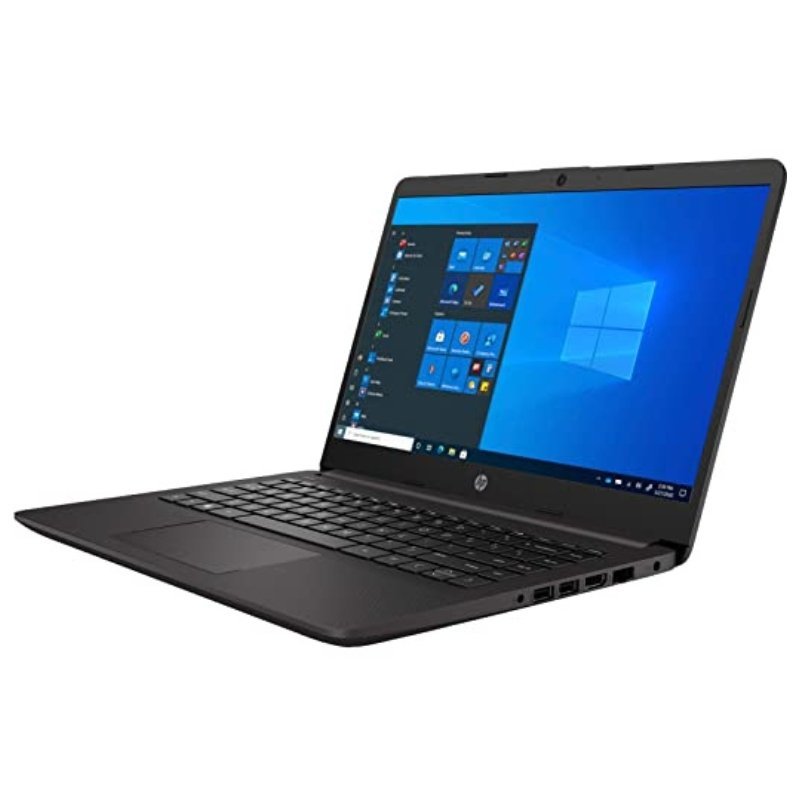


A 14-Inch Business Laptop Ready for Your Own Operating System
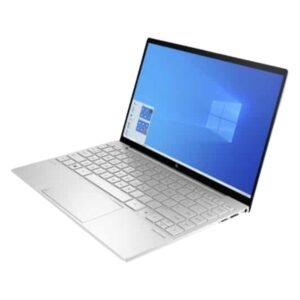
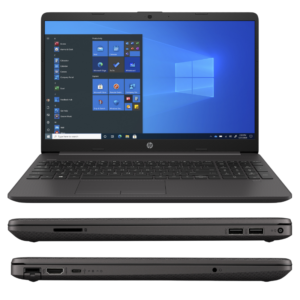
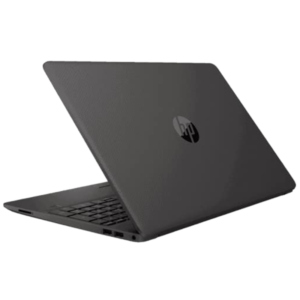
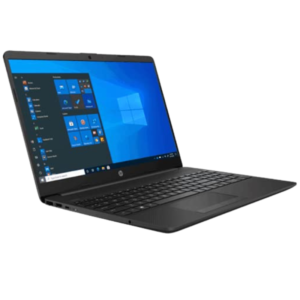
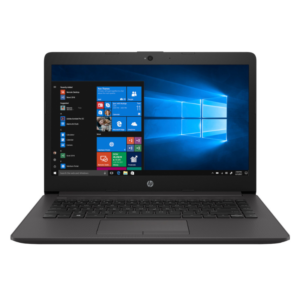
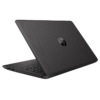
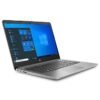
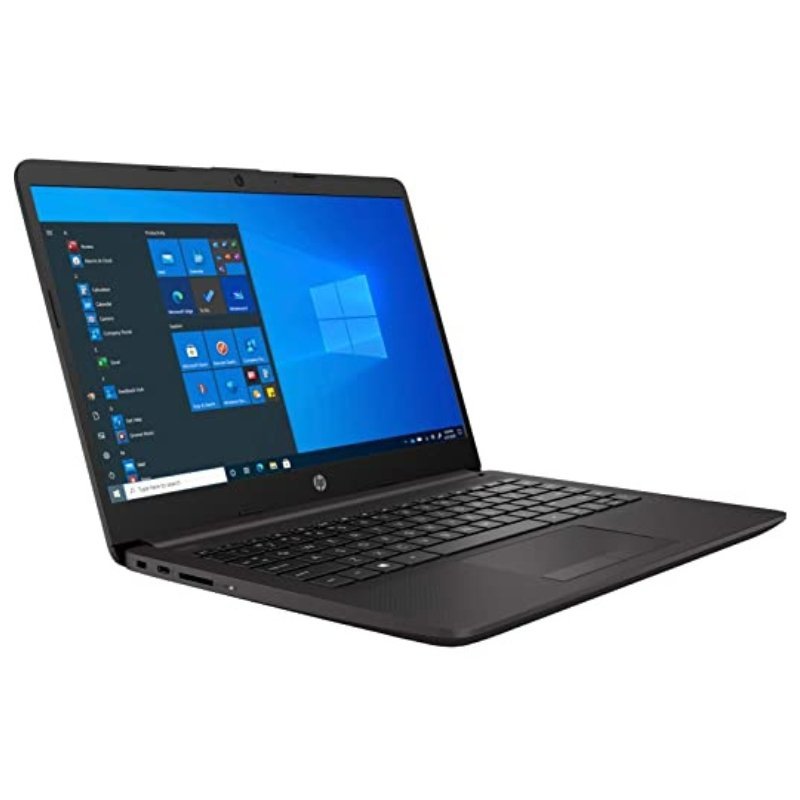
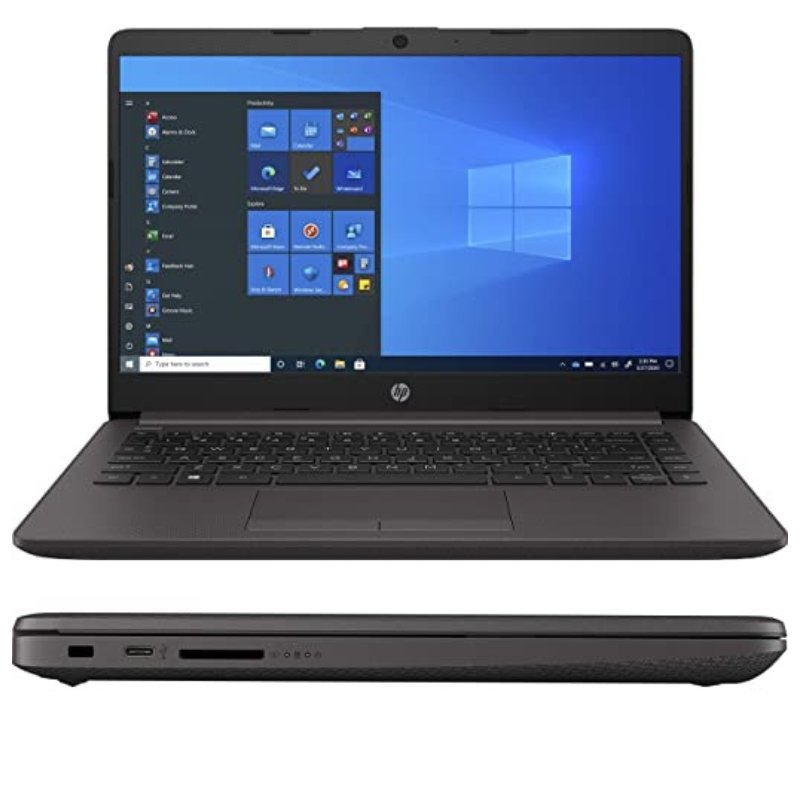
If you already have a Windows licence or prefer to install your own system, a laptop supplied with DOS makes sense. The HP 240 G8 3D0J1PA is a 14-inch business laptop with an Intel Core i3-1005G1, 4GB of RAM and a 1TB hard drive, with no optical drive.
DOS here means the laptop ships without Windows installed. This keeps the price lower, and gives you the freedom to install the operating system you want.
Key Features and Benefits
- DOS operating system. Ships without Windows, for lower cost and flexibility.
- Intel Core i3-1005G1. An efficient 10th generation processor.
- 4GB RAM and 1TB HDD. Basic memory and generous storage.
- 14-inch display. Portable and practical.
- No optical drive. A slimmer, simpler design.
Where It Works Best
It suits schools, offices and IT resellers that install their own images, and individuals who already have a Windows licence or prefer to set up their own system.
Buying Guide: What to Check First
Because it ships with DOS, you will need to install an operating system before use, such as a licensed copy of Windows. Ask our team about installation services. Confirm the battery and warranty, and remember that Windows 10 has reached end of support.
Installation and Setup Tips
Prepare a bootable installer, install your chosen operating system, then install drivers from HP. Set up updates, security and backups. Keep the laptop cool and clean.
Why Laptops Ship With DOS
Manufacturers sell some models without Windows to reduce price and meet the needs of buyers who bring their own licences. These models are common in business and education, where organisations install custom images on many machines. If you are an individual, you will need to install an operating system yourself or ask for help.
Installing an Operating System
You will need an installer on a USB drive and a valid licence. After installation, download the HP drivers for graphics, Wi-Fi and other components. This ensures everything works as designed. If you are not confident, ask a technician to do it.
Business Laptop Habits
Keep the system updated, use a strong password and back up important files regularly. Avoid pirated software, which can carry security risks. A clean, licensed installation gives you a reliable, secure work laptop. Many buyers of DOS laptops take the opportunity to install a lightweight, up-to-date system and remove unnecessary software. If you plan to deploy several laptops, build one reference installation, test it, and copy it to the rest, which saves hours and keeps every machine consistent. Write down the installed system version and licence details in a safe place, so future reinstallation or support is quick and straightforward for you or any technician.
Frequently Asked Questions
What does DOS mean?
It means no operating system is pre-installed.
Can you install Windows for me?
Ask us about installation services.
Do I need a licence?
Yes, for Windows.
Does it have a DVD drive?
No.
Buy HP 240 G8 3D0J1PA From Nosik Mart
Choose the HP 240 G8 3D0J1PA if you want to install your own system. Add it to your cart today, or contact the Nosik Mart team for availability, delivery options and help choosing the right setup.