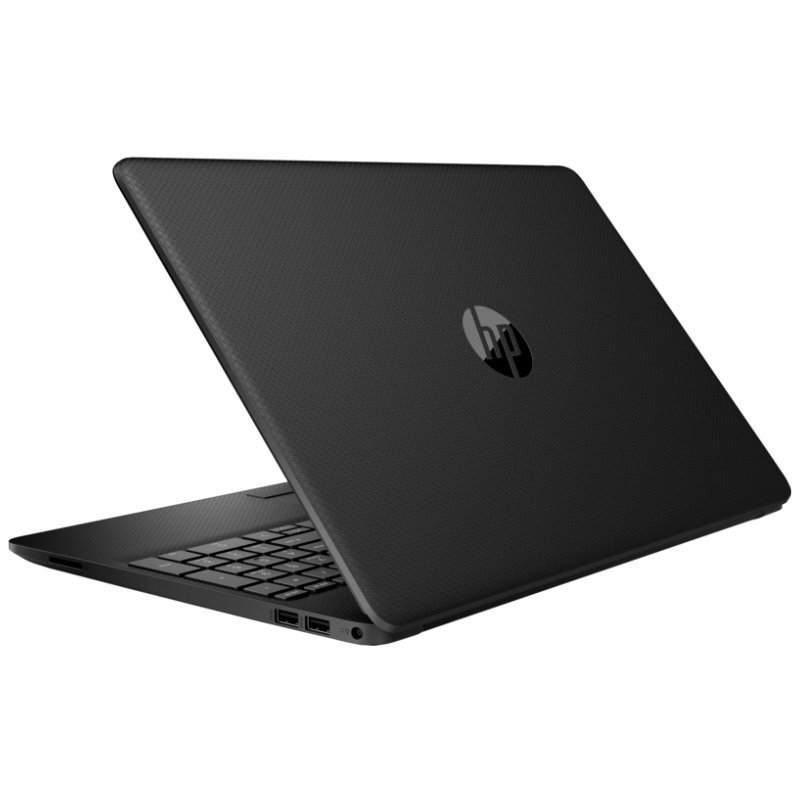
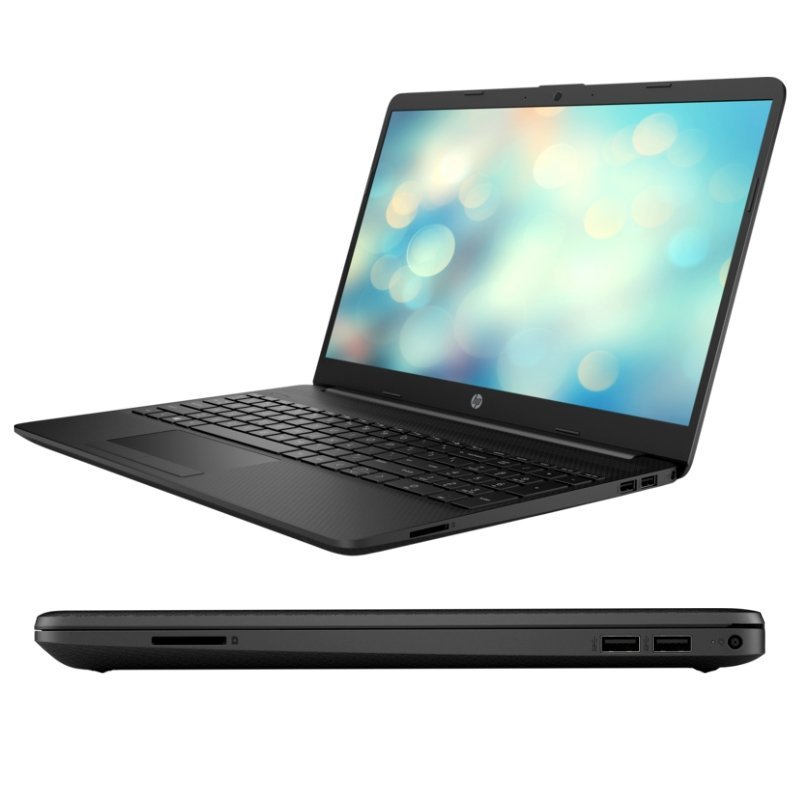
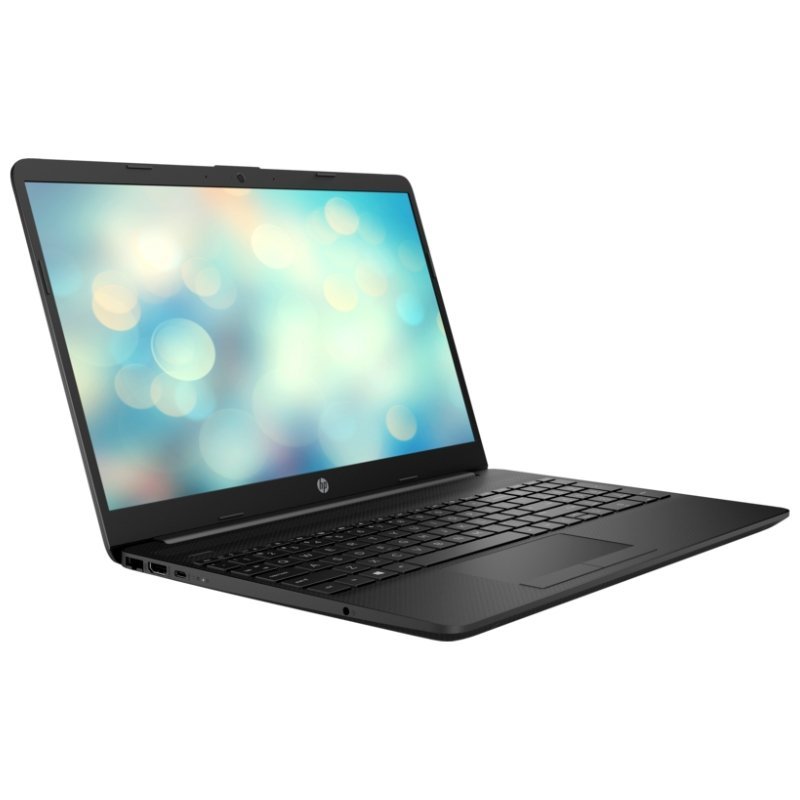
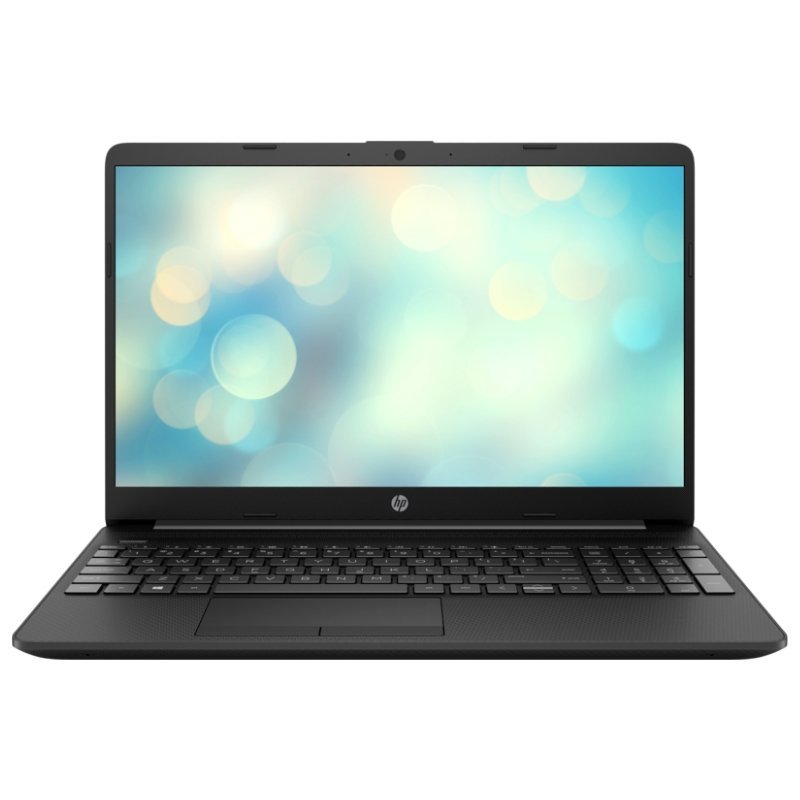

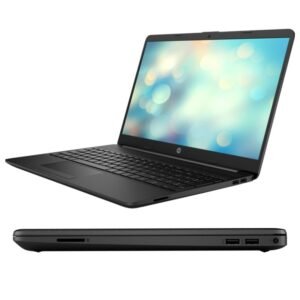
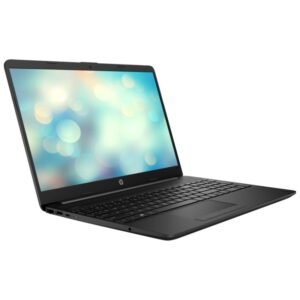
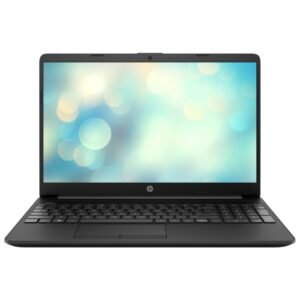

Core i5 Power, a 512GB SSD and NVIDIA MX350 Graphics
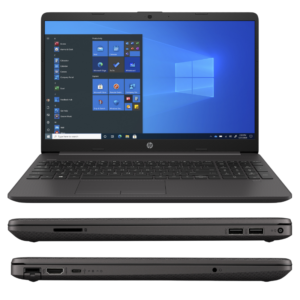
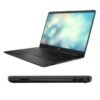
For students and creators who want more than an everyday laptop, this configuration stands out. The HP Laptop 15-DW3158NIA features an 11th generation Intel Core i5-1135G7, 8GB of RAM, a 512GB SSD and NVIDIA GeForce MX350 graphics with 2GB GDDR5, supplied with FreeDOS and an English keyboard.
The MX350 is a dedicated graphics card that helps with photo editing, video work and light gaming compared with integrated graphics alone. Combined with a fast SSD and a quad-core processor, it makes a capable all-round laptop.
Key Features and Benefits
- Core i5-1135G7. An 11th generation quad-core processor.
- NVIDIA GeForce MX350 2GB. Dedicated graphics for visuals and light creative work.
- 8GB RAM. Comfortable multitasking.
- 512GB SSD. Fast and spacious storage.
- FreeDOS and English keyboard. Choose your own system.
Where It Works Best
It suits engineering and design students, photographers, content creators and professionals who want dedicated graphics and a fast SSD at a sensible price.
Buying Guide: What to Check First
FreeDOS means you must install an operating system, so ask us about installation help. Ask our team to confirm the battery, screen details and warranty. The MX350 helps with light creative work but is not a gaming laptop for demanding titles.
Installation and Setup Tips
Install your operating system and drivers, including NVIDIA drivers. Run updates, install security software and back up files. Keep the vents clear to help with cooling.
What the MX350 Offers
The NVIDIA GeForce MX350 is an entry-level dedicated graphics card. It accelerates some creative applications and handles lighter games better than integrated graphics. It will not match a gaming laptop, but it gives students and creators a useful boost.
Installing Drivers
After installing your operating system, install the Intel, NVIDIA and other drivers from HP's official site. Updated drivers improve stability, battery life and performance. Restart after installation, and check Device Manager for any warnings.
Keeping a Graphics Laptop Cool
Graphics workloads generate heat, so keep the vents clear and use a hard surface. A cooling pad can help during long sessions. Avoid blocking airflow with soft surfaces. A cooler laptop performs better and lasts longer.
Choosing Graphics for Study and Creative Work
Students who study design, architecture, engineering or media often need more graphics power than a basic laptop provides. An entry-level dedicated card such as the MX350 can help with 3D modelling at a basic level, photo editing and video projects. For professional or demanding work, you will want a stronger machine, but for learning and light projects this is a very sensible choice. Tell us what software you use, and we will tell you whether this laptop is suitable.
Frequently Asked Questions
Does it include Windows?
No, it ships with FreeDOS.
Is MX350 good for gaming?
It handles light games.
Is it good for editing?
For light photo and video editing, yes.
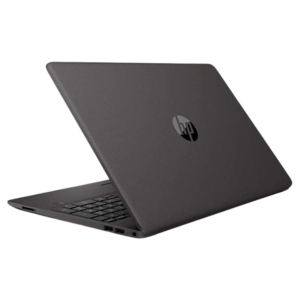
Is it a black laptop?
The listing says black.
Buy HP Laptop 15-DW3158NIA From Nosik Mart
Choose the HP Laptop 15-DW3158NIA for speed and dedicated graphics. Add it to your cart today, or contact the Nosik Mart team for availability, delivery options and help choosing the right setup.