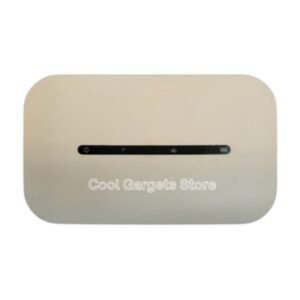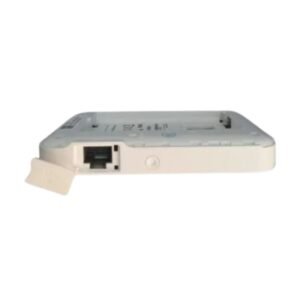

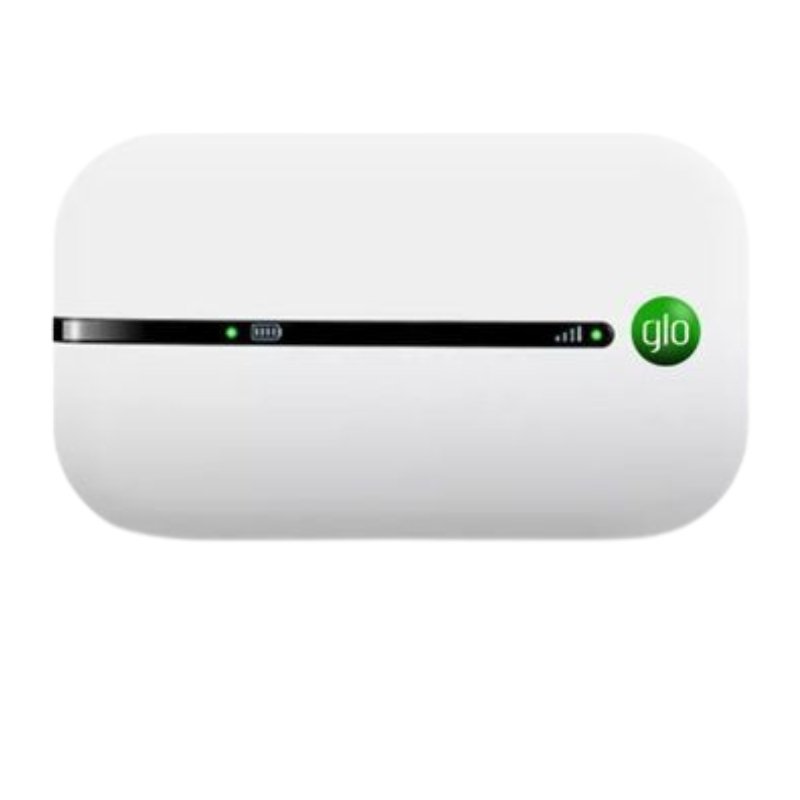
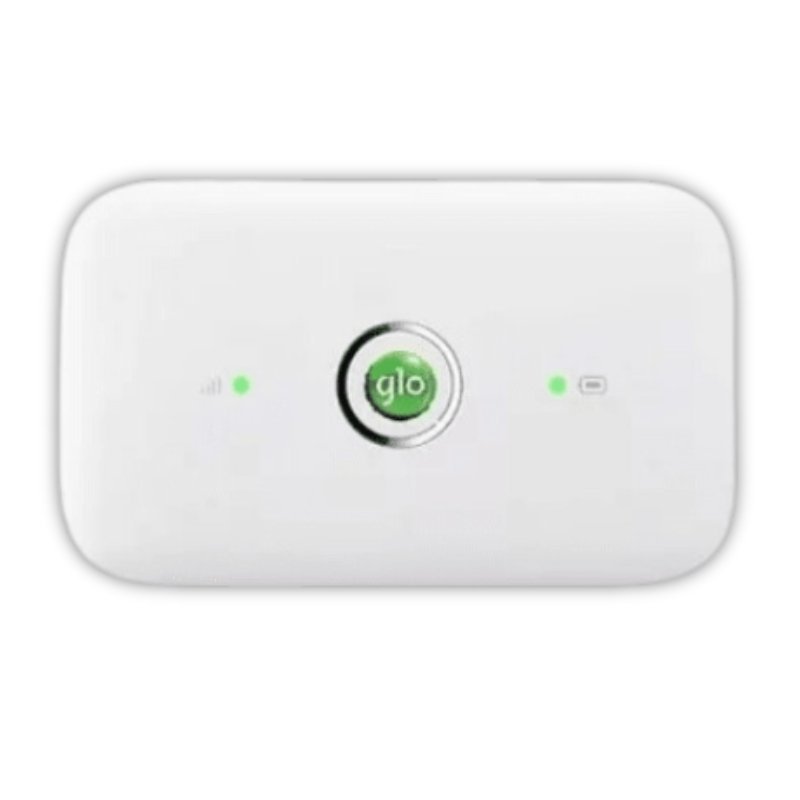
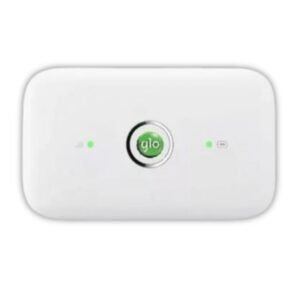

A Portable MiFi Router for Glo 3G and 4G Networks
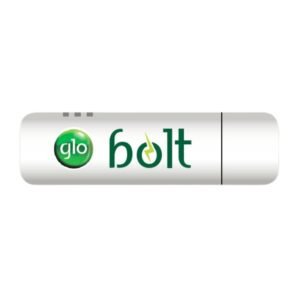
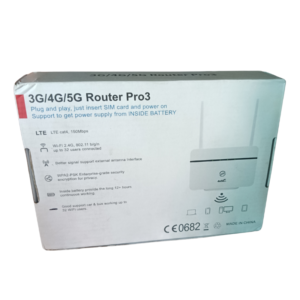
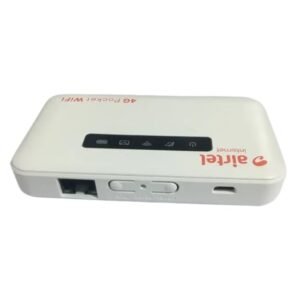
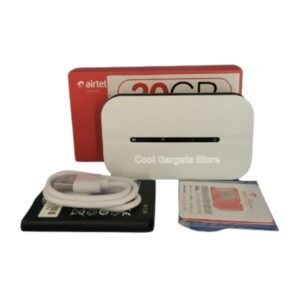
Glo users who want portable internet for several devices can use a MiFi instead of tethering from a phone. The Glo 3G-4G MiFi router takes a data SIM and shares the connection over WiFi, working on 3G and 4G networks where Glo coverage is available.
A 3G-4G MiFi falls back to 3G if 4G is not available, which helps in areas with patchy coverage. Ask our team whether this device is locked to Glo, so you know which SIMs it accepts.
Key Features and Benefits
- 3G and 4G support. Works on both network types.
- Portable WiFi. Shares one SIM with several devices.
- Battery powered. Use it on the move.
- Glo MiFi. Designed for Glo's network.
- Simple setup. Insert a SIM and switch on.
Where It Works Best
It suits students, travellers, traders and remote workers who use Glo and want a separate, portable internet source for several devices.
Buying Guide: What to Check First
Ask our team whether the MiFi is locked to Glo, how many devices it supports and how long the battery lasts. Check Glo coverage where you use it. A Glo data bundle is needed for internet.
Installation and Setup Tips
Insert an active Glo data SIM, switch on the MiFi and wait for it to connect. Connect your devices using the WiFi name and password on the device. Change the default password, and charge the battery regularly.
Why 3G Fallback Helps
In areas where 4G coverage is weak, a device that falls back to 3G can still keep you online. Speeds are lower, but a slow connection is better than none. If you often work outside cities, a 3G-4G device is a safer choice.
Choosing Data Bundles for a MiFi
MiFi devices share one data bundle between all connected devices, so it can disappear quickly. Choose a plan that matches how many devices you connect and what you do. Check balance often, and avoid automatic updates on large files.
Taking Care of Your MiFi
Charge it fully, keep it cool and avoid leaving it in direct sun. Do not drop it, and keep the SIM slot clean. Good care keeps the device reliable.
Choosing Between Network-Specific and Unlocked MiFi Devices
A Glo-specific MiFi is designed for Glo's network and is often priced attractively. The trade-off is that it may not accept SIMs from other networks. If you only ever plan to use Glo, a locked device is fine. If you might change network or travel to places where another network is stronger, consider an unlocked MiFi. Ask us which type this one is, and we will help you choose. Ask us about a protective case and a power bank, so your MiFi survives knocks in a bag and stays charged through long days of travel and work.
Frequently Asked Questions
Is it locked to Glo?
Ask us to confirm.
Does it need a SIM?
Yes.
Does it work on 3G?
Yes, as named.
How many devices can connect?
Ask us.
Buy Glo 3G-4G MiFi Router From Nosik Mart
Stay connected with the Glo 3G-4G MiFi Router. Add it to your cart today, or contact the Nosik Mart team for availability, delivery options and help choosing the right setup.