
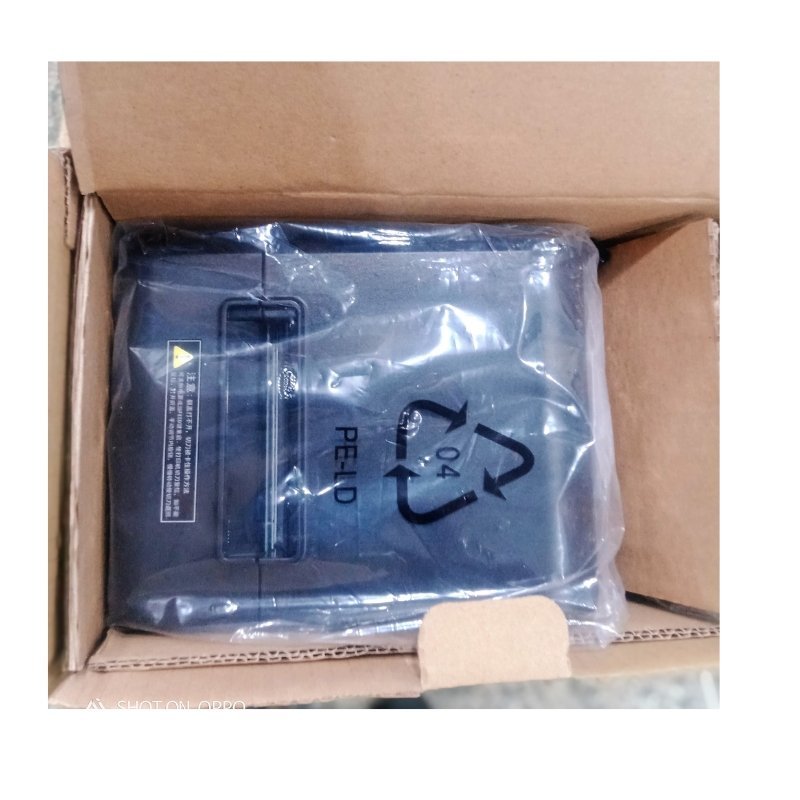


Compact Receipt Printing for Growing Businesses
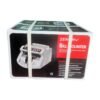
Not every counter needs the biggest printer. The Xprinter medium thermal receipt printer offers thermal printing in a more compact size, giving shops, cafes and kiosks quick, clean receipts without taking over the counter.
With no ink or toner, a thermal printer is cheap to run and easy to maintain. The medium size is a sensible choice for businesses with moderate daily receipt volume.
Key Features and Benefits
- Thermal printing. No ink, toner or ribbons needed.
- Medium size. More compact than the large model.
- Quick and quiet. Receipts print in seconds.
- Xprinter brand. A known name in POS printers.
- Low running cost. Only paper rolls to replace.
Where It Works Best
It suits cafes, boutiques, small supermarkets, salons, kiosks, pharmacies and market stalls that print receipts regularly but have limited counter space.
Buying Guide: What to Check First
Ask our team about the paper width, speed, interfaces, cutter and software compatibility. Confirm how the medium size differs from the large model, and check the paper rolls you need. Test with your POS.
Installation and Setup Tips
Place the printer on a flat surface near the till, load the roll, connect it and install the driver. Print a test receipt and adjust the settings. Keep the printer clean and dry.
Choosing Between Large and Medium
Think about your daily receipt volume, counter space and how fast you need to print. A larger printer suits all-day, heavy use. A medium printer suits steady but lighter use and takes up less room. Ask us to compare so you choose the right size.
Setting Up Receipts Properly
Set up your business name, address and thank-you message in your POS software. Test a few receipts and check alignment. Clear receipts look professional and help with returns and records.
Looking After Your Printer
Wipe the outside, keep the paper path clear and use good quality thermal paper. Store spare rolls in a cool, dark place. Avoid spilling liquids near the printer. Good care keeps your receipts crisp and your queues short.
Branding Your Receipts
A receipt is often the last thing a customer sees from your business. Use your POS software to add your shop name, address, phone number and a short thank-you message. Check that text is clear and well aligned. Some businesses add promotions or social media details. A neat, branded receipt looks professional and gives customers a reminder to come back. Print a test receipt after any change to check how it looks. Also keep the printer's manual or a short setup note in a drawer, so a new member of staff can change a roll or fix a simple problem without having to wait for you.
Frequently Asked Questions
How is it different from the large model?
Ask us to compare size and features.
Does it use ink?
No, it uses thermal paper.
Which POS works with it?
Ask us for compatible systems.
Does it cut the paper?
Ask us.
Buy Xprinter Medium Thermal Receipt Printer From Nosik Mart
Print clean receipts with the Xprinter Medium Thermal Receipt Printer. Add it to your cart today, or contact the Nosik Mart team for availability, delivery options and help choosing the right setup.