

Sunshine on the Page: Yellow for Warm, Balanced Colour
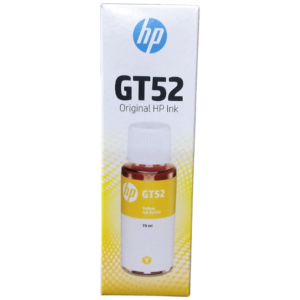
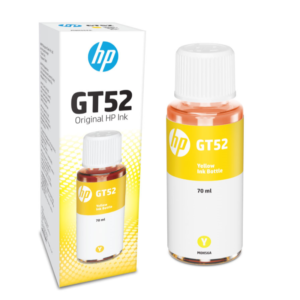
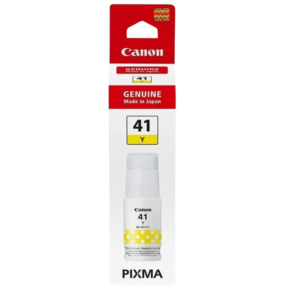
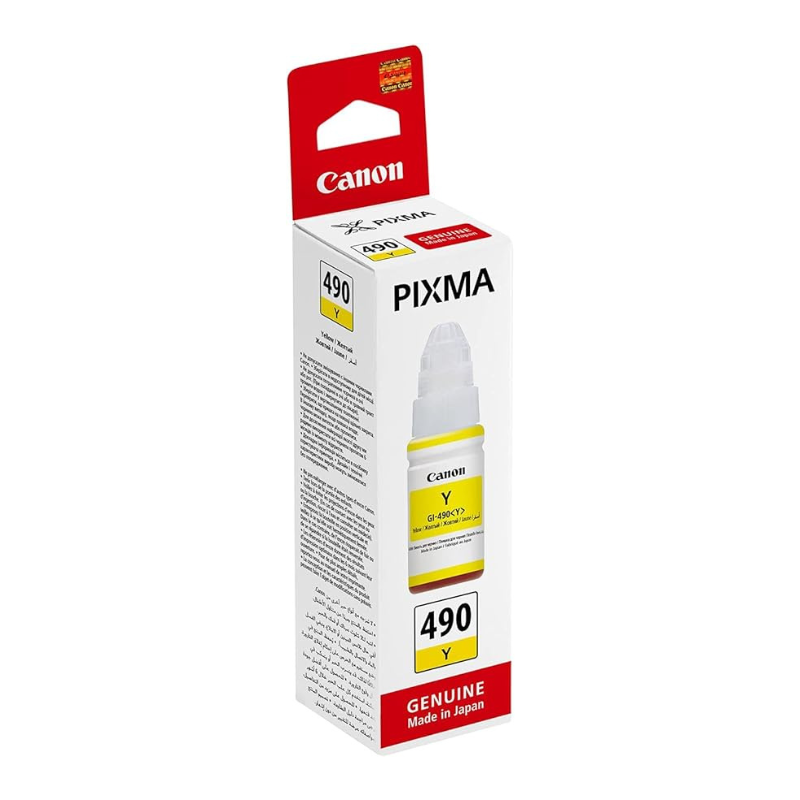
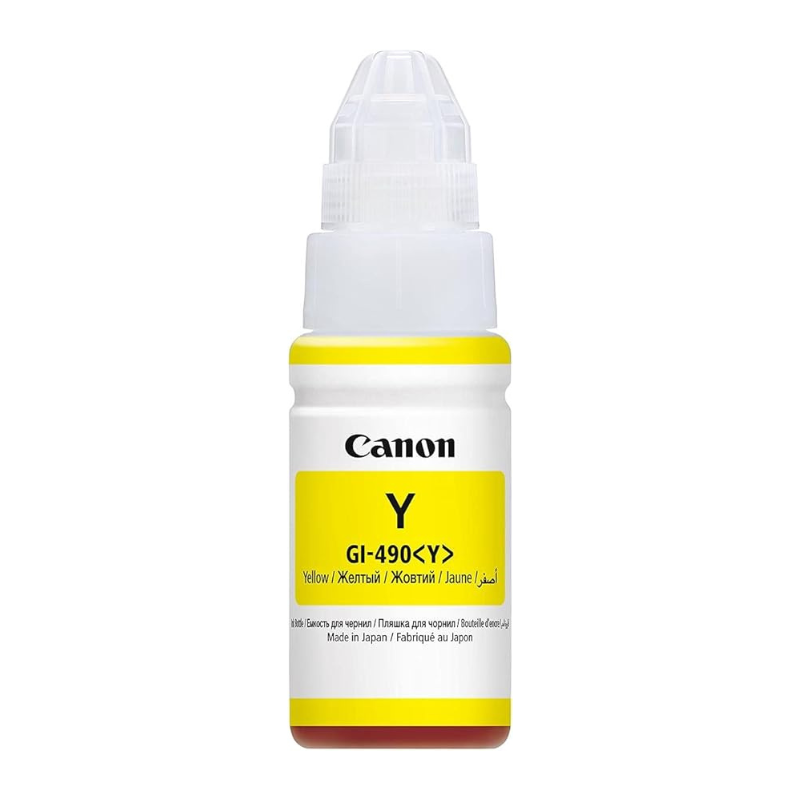
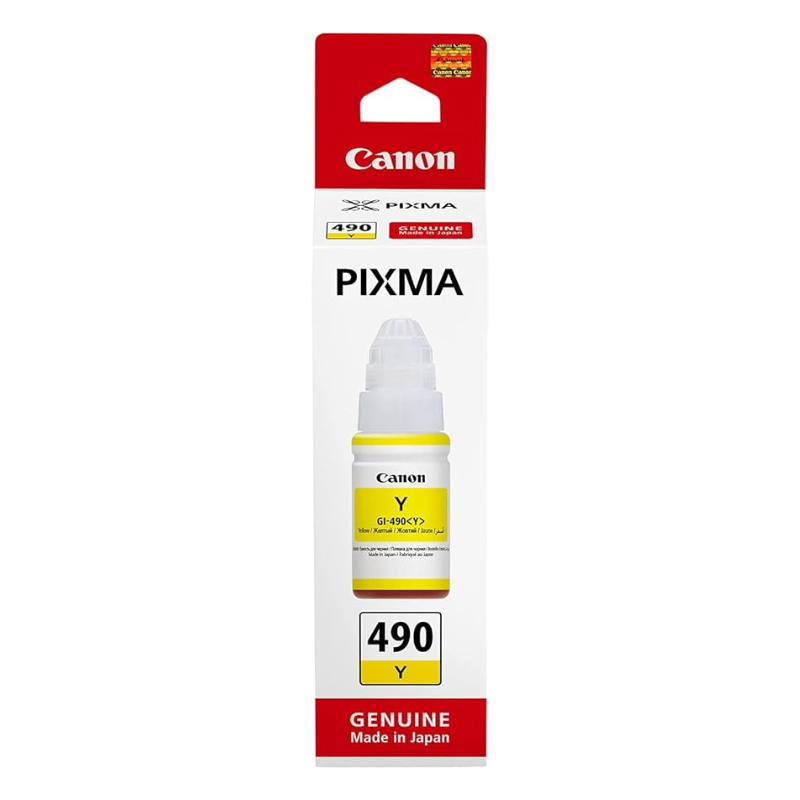
Yellow never looks like the star of a print, yet nearly every colour on the page depends on it. The Canon PIXMA 490 yellow ink supplies the yellow in your Canon PIXMA printer, adding warmth to greens, oranges, golds and skin tones.
When yellow runs out, colour pages drift towards blue and grey, and the problem is easy to blame on the file or the paper. Replacing the ink promptly keeps your prints looking the way you intended.
Key Features and Benefits
- 490 reference. A specific ink reference to match your printer.
- Yellow colour. Adds brightness and warmth to the colour mix.
- Canon PIXMA. Made for Canon PIXMA printers.
- Balanced prints. Keeps greens and skin tones natural.
- Good for signs and charts. Highlights and warnings stay clear.
Where It Works Best
Use it for school posters, certificates, event flyers, charts with highlighted sections and family photographs. Shops that print price tags and promotional notices also rely on yellow for eye-catching colour.
Buying Guide: What to Check First
Check the ink reference on your printer or old cartridge to confirm the 490 code. Ask our team to verify compatibility, and ask whether this item is original Canon ink. Consider the other colours too, since colours often run low together.
Installation and Setup Tips
Open the ink area following your printer's instructions, replace the yellow ink and close the cover. Print a test page, run a nozzle check and, if the yellow block has gaps, run one head-cleaning cycle. Avoid touching the nozzles.
How Yellow Shapes the Whole Page
Printers mix cyan, magenta and yellow to create every colour. Take away yellow and the mix tilts cool: leaves look teal, faces look grey and gold becomes brownish. That is why a printer with low yellow can seem to have a 'colour problem' even when the other inks are full. Replace yellow as soon as the level drops.
Choosing Paper for Bright Colour
Plain paper absorbs ink, which can make yellow look dull. Coated or photo paper keeps colours bright and sharp. If you print posters or certificates, test a page on the paper you plan to use. Let prints dry before stacking, and keep them out of direct sun to prevent fading.
Test Pages and Nozzle Checks
A nozzle check prints small blocks of each colour. If the yellow block has missing lines, the nozzle may be blocked or the ink empty. Run a cleaning cycle once, then repeat the check. If gaps persist, replace the ink or ask us for help. Quick tests save wasted pages.
Frequently Asked Questions
Will it fit my printer?
Check for the 490 reference. We can help confirm.
Why do my greens look blue?
Low yellow can make greens look bluish.
Is it original Canon ink?
Ask us to confirm for this listing.
Do you sell a full set?
Yes, ask us about the 490 set.
Buy Canon PIXMA 490 Yellow Ink From Nosik Mart
Brighten your prints with the Canon PIXMA 490 Yellow Ink. Add it to your cart today, or contact the Nosik Mart team for availability, delivery options and help choosing the right setup.