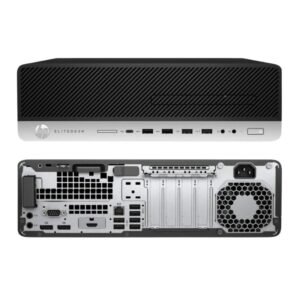



Add Bluetooth to Any PC or Laptop With a USB Port
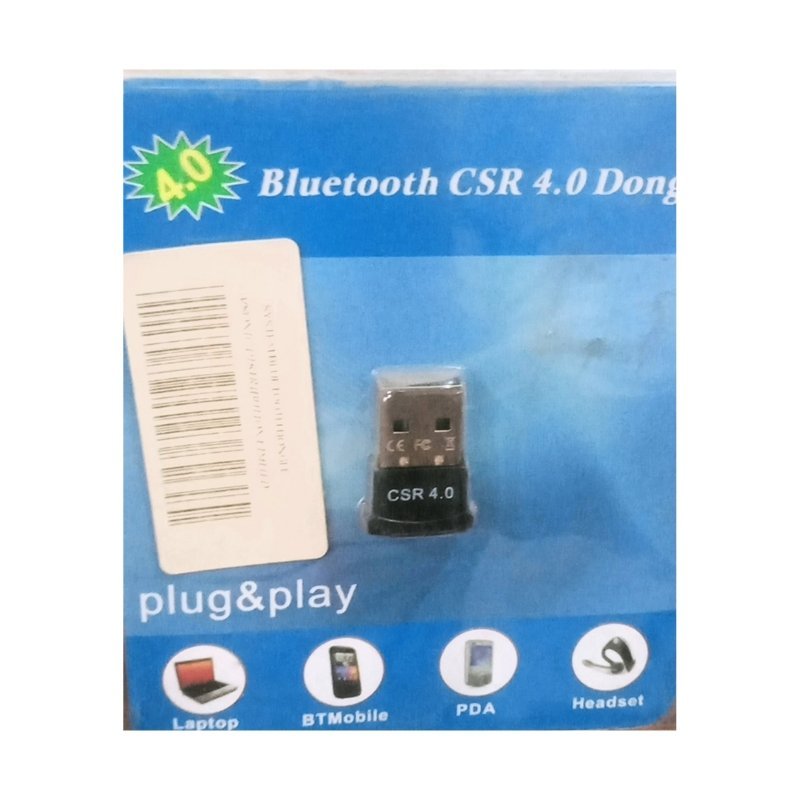
Many desktop PCs and older laptops have no Bluetooth. The Bluetooth CSR 4.0 dongle is a small USB adapter that adds it, so you can connect wireless headphones, speakers, mice, keyboards and phones without cables.
Bluetooth 4.0 is an older but widely used standard, and CSR is a well-known Bluetooth chip maker. Ask our team to confirm which operating systems work best, and whether drivers are needed.
Key Features and Benefits
- Bluetooth 4.0. A widely supported wireless standard.
- USB plug-in. Fits any free USB port.
- Plug and play. Often works without extra software.
- Compact. Tiny and easy to carry.
- Low cost. A cheap way to add Bluetooth.
Where It Works Best
It suits desktop users who want wireless headphones or a wireless mouse, laptop users with broken Bluetooth, and anyone who wants to transfer files or connect speakers.
Buying Guide: What to Check First
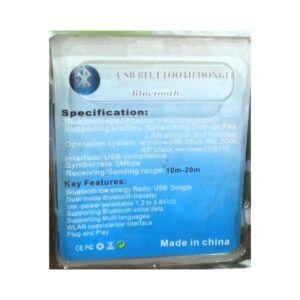
Ask our team which Windows versions and Linux or Mac systems the dongle supports, and whether drivers are needed. Bluetooth range depends on conditions, usually a few metres. Remember that a dongle adds Bluetooth, but it does not boost WiFi.
Installation and Setup Tips
Plug the dongle into a USB port and wait for Windows to install it. Open Bluetooth settings, switch on the device you want to connect and pair it. If the dongle is not recognised, install the driver.
Pairing Bluetooth Devices Step by Step
Put the device in pairing mode, open your computer's Bluetooth settings and choose Add device. Select the device from the list and confirm. Once paired, it reconnects automatically. If pairing fails, switch both devices off and on and try again.
Bluetooth Audio Tips
Bluetooth headphones may have a small delay in video. If you see lip-sync issues, check your headphones' settings or use a wired connection for video editing. Keep devices close and away from interference such as microwaves.
Taking Care of a USB Dongle
Avoid leaving the dongle in a loose port where it can be knocked. Keep it dry and remove it before moving a laptop. Small accessories last longer when protected.
Choosing Bluetooth Accessories for a PC
Once your PC has Bluetooth, you can use wireless headphones, speakers, mice, keyboards and even game controllers. Choose accessories that support the same Bluetooth version or an older one, because newer devices usually work with older dongles at older speeds. For voice calls, pick headphones with a good microphone. Keep accessories charged, and avoid pairing too many devices at once, since each one uses part of the connection. Keep the dongle's packaging or driver disc, if one came with it, so reinstalling the software is easy after a Windows reset or when you move to a new computer.
Frequently Asked Questions
Does it work on Windows 10 and 11?
Ask us about driver support.
What is the range?
A few metres in open space.
Can I connect headphones?
Yes, many Bluetooth headphones work.
Does it need drivers?
Sometimes.
Buy Bluetooth CSR 4.0 Dongle From Nosik Mart
Add Bluetooth with the CSR 4.0 Dongle. Add it to your cart today, or contact the Nosik Mart team for availability, delivery options and help choosing the right setup.