


A Home 4G Router That Brings Mobile Internet Indoors
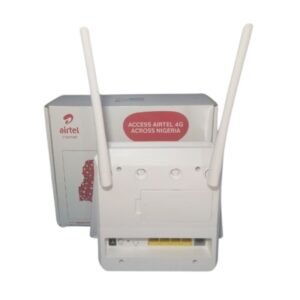
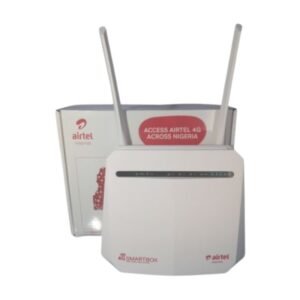
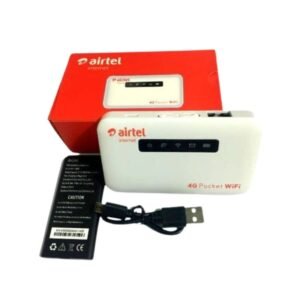
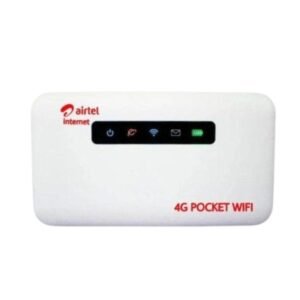
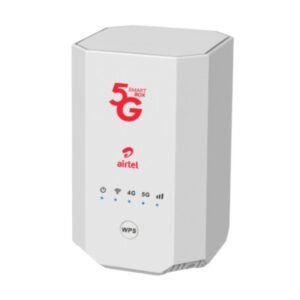
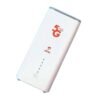
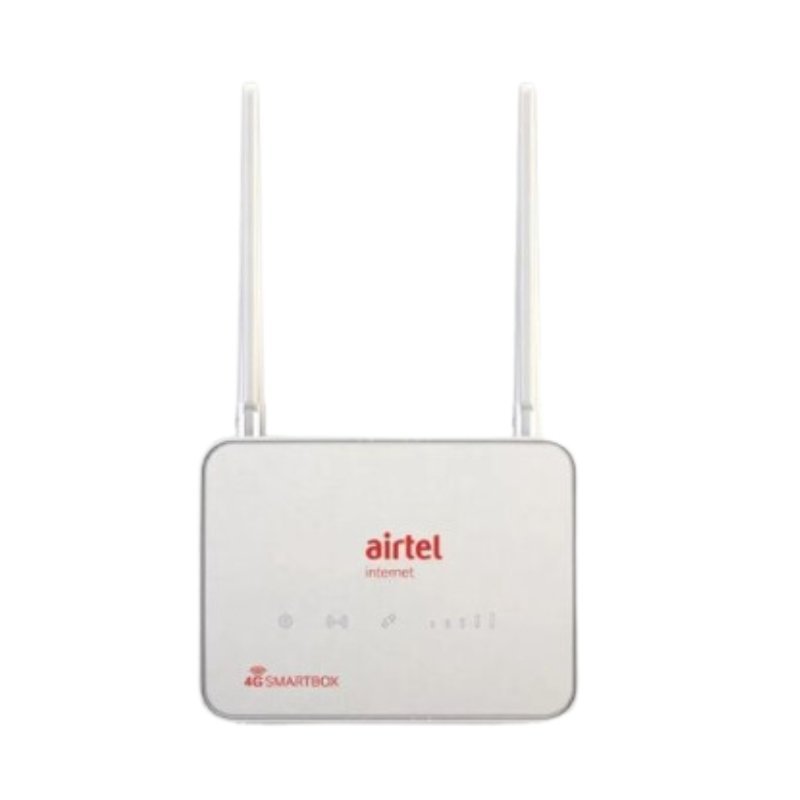
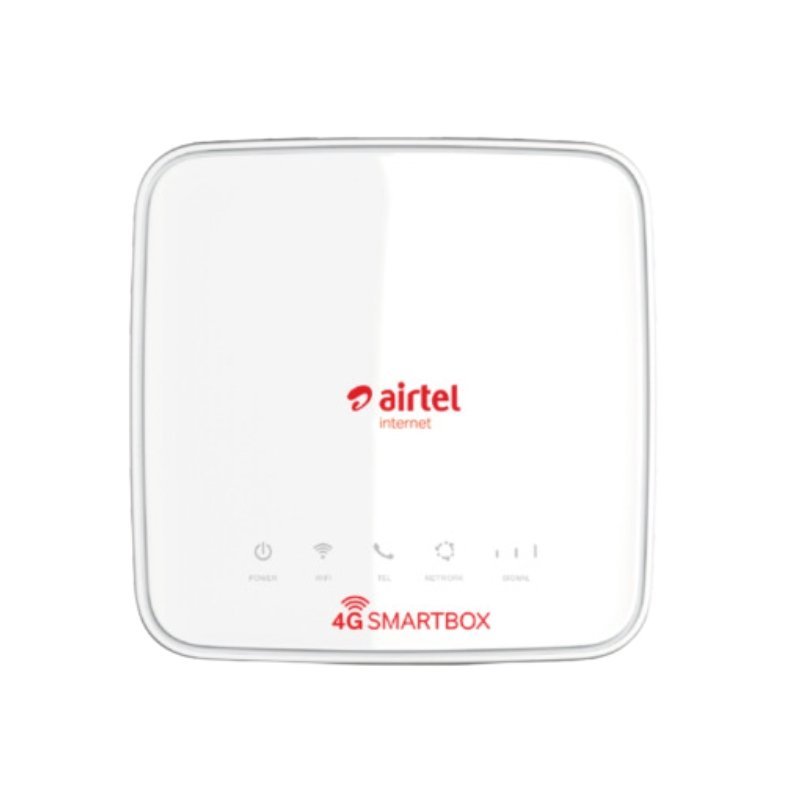
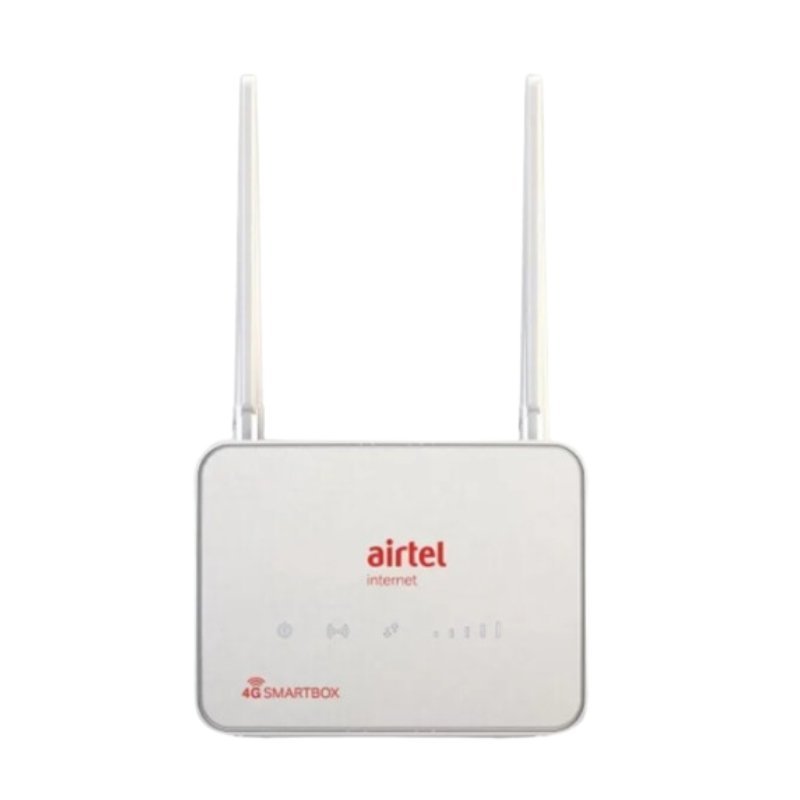
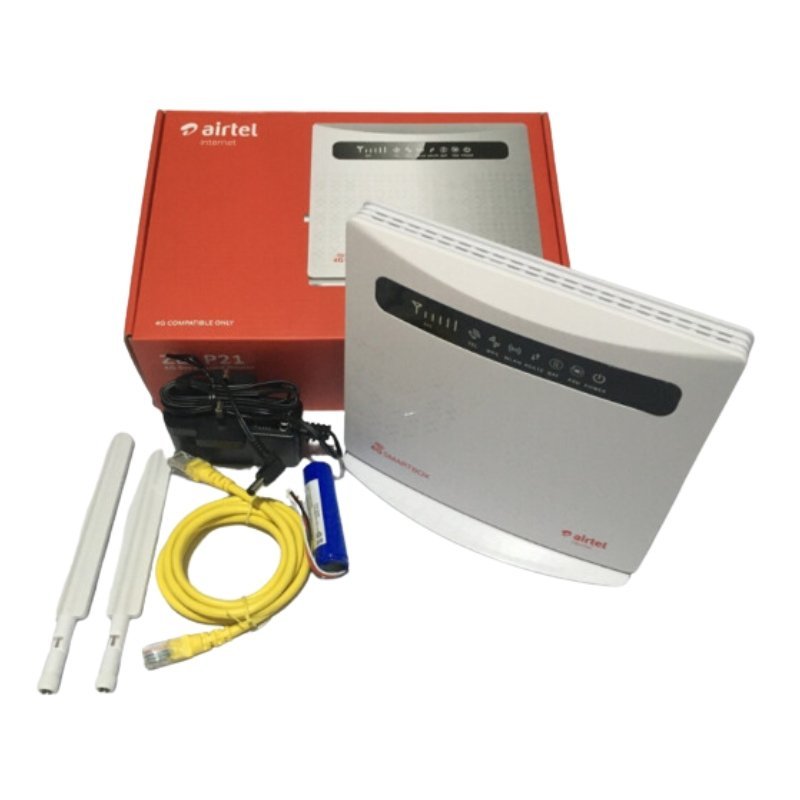
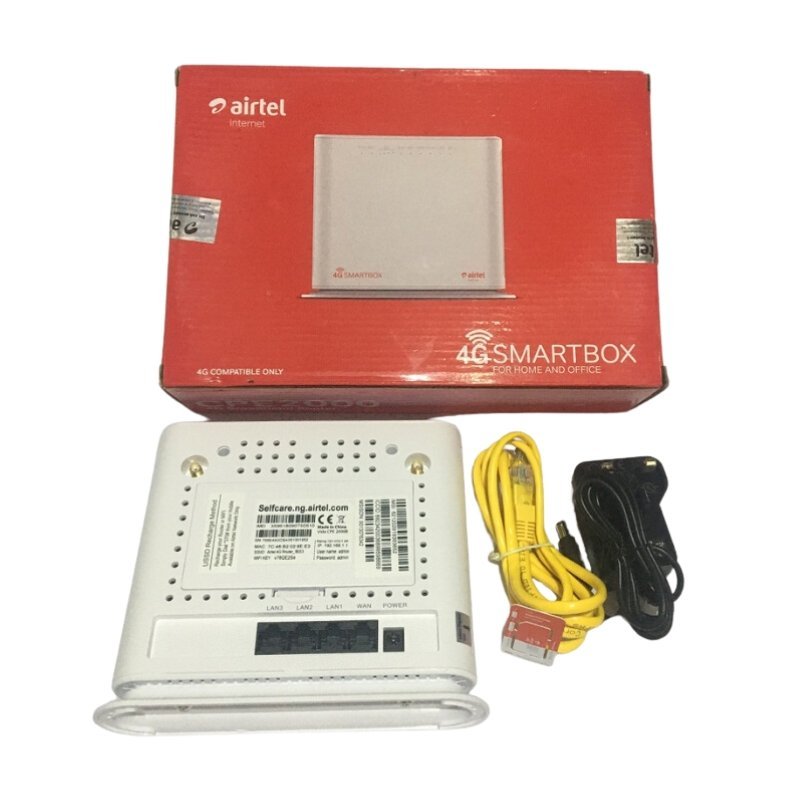
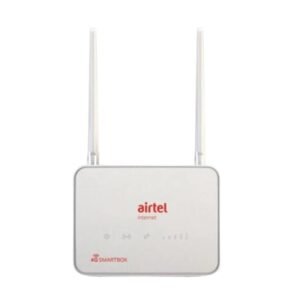
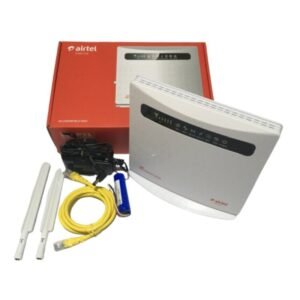
Not every home has a fixed broadband line. The Airtel 4G SmartBox router is a plug-in 4G router designed to bring mobile internet into your home, sharing the connection with phones, laptops, TVs and other devices over WiFi.
SmartBox routers are usually sold by networks to attract home users, so they may be locked to the Airtel network. Ask our team whether this listing is locked, so you know which SIMs it accepts.
Key Features and Benefits
- Home 4G router. Mobile internet for the whole household.
- WiFi sharing. Connect many devices.
- Plug-in simplicity. Power on and connect.
- Airtel SmartBox. Network-branded home router.
- Easy to place. Sits on a shelf or window ledge.
Where It Works Best
It suits households and small shops without fixed broadband, renters who cannot install a fixed line and families who want a simple, shared internet source.
Buying Guide: What to Check First
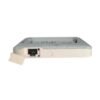
Check whether the SmartBox is locked to Airtel, and confirm Airtel coverage at your address. Ask our team about the number of devices it supports, any LAN ports and WiFi speeds. Compare the cost of data bundles with other options.
Installation and Setup Tips
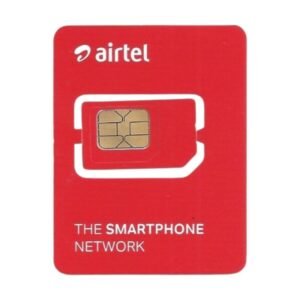
Insert an Airtel SIM, plug in the router and wait for the signal lights to settle. Place it near a window for the best signal. Change the default WiFi name and password, and monitor your data.
Why Network-Branded Routers Are Popular
Network-branded routers are simple to set up and are often supported by the network. They may be priced attractively and designed to work well with the network's SIMs. The trade-off is that they may be locked, which limits your choices later.
Checking Coverage Before You Buy
Use a phone with the Airtel SIM at your address to test the signal before you buy a router. Check speeds in the room where you plan to place the router. If the signal is weak, consider an external antenna or a different network.
Setting Up Your Home Network
Choose a central location for the router so WiFi reaches every room. Keep it off the floor and away from thick walls. Use a strong password, and name the WiFi network so you can easily find it.
Why Signal Position Matters for SIM Routers
A 4G or 5G router depends on the signal it receives from the nearest tower, so where you place it matters more than for a wired router. Try several spots near windows and check the signal indicator. Even a small move can lift your speed. If your signal is weak everywhere, ask us about external antennas or a different network. The best position gives you faster, steadier internet.
Frequently Asked Questions
Is it locked to Airtel?
Ask us to confirm.
Does it need a SIM?
Yes.
Can I use another network?
Only if it is unlocked. Ask us.
How many devices can connect?
Ask us.
Buy Airtel 4G Smartbox Router From Nosik Mart
Bring home internet with the Airtel 4G SmartBox Router. Add it to your cart today, or contact the Nosik Mart team for availability, delivery options and help choosing the right setup.