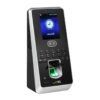


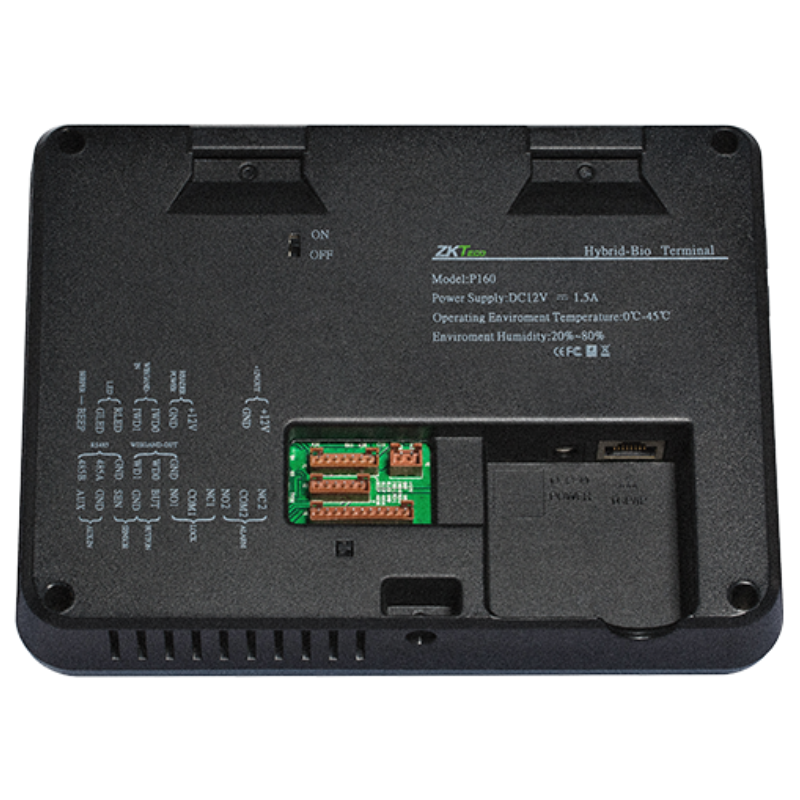

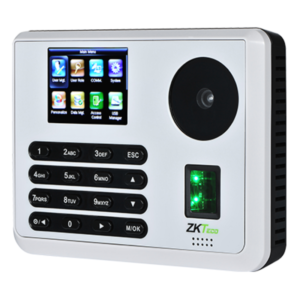
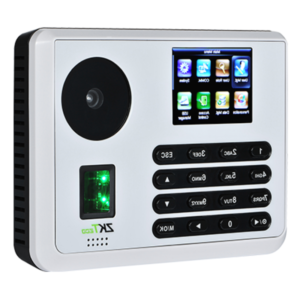
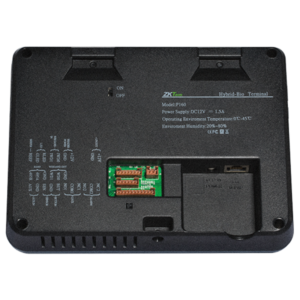

Multibiometric Attendance and Door Control in One Terminal
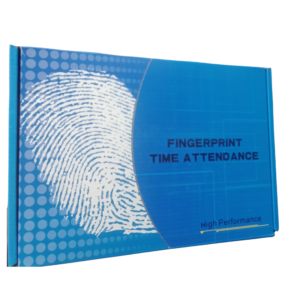
Managing who comes in and who clocks in should not need two separate systems. The ZKTeco P160 is a multibiometric terminal that handles both time attendance and access control, so one device does the work of two.
Multibiometric identification gives users more than one way to be recognised, which reduces failed attempts and keeps entrances moving. It is a practical fit for organisations that want a professional terminal without unnecessary complexity.
Key Features and Benefits
- Multibiometric identification. More than one method for each user.
- Attendance and access. One terminal for hours worked and door control.
- Professional appearance. A neat device for reception and entrances.
- ZKTeco backing. From a long-established biometrics manufacturer.
- Model P160. Easy to identify, order and replace.
Where It Works Best
It suits offices, schools, clinics, factories, hotels and estates that want attendance and door security in the same device.
Buying Guide: What to Check First
Ask our team about the P160's biometric methods, user capacity, network features and software. Confirm the lock type, power supply and mounting needs, and how attendance and entry records appear in reports.
Installation and Setup Tips
Mount the terminal at a comfortable height beside the door, in even lighting. Enrol each user with every available method, connect the lock, and test with several people before going live.
Commissioning Checklist
Before you hand the terminal over to staff, run a short checklist. Confirm the date and time, enrol a test user, check that the lock opens and closes correctly, and make sure attendance records appear where you expect them. Test the door with the power off to confirm safe exit, and record your settings on a single sheet. A careful handover prevents most early problems.
Keeping User Lists Clean
Over time, user lists fill up with people who have left or changed roles. Review the list every quarter, remove old entries and update access rights where jobs have changed. A clean list keeps the terminal fast, keeps doors secure and makes reports easier to read for managers and auditors.
Cabling and Power Planning
Plan cable routes before you drill. Use cable of the right thickness for the lock's power, and keep wiring on the secure side of the door. Add a surge protector for the terminal and consider a small backup supply if power cuts are common. Good cabling is invisible when it works, and it saves repeated call-outs later. Take photos of the finished installation and keep them with your settings sheet, so anyone maintaining the terminal later can see exactly how it was set up and avoid unnecessary guesswork.
Frequently Asked Questions
Can it control a door?
Ask us about lock connections for this model.
Does it record attendance?
Yes, it is designed as an attendance and access terminal.
How many users can it hold?
Ask us for the P160's capacity.
Does it need a network?
Ask us about connection options.
Buy ZKTeco P160 From Nosik Mart
Combine attendance and access with the ZKTeco P160. Add it to your cart today, or contact the Nosik Mart team for availability, delivery options and help choosing the right setup.