
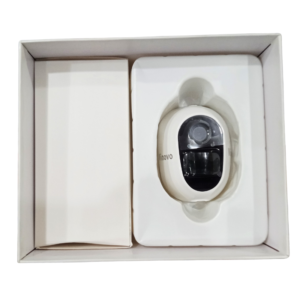

Remote Solar Security That Connects Through a SIM
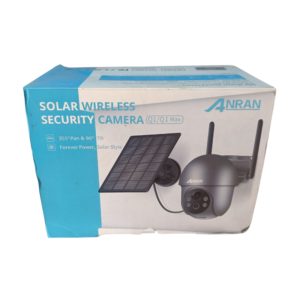
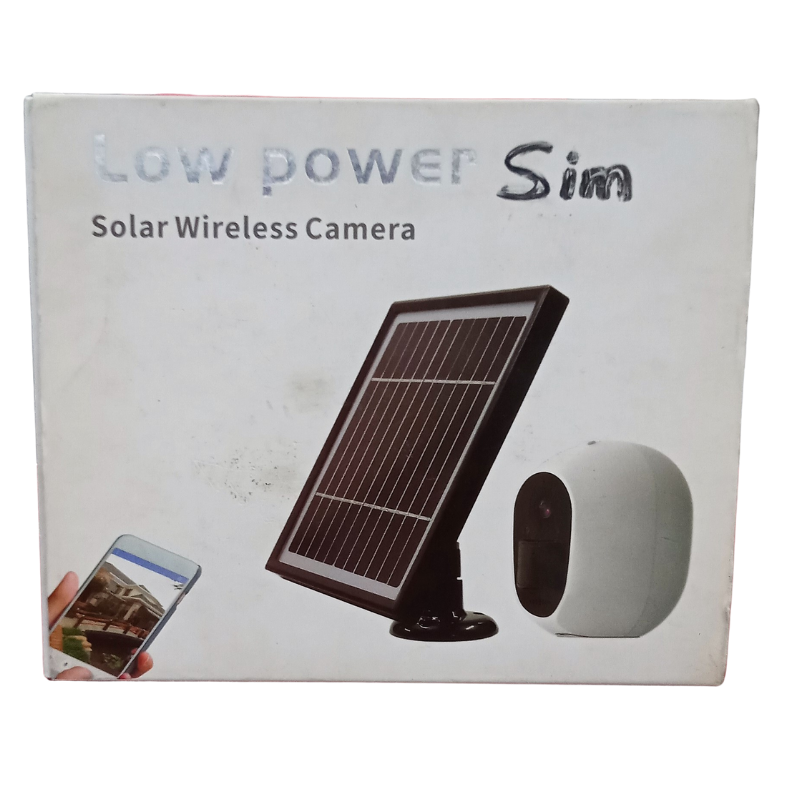
Remote sites have no WiFi and often no mains power. The low power solar wireless camera from Vinovo solves both, with solar charging, a low-power design and a 4G SIM connection for remote viewing.
With a data SIM, the camera can send video without depending on a nearby router. Combined with solar charging, it is built for farms, plots, sites and other places where traditional CCTV is hard to install.
Key Features and Benefits
- 4G SIM connectivity. Connects through a data SIM, not WiFi.
- Solar powered. Reduces reliance on mains power.
- Low-power design. Helps solar charging go further.
- Wireless. No cable runs to the camera.
- Remote ready. Check in from your phone.
Where It Works Best
Use it on farms, building sites, empty plots, warehouses, estates, remote shops and storage yards. It is useful anywhere that is far from power and a network cable.
Buying Guide: What to Check First
You will need a data SIM with an active plan and good network coverage at the site. Ask our team which networks work best and how much data to expect. Check sunlight at the mounting spot, storage options and app support.
Installation and Setup Tips
Mount the camera high with a clear view and place the solar panel facing the sun. Insert the SIM, pair the camera with the app and test the live view. Clean the panel and check the battery status regularly.
Choosing the Right SIM and Plan
A 4G camera is only as good as its signal. Check which network has the strongest coverage at your site, ideally by testing with a phone. Choose a data plan that fits how you plan to use the camera, because live viewing uses more data than occasional alerts. Make sure the SIM is active, and keep an eye on the balance so the camera never goes offline.
Keeping a Remote Camera Reliable
Remote cameras are harder to visit, so reliability matters. Mount them securely and out of reach, and keep the solar panel clean and unshaded. Check the battery status and signal strength in the app regularly. Set up alerts so you know if the camera goes offline, and visit the site now and then to clean the lens and check the mounting. Finally, test the camera's signal and battery performance for a week before relying on it, and keep a note of how it behaves on cloudy days. If you find the battery runs low, move the panel to a sunnier spot or reduce recording time. Early testing helps you tune the setup so it stays dependable all season.
Frequently Asked Questions
Does it need WiFi?
No, it uses a 4G SIM.
How much data will it use?
It depends on how often it records and streams. Ask us for advice.
Will it work on cloudy days?
Low-power design helps, but sunlight still matters.
Which SIM should I use?
Choose the network with the best coverage at your site.
Buy Low Power Solar Wireless Camera From Nosik Mart
Secure remote locations with the Vinovo Low Power Solar Wireless Camera. Add it to your cart today, or contact the Nosik Mart team for availability, delivery options and help choosing the right setup.