

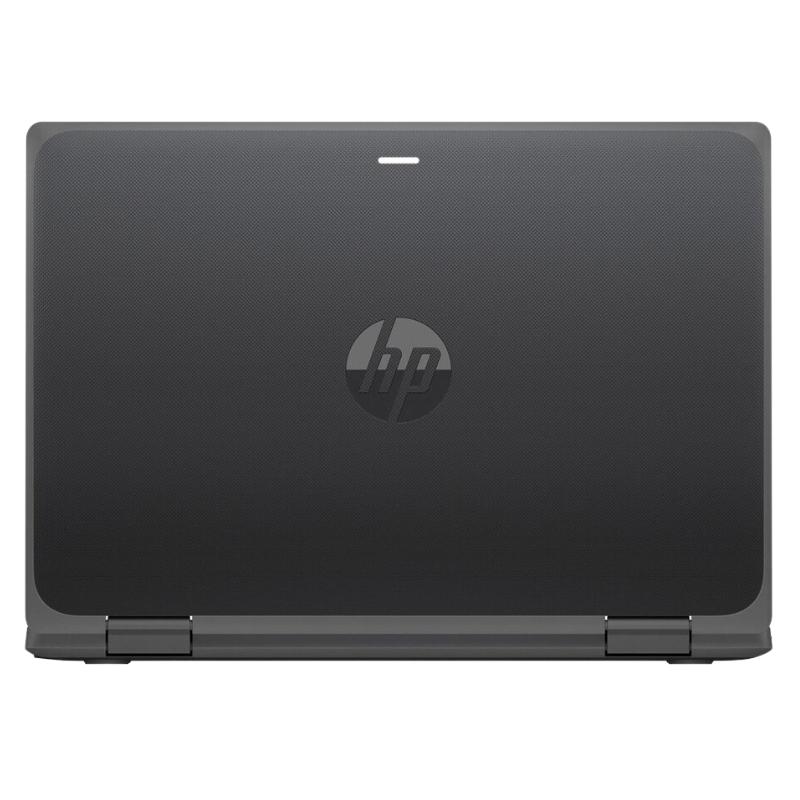
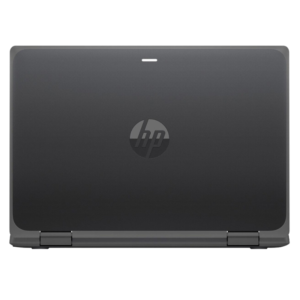

A Compact 2-in-1 With 64GB Flash Storage for Light Work
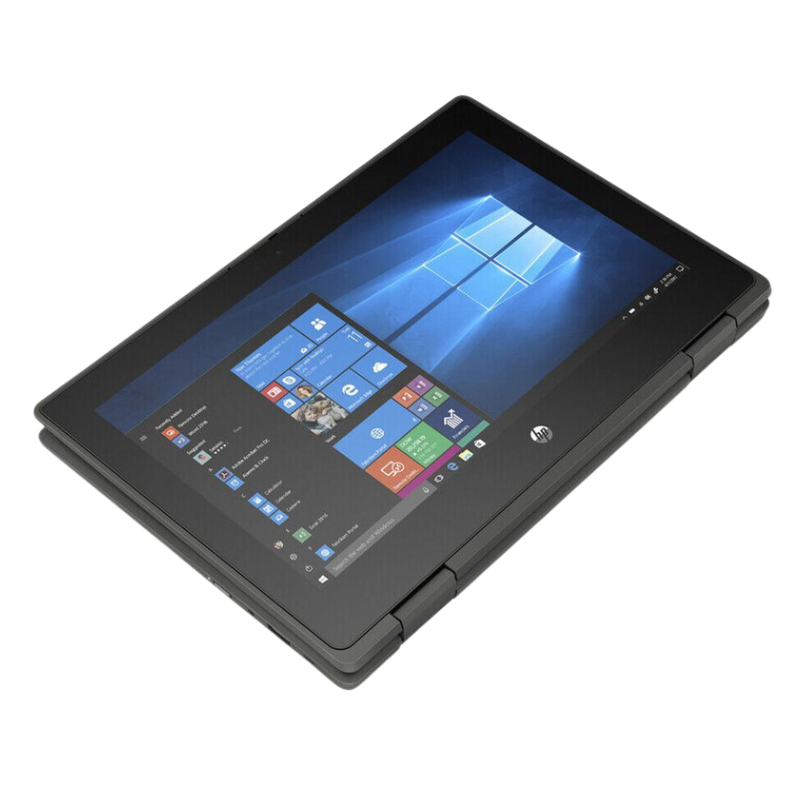
Small 2-in-1 notebooks are made for classrooms and mobile staff. The HP ProBook x360 11 G5 9RU30UT has an 11.6-inch HD (1366 x 768) touchscreen, an Intel Celeron N4120 quad-core processor at 1.10GHz, 4GB of RAM, 64GB of flash memory and Intel UHD Graphics, with Windows 10 Pro.
This is the 64GB flash version of the ProBook x360 11 G5. We also list a 128GB SSD version 9RV04UT, which has more storage. Flash memory is slower than an SSD and offers less space, so plan to use cloud storage.
Key Features and Benefits
- 11.6-inch HD touchscreen. Compact 2-in-1 design.
- Celeron N4120 quad-core. Efficient for light tasks.
- 4GB RAM. Basic memory.
- 64GB flash memory. Small storage. Best with cloud.
- Windows 10 Pro. Business and education features.
Where It Works Best
It suits schools, field workers and light users who work mostly in the cloud and need a small, touch-enabled device.
Buying Guide: What to Check First
64GB is very small once Windows and updates are installed, so keep nearly everything in cloud storage. Ask our team about the screen, stylus support, battery and warranty. Windows 10 Pro reached end of support in October 2025.
Installation and Setup Tips
Set up Windows, install updates and move files to the cloud. Avoid installing large programs, clean temporary files regularly and use a protective case.
Flash Memory vs SSD
Flash storage, often called eMMC, is cheaper and slower than a standard SSD. It is fine for light tasks, but it can feel slower when installing updates or opening large files. If you need more speed or space, choose the 128GB SSD model instead.
Managing 64GB of Storage
Windows and updates use a big share of 64GB. Keep documents in cloud storage, uninstall programs you do not need and clean temporary files. Check storage monthly. Careful management keeps a small device usable.
Why Cloud Tools Suit Small Devices
Web-based tools such as online office suites need little storage and run well on modest hardware. They also save your work online, which protects it if the device is lost. For small notebooks, cloud tools are a natural fit.
Setting Up Laptops for a Whole Classroom
If you are equipping a class, prepare the laptops together. Install the same software and updates on each one, name them clearly and label chargers. Set up cloud accounts for pupils so their work is saved online. Keep a simple register of who uses which device, and store laptops in a safe place that allows charging. Good preparation makes lessons run smoothly and reduces lost time.
Frequently Asked Questions
Is 64GB enough?
Only for light use with cloud storage.
How is it different from the 9RV04UT?
That one has a 128GB SSD.
Is it good for school?
Yes, for light, cloud-based work.
Can it run Windows 11?
Ask us.
Buy HP ProBook x360 11 G5 9RU30UT From Nosik Mart
Pick the HP ProBook x360 11 G5 9RU30UT for lightweight, cloud-based work. Add it to your cart today, or contact the Nosik Mart team for availability, delivery options and help choosing the right setup.