


A Simple 15.6-Inch Business Laptop With 1TB of Storage
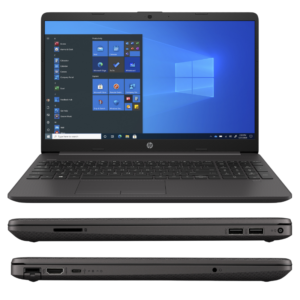
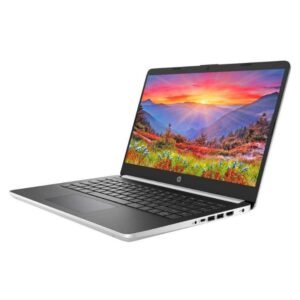
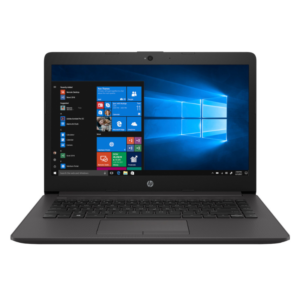
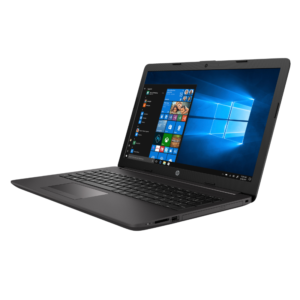
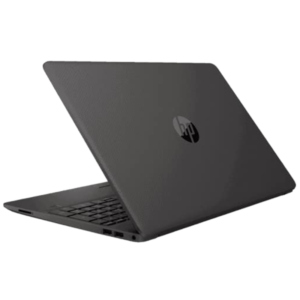
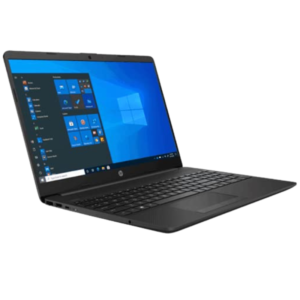
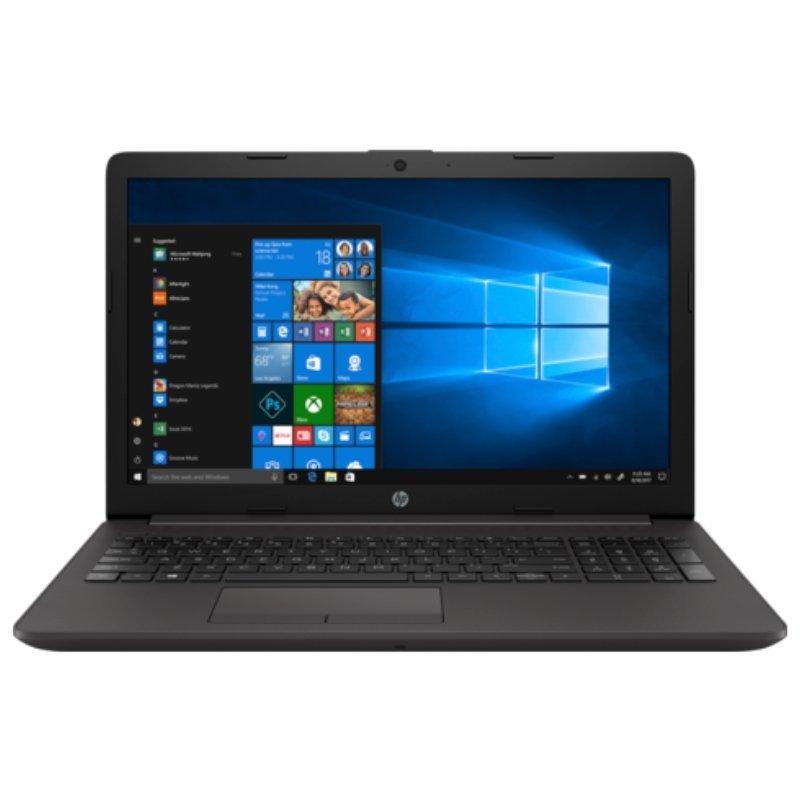
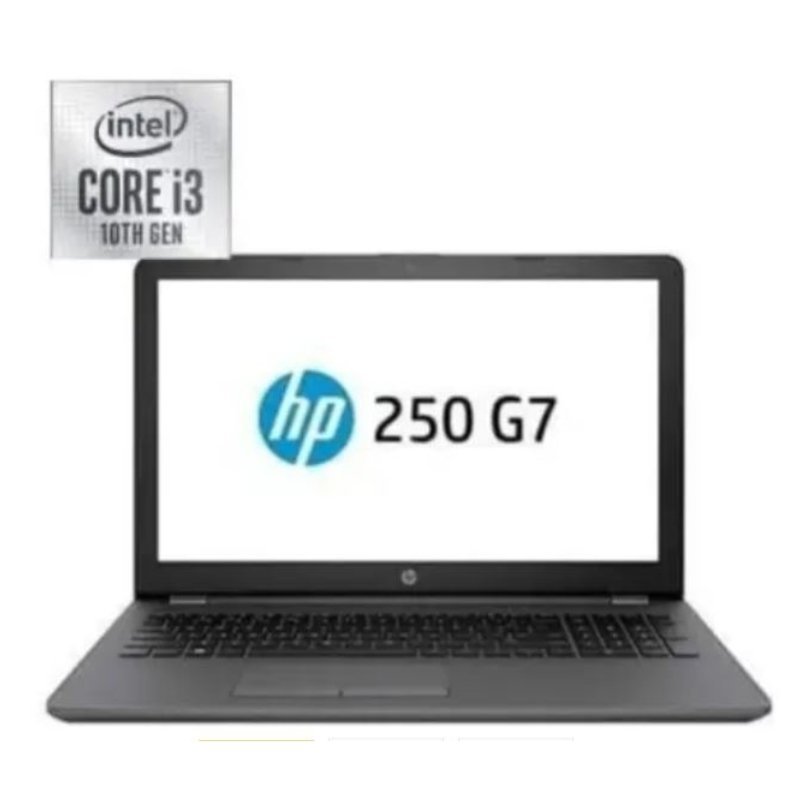
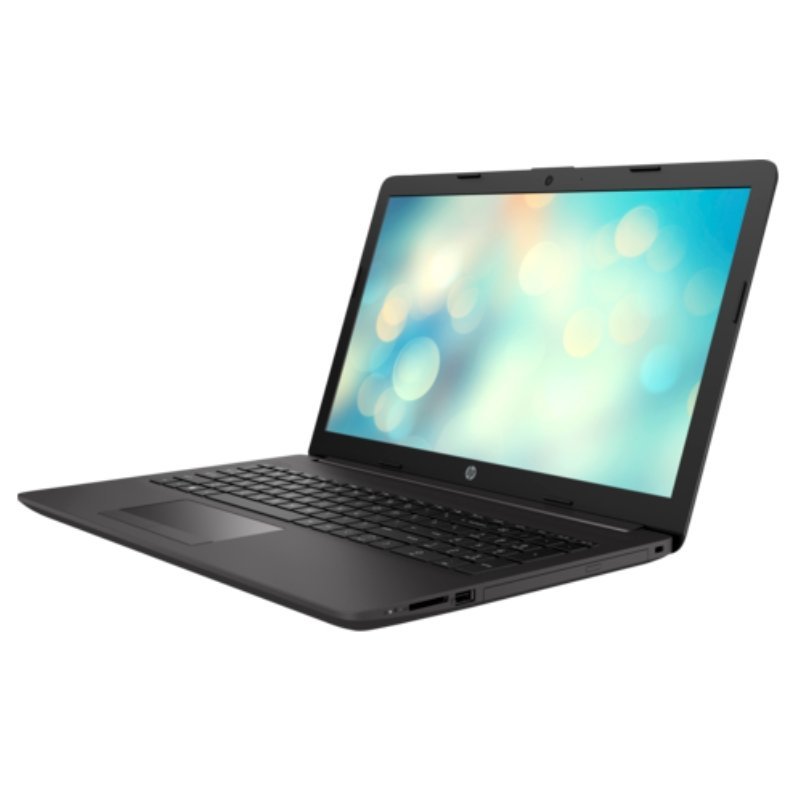
Some laptops simply do the job. The HP Laptop 250 G7 1L3L5EA gives you a 10th generation Intel Core i3 processor, 4GB of DDR4-2666 RAM, a 1TB 5400 RPM SATA hard drive and a 15.6-inch HD display, aimed at everyday business and study.
It has no flashy extras, which keeps the price sensible. For people who mainly browse, write and manage files, it offers the essentials with plenty of storage.
Key Features and Benefits
- 10th generation Core i3. Efficient everyday processing.
- 4GB DDR4-2666 RAM. Suited to light multitasking.
- 1TB 5400 RPM HDD. Large storage.
- 15.6-inch HD display. A comfortable viewing size.
- Model 1L3L5EA. A specific HP part number.
Where It Works Best
It suits students, small offices and households that want a reliable laptop for documents, browsing and video without paying for extras.
Buying Guide: What to Check First
The listing does not name an operating system, so ask our team what is installed, and about the battery and warranty. If Windows is not included, you will need to install a system. Remember that Windows 10 reached end of support in October 2025.
Installation and Setup Tips
Check the installed system, run updates, install security software and back up files. Keep the drive tidy and restart weekly.
Comparing the Two 250 G7 Models
We stock more than one 250 G7. This one has a Core i3 and a 1TB drive, while the 1L3M4EA uses a Celeron N4020 with a 500GB drive. The Core i3 is a stronger processor for everyday tasks. If you can, choose the Core i3 for better performance.
What 5400 RPM Means
A 5400 RPM hard drive is common in laptops because it runs quietly and uses less power. It is slower than faster drives and much slower than SSDs, but for storing files and everyday tasks it works well and offers a lot of capacity.
Looking After a Business Laptop
Keep it clean, avoid heat and liquids and carry it in a padded bag. Update software and back up your work. A simple routine keeps a straightforward laptop reliable.
Tips for Keeping a Hard Drive Laptop Healthy
Hard drives contain moving parts, so treat the laptop gently. Avoid moving it while it is running, especially during heavy disk activity, and never knock or drop it. Keep it cool, back up files regularly and watch for warning signs such as clicking noises or very slow performance. If you notice them, back up immediately and ask us about replacing the drive. A little care greatly extends the life of a laptop with a hard drive.
Frequently Asked Questions
Which operating system does it have?
Ask us to confirm.
Is 4GB RAM enough?
For light use, yes.
How is it different from the 1L3M4EA?
That model has a Celeron processor and 500GB drive.
Does it have an SSD?
No, a hard drive.
Buy HP Laptop 250 G7 1L3L5EA From Nosik Mart
Pick the HP Laptop 250 G7 1L3L5EA for simple, spacious everyday computing. Add it to your cart today, or contact the Nosik Mart team for availability, delivery options and help choosing the right setup.