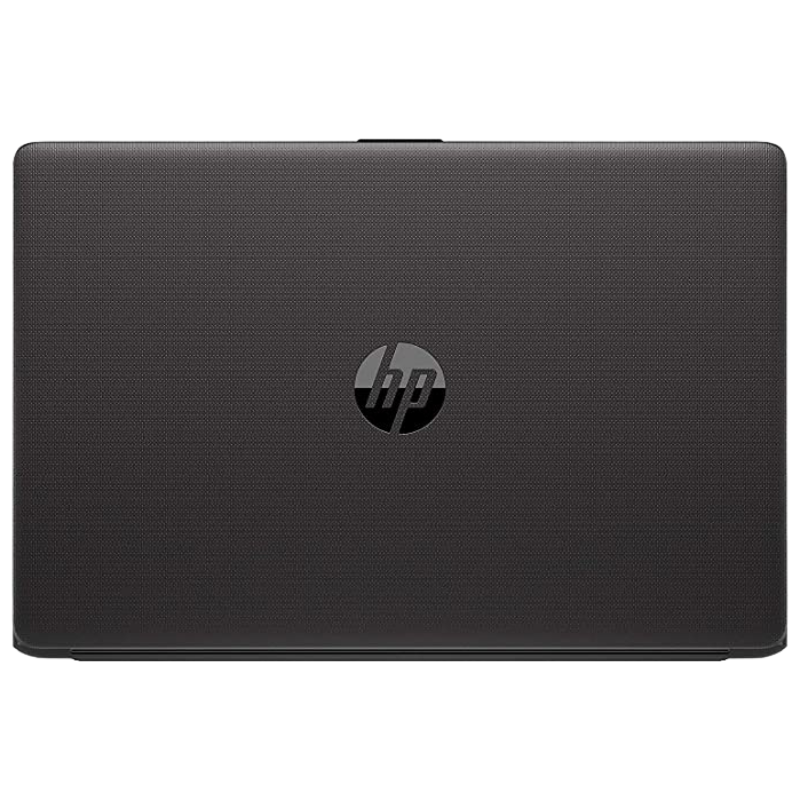

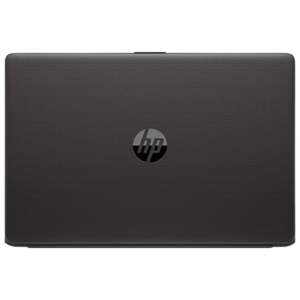

11th Generation Core i3 in a Practical 15.6-Inch Laptop
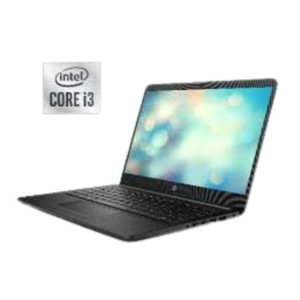
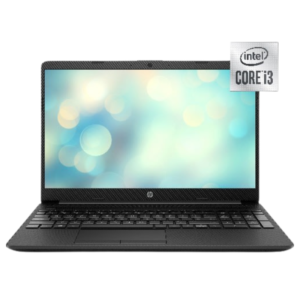
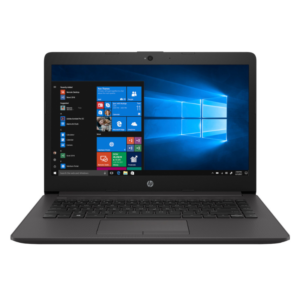
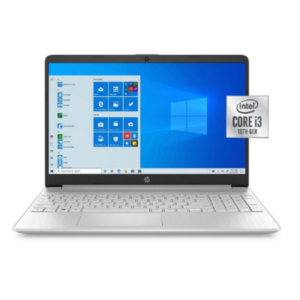
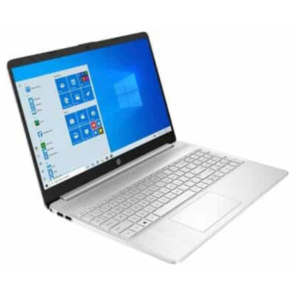
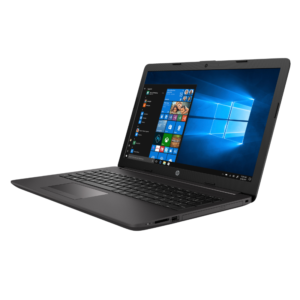
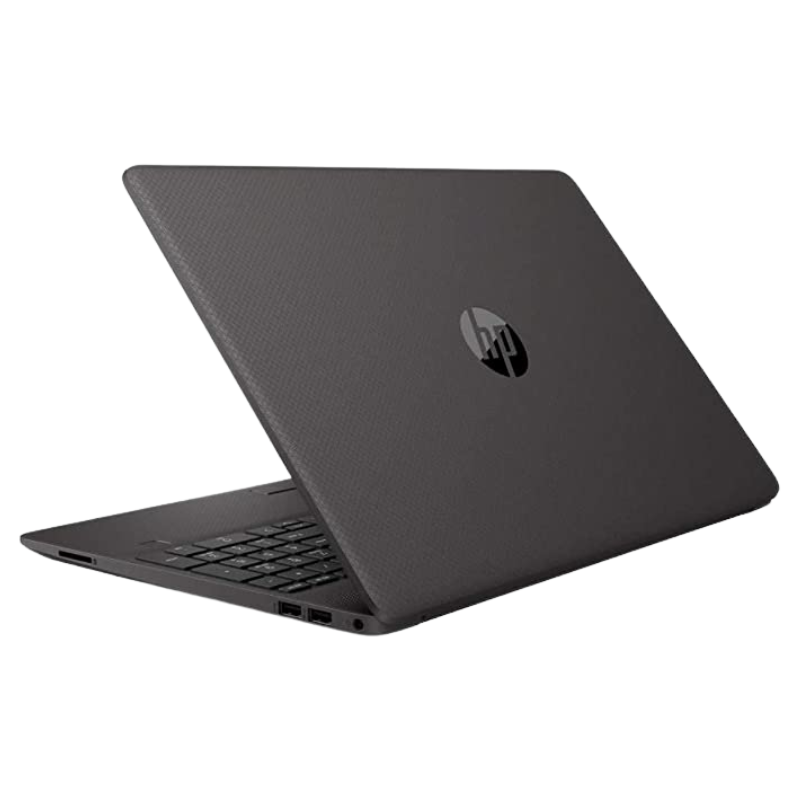
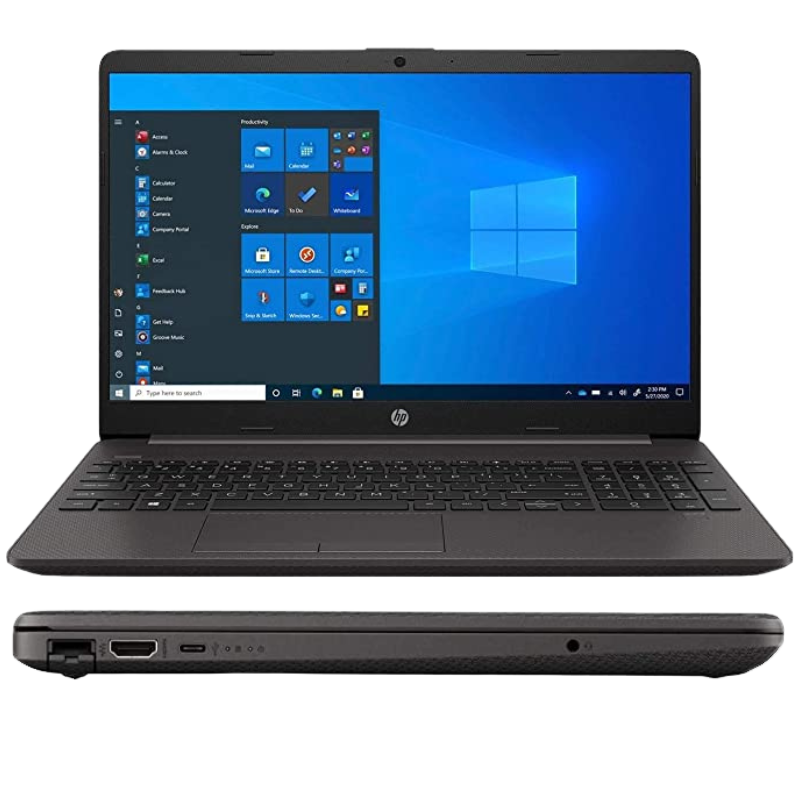
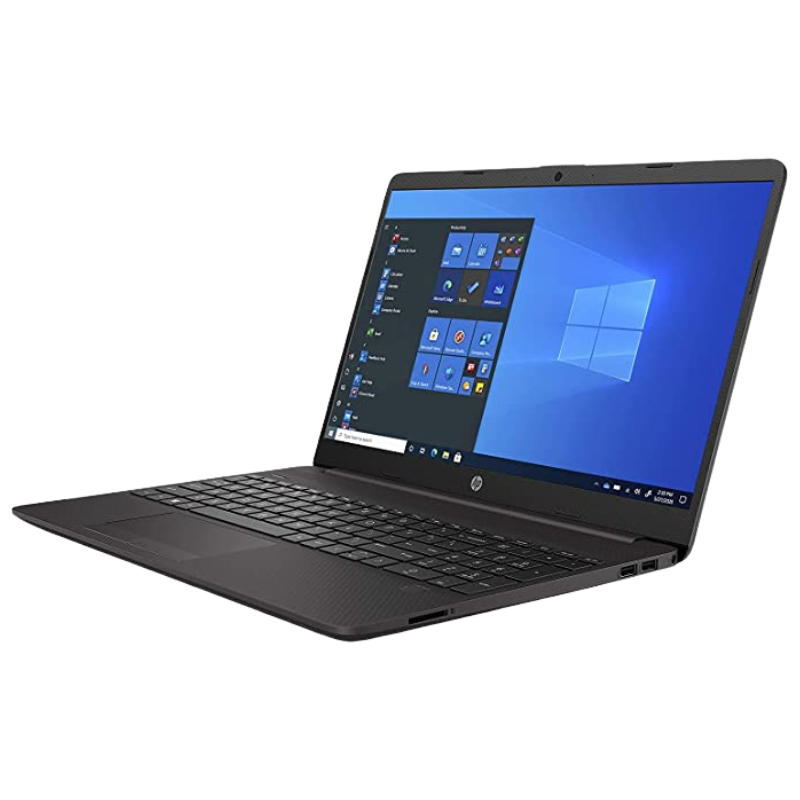
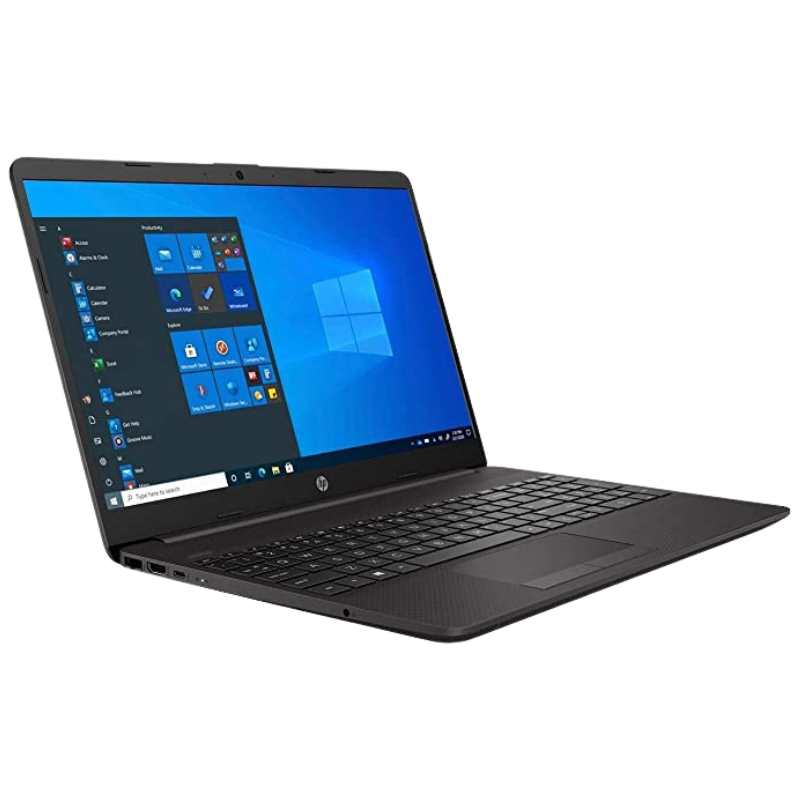
Newer processors bring better efficiency and graphics, even in an everyday laptop. The HP 250 G8 3Y666PA features an 11th generation Intel Core i3, 4GB of RAM, a 1TB hard drive and a 15.6-inch screen, with Windows 10 listed.
The 11th generation Core family introduced improved integrated graphics, which helps with video, presentations and everyday visuals. This configuration is a good choice if you want newer silicon at a sensible price.
Key Features and Benefits
- Core i3 11th Gen. A newer processor generation for everyday tasks.
- 4GB RAM. Suited to light use.
- 1TB hard drive. Generous storage.
- 15.6-inch display. A comfortable viewing size.
- Windows 10 listed. Pre-installed system, with upgrade questions to confirm.
Where It Works Best
It suits students, teachers, office staff and families who want a newer-generation processor in a simple, affordable laptop.
Buying Guide: What to Check First
Ask our team to confirm the exact processor model, screen type and battery. Windows 10 reached end of support in October 2025, so ask about Windows 11, which 11th generation hardware generally supports. A hard drive is slower than an SSD.
Installation and Setup Tips
Set up Windows, run updates, install security software and back up files. Keep vents clear and the laptop cool. Close unused programs and restart often.
What 11th Generation Brings
Intel's 11th generation processors improved integrated graphics and overall efficiency. For laptop users, that can mean smoother video, better visuals and sensible battery life. While everyday tasks run well on older chips too, newer processors tend to stay relevant for longer.
Windows 11 Readiness
Windows 11 needs a compatible processor, enough memory and certain security features. Most 11th generation laptops meet these requirements. If your laptop ships with Windows 10, ask us about upgrading, so you receive security updates.
Making 4GB RAM Go Further
Close tabs you are not using, avoid running many programs at once and restart regularly. Keep startup programs to a minimum. If you find the laptop slows, ask us about memory upgrades. A few simple habits can make a big difference.
Everyday Speed Tips for Hard Drive Laptops
If your laptop uses a hard drive, a few habits keep it quick. Limit the programs that start with Windows, keep at least a fifth of the drive free, and avoid moving the laptop while it is working, because hard drives are sensitive to knocks. Restart once a week, install updates when you are not busy and run a malware scan occasionally. Over time, these simple steps keep an ordinary laptop feeling responsive.
Frequently Asked Questions
Is 11th gen better than 10th gen?
Generally yes, especially for graphics and efficiency.
Can it run Windows 11?
11th generation hardware is generally compatible. Ask us.
Is 4GB enough?
For light use, yes.
Is the drive fast?
It is a hard drive, so slower than an SSD.
Buy HP 250 G8 3Y666PA From Nosik Mart
Step up to 11th generation with the HP 250 G8 3Y666PA. Add it to your cart today, or contact the Nosik Mart team for availability, delivery options and help choosing the right setup.