

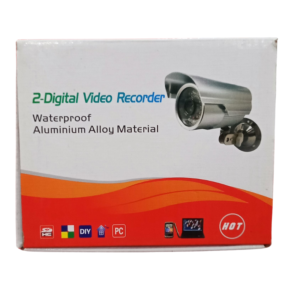


Plug In, Power Up, Start Watching
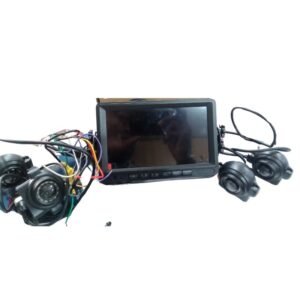
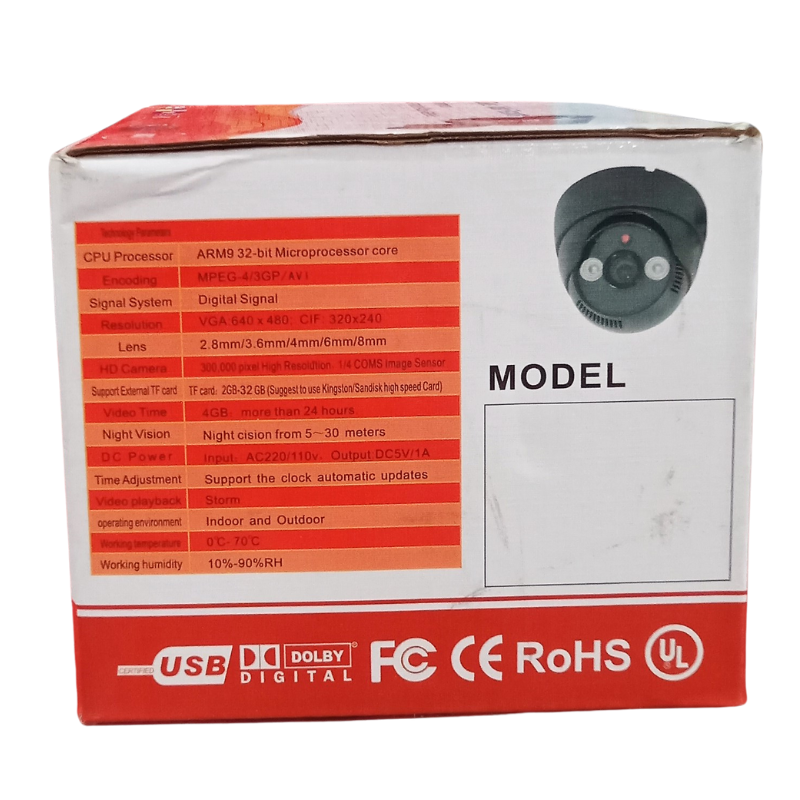
A camera that needs a special power supply is a camera that is hard to place. The USB powered CCTV camera draws power through USB, which gives you more freedom to put it where you need it.
Almost every home and shop has a USB adapter or power bank lying around, so power is easy to find. For small spaces and simple setups, that convenience makes monitoring much easier and cheaper.
Key Features and Benefits
- USB powered. Runs from suitable USB power sources.
- Flexible placement. Fewer limits from power outlets.
- Low cost. An affordable way to add coverage.
- Simple setup. Plug in and position.
- Many uses. Homes, shops and offices.
Where It Works Best
Use it at homes, small shops, offices, workshops, bedrooms and storerooms. It is also helpful for temporary monitoring or in rented spaces where running new cables is difficult.
Buying Guide: What to Check First
Ask our team about the camera's resolution, how it connects to a recorder or phone and what adapter it needs. A poor adapter can cause flickering or restarts, so confirm what output is required. Check cable length and storage options.
Installation and Setup Tips
Use a good quality USB adapter with stable output, and keep the cable tidy and out of reach. Place the camera with a clear view, test the picture and adjust the angle. Keep it away from heat and moisture.
Why USB Power Is So Convenient
USB is the most common power connection in the world, so USB-powered cameras are easy to run from adapters, power banks and even some inverters. That helps during power cuts, because a small backup can keep a camera running for hours. It also keeps setup simple, with no special transformers or complicated wiring. Just choose a stable adapter and a good cable to avoid problems.
Avoiding Common USB Camera Problems
Most USB camera complaints come from poor adapters and cables. Cheap adapters may not supply stable power, and thin long cables can drop voltage. If a camera restarts or the picture flickers, try a better adapter or a shorter cable first. Keep the lens clean, make sure the view is clear and check the camera regularly to confirm it is working. If you plan to use several USB cameras, label each adapter and cable so you can troubleshoot quickly. When something stops working, swap the adapter first, then the cable, then the camera, which finds most faults in minutes. Keep a spare adapter on hand, and avoid sharing one overloaded multi-plug between many devices, because unstable power is the most common cause of USB camera problems.
Frequently Asked Questions
Can I use a power bank?
Often yes, but ask us about this camera's power needs.
Is it for outdoors?
Ask us about this model's suitability.
How do I view the footage?
Ask us about the viewing method.
Does it need a DVR?
Ask us about the setup.
Buy USB Powered CCTV Camera From Nosik Mart
Start simple with the USB Powered CCTV Camera. Add it to your cart today, or contact the Nosik Mart team for availability, delivery options and help choosing the right setup.