
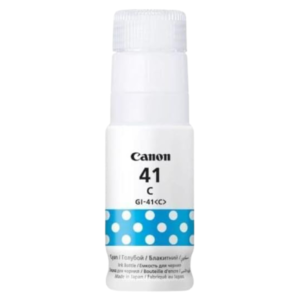

Vivid Blues and Greens From Original Canon Ink
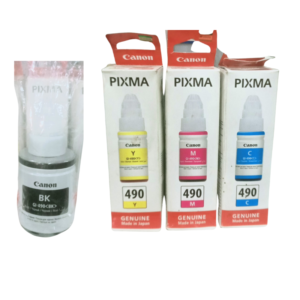
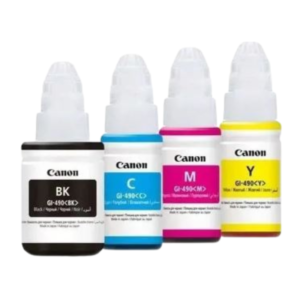
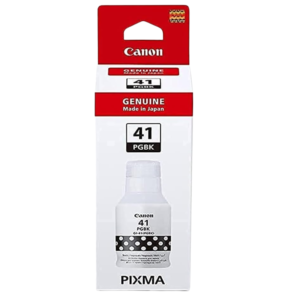
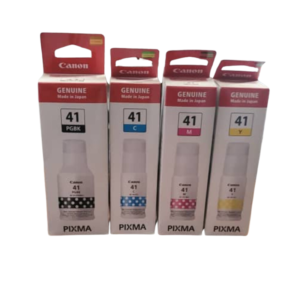
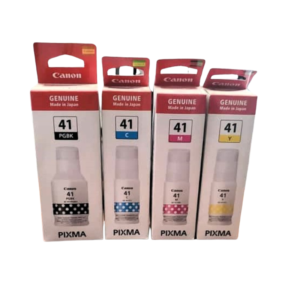
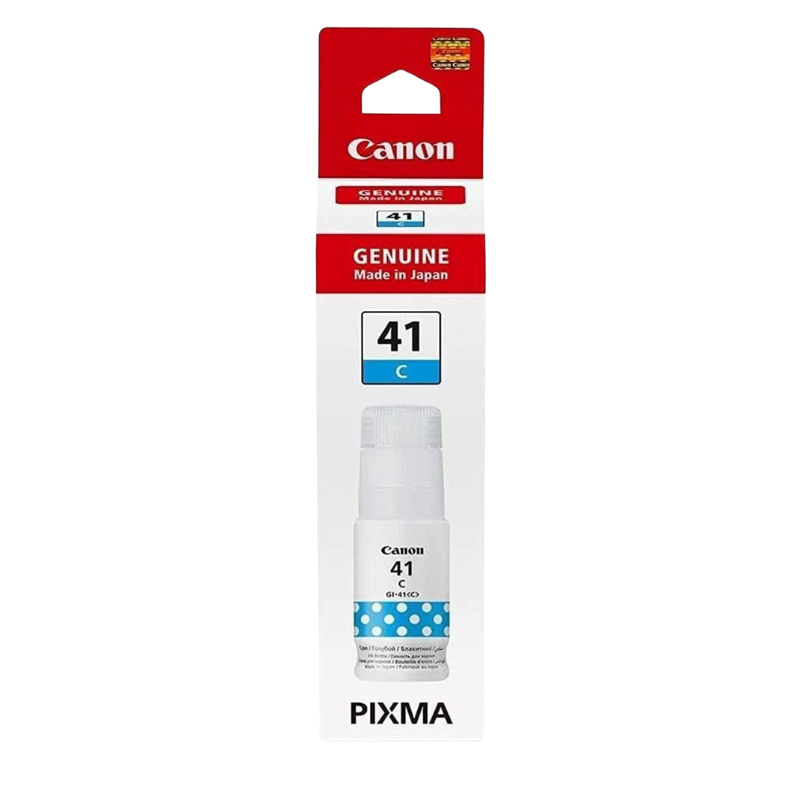
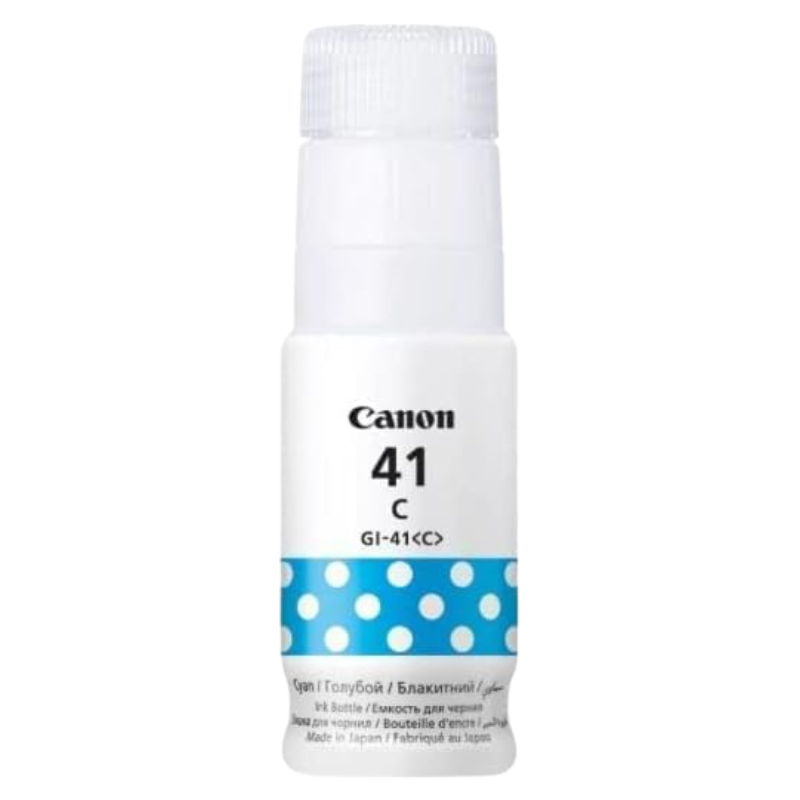
Skies, water, logos and charts all lean on blue. The Canon Genuine PIXMA 41 cyan ink cartridge supplies the cyan in your Canon PIXMA printer, helping your colour prints look rich and natural.
Cyan works together with magenta and yellow to create the whole range of colours on a page. When it runs out, prints turn reddish or dull, so replacing it promptly keeps your colour accurate.
Key Features and Benefits
- Genuine Canon ink. Made by the printer's own manufacturer.
- Cyan colour. The blue ink behind skies, water and many greens.
- PIXMA 41 reference. A specific ink reference to match your printer.
- Colour accuracy. Helps keep colour balanced.
- For photos and graphics. Good for presentations and posters.
Where It Works Best
Use it for printing photographs, school projects, presentations, brochures and colour charts. Anyone who prints diagrams, maps or branded documents will notice the difference when cyan is low.
Buying Guide: What to Check First
Check your printer model and the PIXMA 41 reference before buying. Ask our team to confirm compatibility, and consider buying all colours together if you print in colour regularly. Ask about the expected page yield.
Installation and Setup Tips
Open the ink area following your printer's instructions, replace the cyan ink, close the cover and print a test page. Run a nozzle check, and clean the print heads if a colour looks weak. Do not touch ink nozzles.
Spotting Low Cyan
If photos or logos start to look reddish, orange or washed out, cyan may be running low. Run a nozzle check pattern from your printer's maintenance menu and look for gaps in the cyan block. Replace the cyan ink and run a head cleaning if needed.
Colour Printing Tips
Use the right paper for photos, set the correct print quality and avoid printing colour pages in draft mode if you want accuracy. Store printed photos away from direct sun to prevent fading. Check colours on a test page before a large print run.
Handling Ink Safely
Ink stains, so work on a clean surface and keep wipes close. Do not squeeze or shake bottles or cartridges unless instructed. Keep ink away from children and pets. If you spill ink, wipe it up straight away. Cyan is especially noticeable in photographs of the sea, sky and greenery, so if you print holiday pictures or school trips, check the cyan level before you start a large batch and run a nozzle test, which saves you from wasting expensive photo paper.
Frequently Asked Questions
What does cyan do?
It is the blue ink used to mix many colours.
Will it fit my printer?
Check the PIXMA 41 reference. We can help.
Why do my prints look red?
A low cyan level can make prints look reddish.
Is a set cheaper?
Ask us about the full set.
Buy Canon Genuine PIXMA 41 Cyan Ink Cartridge From Nosik Mart
Restore true colour with the Canon Genuine PIXMA 41 Cyan Ink Cartridge. Add it to your cart today, or contact the Nosik Mart team for availability, delivery options and help choosing the right setup.